2026 How to Choose the Best Android Rugged Tablet PC?
Choosing the best Android Rugged Tablet PC requires careful consideration. As industry expert Mark Johnson notes, “Not all rugged tablets are created equal.” This statement speaks volumes in a market filled with varying specifications and reliability.
When selecting an Android Rugged Tablet PC, think about your specific needs. These devices are built to withstand harsh conditions. However, their durability should not compromise performance. Look for features that match your work demands—be it battery life, processing power, or touch sensitivity.
Investing in a quality rugged tablet can enhance productivity. But not every option delivers the promised resilience. It's essential to research user reviews and expert recommendations. This process helps identify models that truly hold up under pressure. Ultimately, the right choice will blend reliability with the efficiency you expect.
Understanding Rugged Tablet Specifications for Android Devices
When choosing an Android rugged tablet, understanding its specifications is crucial. A rugged tablet should withstand harsh environments. Look for one with a high IP rating, indicating waterproof and dustproof capabilities. For instance, an IP68 rating means it can endure immersion in water for extended periods. This feature is vital for outdoor use or tough workplaces.
Another key specification is the operating temperature range. Rugged tablets should function effectively in extreme heat or cold. A model that operates from -20°C to 60°C is preferable for versatility. Additionally, battery life is critical. Tablets with a long-lasting battery can support extended work hours without frequent recharging. This is especially important in field applications where power sources may be limited.
Not every rugged tablet will meet every requirement. Weighing the trade-offs is necessary. For example, a lighter device may sacrifice durability for portability. Conversely, a heavier tablet might offer superior toughness but be cumbersome. Prioritize which features matter most to your specific needs. It's about finding the right balance between resilience and usability.
2026 How to Choose the Best Android Rugged Tablet PC?
| Specification |
Description |
Importance |
| Display Size |
Typically ranges from 7 to 12 inches. |
Medium - Affects portability and usability. |
| Processor |
Quad-core or Octa-core processors are common. |
High - Influences performance and multitasking. |
| RAM |
Generally, 4GB to 8GB of RAM. |
High - Impacts speed and efficiency. |
| Storage |
Options from 32GB to 256GB, often expandable. |
Medium - Affects the capacity for apps and files. |
| Battery Life |
Typically lasts 8 to 15 hours on a single charge. |
High - Critical for fieldwork without charging options. |
| Operating System |
Usually runs on the latest version of Android. |
High - Determines available apps and updates. |
| Durability Rating |
IP67 or MIL-STD-810G for water and drop resistance. |
Very High - Essential for rugged environments. |
| Connectivity Options |
Wi-Fi, Bluetooth, and optional LTE capabilities. |
Medium - Influences data access in the field. |
Evaluating Performance: Processor, RAM, and Storage Needs
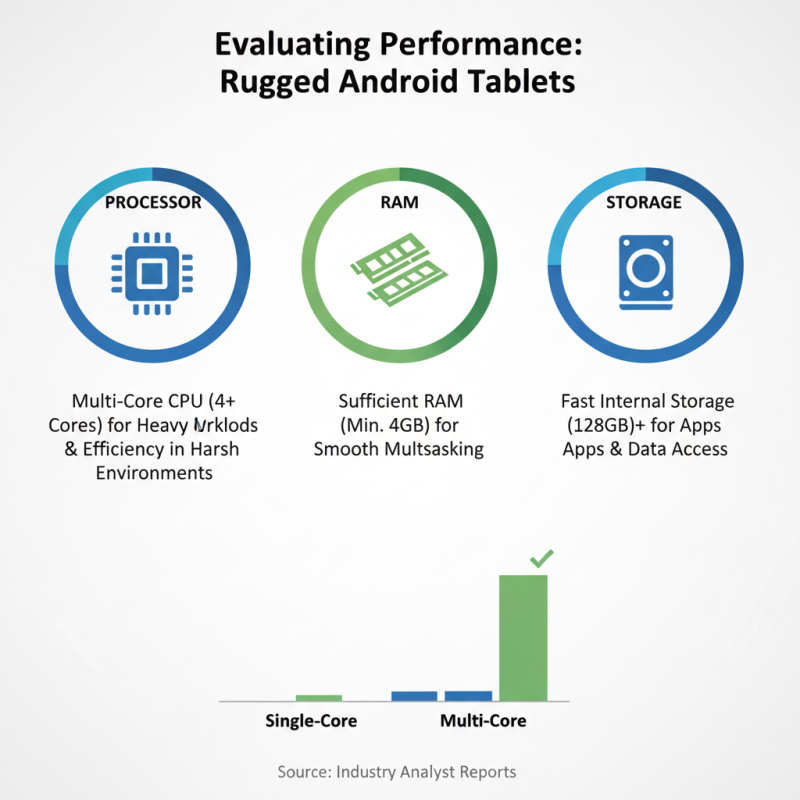
When choosing the best rugged Android tablet, evaluating performance metrics is crucial. Processor type and speed directly affect how well the device runs applications, especially in harsh environments. Reports from industry analysts indicate that tablets with multi-core processors can handle heavy workloads more efficiently. A device with at least four cores is often recommended for demanding tasks.
RAM is another vital consideration. Tablets with 4GB of RAM are suitable for basic usage. However, for multitasking and running more complex applications, 8GB or more is preferable. According to tech evaluations, devices with higher RAM capacities show better performance in field testing scenarios. These tablets can manage multiple applications simultaneously without lag.
Storage capacity can’t be overlooked. A minimum of 64GB is suggested, particularly for users who plan to store large data sets or operate offline. Many rugged tablets now offer expandable storage options. This flexibility is often essential in professional settings. Despite significant advancements, some rugged tablets still struggle with battery life under heavy load. Choosing a device that strikes a balance between performance and efficiency remains important.
Assessing Durability: IP Ratings and Drop Resistance Features
When choosing a rugged Android tablet, assessing its durability is crucial. Look closely at the IP rating, which indicates water and dust resistance. A tablet with an IP67 rating can withstand immersion in water up to one meter for 30 minutes. This level of protection is essential for outdoor use. Without it, a sudden rain can ruin your device.
Drop resistance features are equally important. Devices that undergo drop tests from five feet or higher show more resilience. However, be cautious; manufacturers might exaggerate these claims. Real-world conditions can vary dramatically. A tablet might survive a drop in controlled settings, yet fail when faced with uneven surfaces.
Consider the materials used in construction. Tablets with reinforced corners and rugged casings provide extra protection. Don't rely solely on specifications; user reviews can offer insights into real-life durability. A rugged tablet should be built to take a beating, but it’s wise to stay skeptical. There’s always room for improvement in these devices. Pay attention to anything that feels unreliable, as it might lead to deeper issues in the long run.
Comparing Battery Life and Charging Options for Rugged Tablets
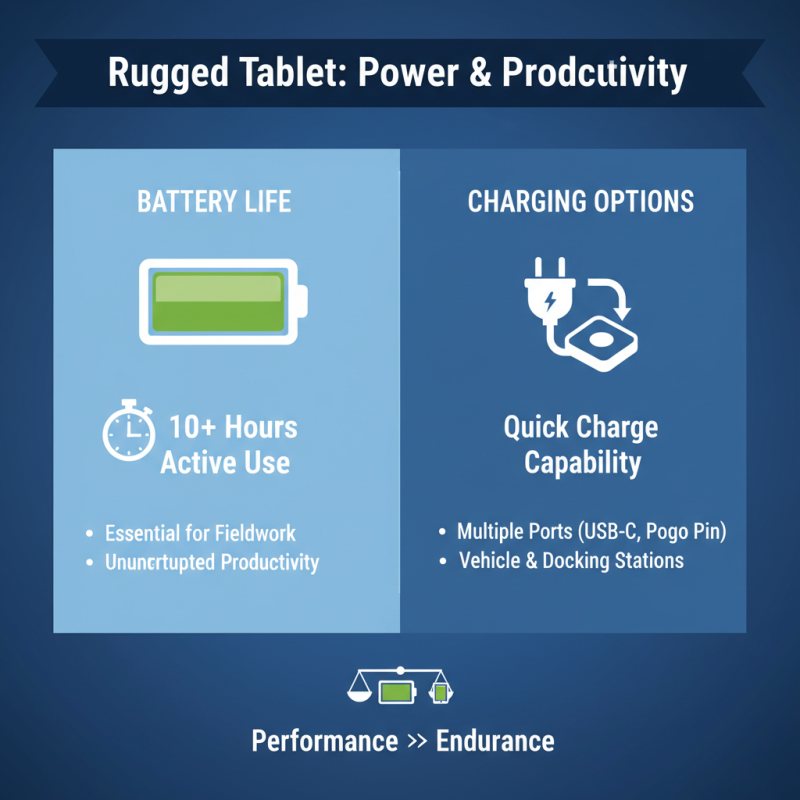
When selecting a rugged tablet, battery life and charging options are crucial factors. A long-lasting battery is essential for fieldwork. Look for tablets that offer at least 10 hours of active use. This duration ensures productivity without constant recharging. It’s about finding a balance between performance and endurance.
Charging options can make a significant difference. Some rugged tablets support fast charging, which is a real advantage in time-sensitive situations. Investigate the type of charging ports available. USB-C is becoming a standard and offers convenient connections. Outdoor settings might require versatile charging methods, like solar options, which are increasingly available.
Tip: Always assess how you’ll use the tablet. If you are working in remote areas, extra battery packs can be invaluable. By preparing for these conditions, you’ll maintain productivity. Another tip is to consider how often you can access power sources. This planning will help you avoid interruption during crucial tasks.
Choosing the Right Display Size and Resolution for Outdoor Use
When choosing the best Android rugged tablet for outdoor use, display size and resolution play crucial roles. A study by Industry Research shows that tablets with a minimum resolution of 1920x1200 offer better readability under bright sunlight. High-resolution displays can enhance visibility, making it easier to read maps and documents outdoors.
Consider the display size that fits your tasks. Tablets between 8 to 10 inches strike a balance between portability and usability. However, larger screens, like those around 12 inches, provide a more immersive experience for detailed work. A report from MarketWatch indicates that users often prefer a larger display for editing documents and viewing images.
Tip: Always test the display in natural light before purchasing. Brightness levels and anti-reflective coatings are vital for outdoor visibility. Another important factor is the touchscreen sensitivity. Not all rugged tablets perform equally when wet or with gloves on. Ensure the device meets your specific outdoor needs.

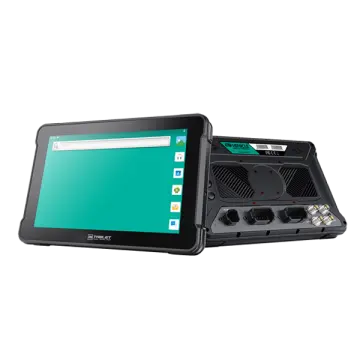 AT-10A
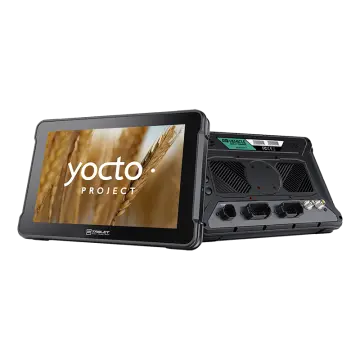 AT-10AL
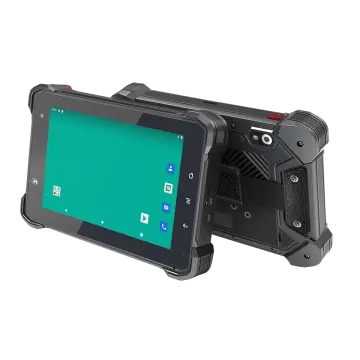 VT-7 GA/GE
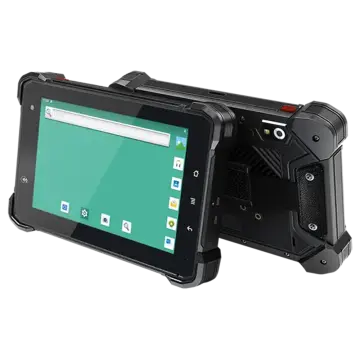 VT-7 Pro
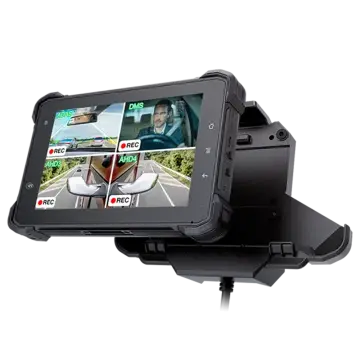 VT-7 PRO (AHD)
 VT-7A
VT-7A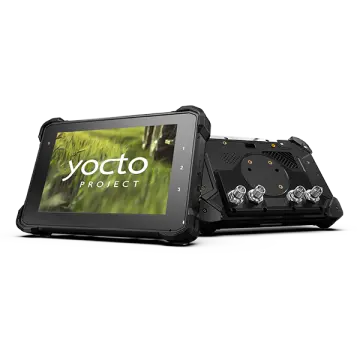 VT-7AL
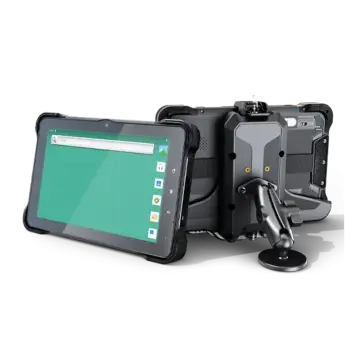 VT-10
VT-10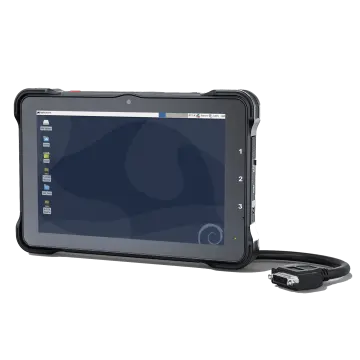 VT-10 IMX
 VT-10 Pro
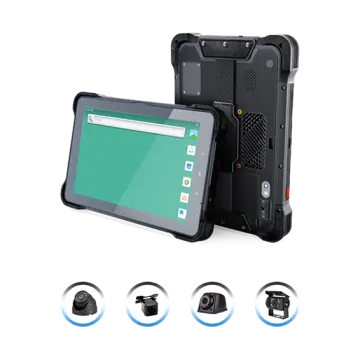 VT-10 Pro AHD
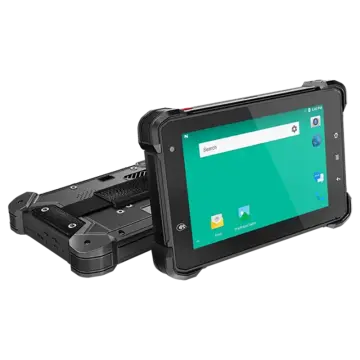 VT-7
VT-7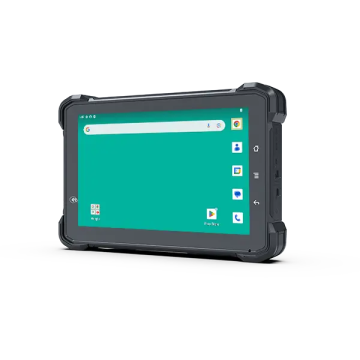 VT-7A PRO
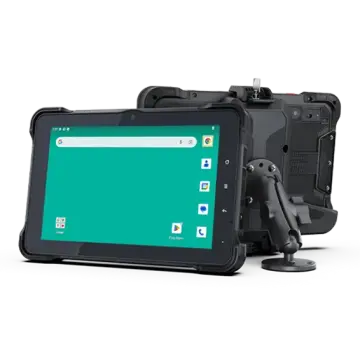 VT-10A Pro
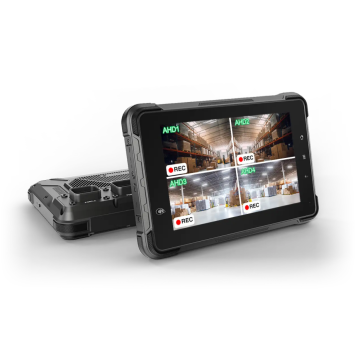 ST-7 Rugged Table
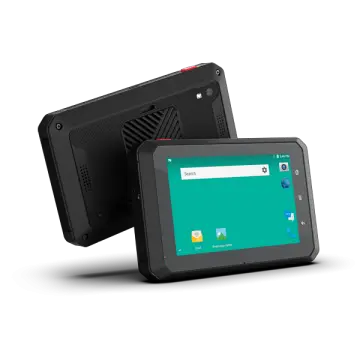 VT-5A
VT-5A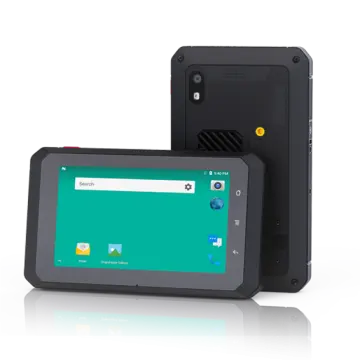 VT-5
VT-5 VT-BOX
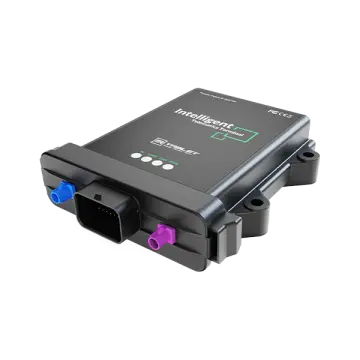 VT-BOX-II
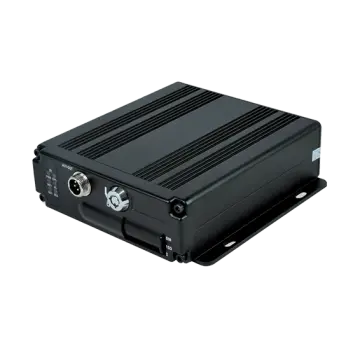 AI-MDVR040
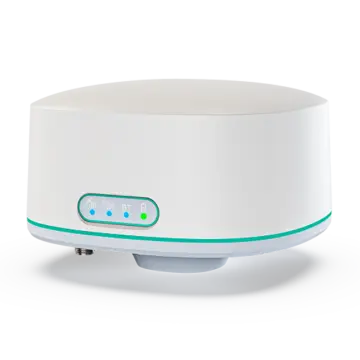 AT-B2
AT-B2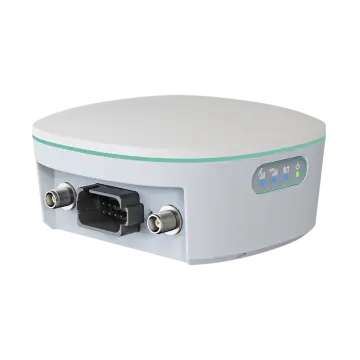 AT-R2
AT-R2