Leave Your Message

China Top Android MDT Terminal for Global Buyers?

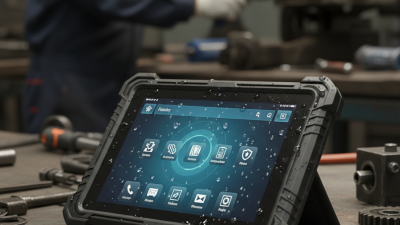
For global buyers, choosing a China-made Mdt Terminal Android requires more than comparing prices and screen sizes. A reliable terminal should combine stable Android performance, rugged construction, accurate data capture, and practical after-sales support. In warehouses, delivery vehicles, clinics, and field-service operations, small details matter. A bright display improves readability under harsh light. A reinforced housing helps protect the device from daily drops. A replaceable battery can reduce work interruptions during long shifts.

Real purchasing confidence comes from evidence, not attractive specifications alone. Buyers should request product samples, test wireless connectivity, check scanning accuracy, and review compatibility with existing software. They should also verify documentation, warranty terms, regional certifications, and available technical support before placing a large order. Experienced manufacturers can explain processor choices, IP ratings, charging options, and Android update policies in clear language. However, no supplier is perfect. Some specifications may look strong on paper but perform differently in cold warehouses or crowded networks. Testing matters.

A dependable Mdt Terminal Android should fit the working environment, not simply follow a popular configuration. Ask practical questions. How quickly can replacement parts arrive? Can the device remain usable with gloves? Does the supplier provide firmware updates and integration guidance? These answers reveal more than marketing claims. For global buyers, the best China Android MDT terminal is the one that delivers measurable value, transparent communication, and consistent performance over time. Careful evaluation may take longer, but it can prevent costly equipment changes later.

China Top Android MDT Terminal for Global Buyers?

What Is an Android MDT Terminal?

China Top Android MDT Terminal for Global Buyers?

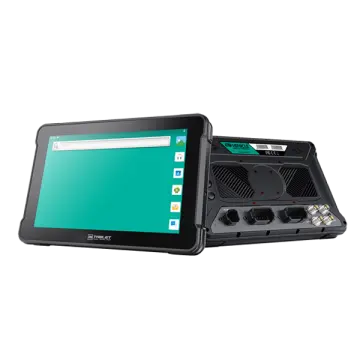
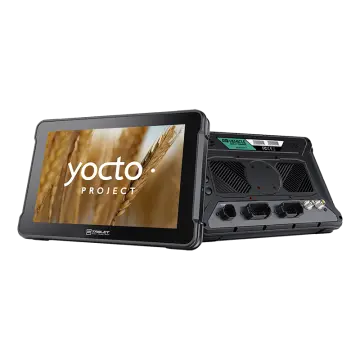
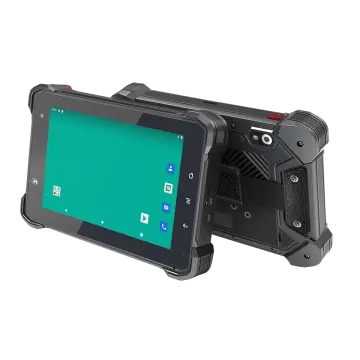
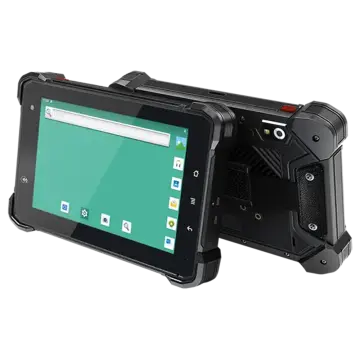
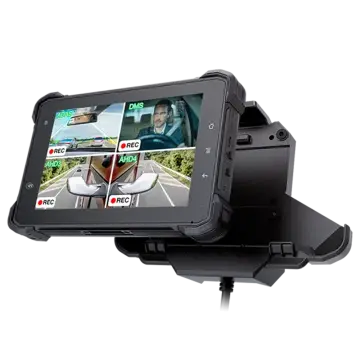
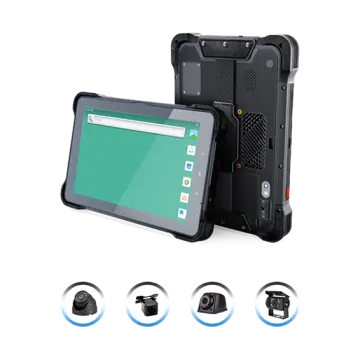
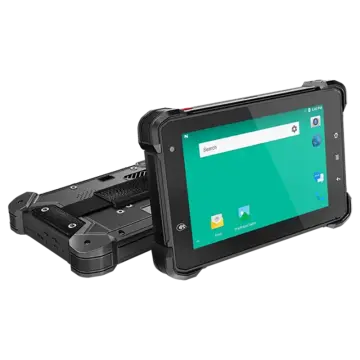
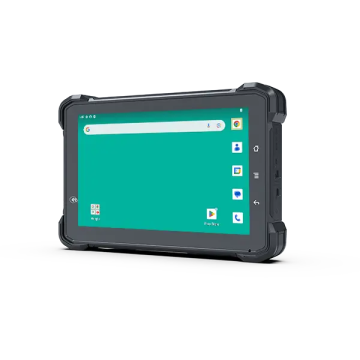
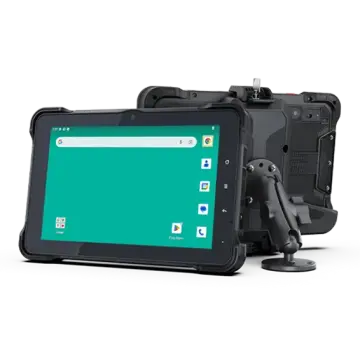
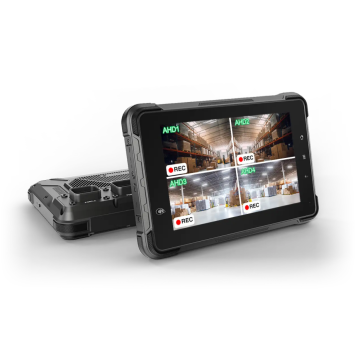
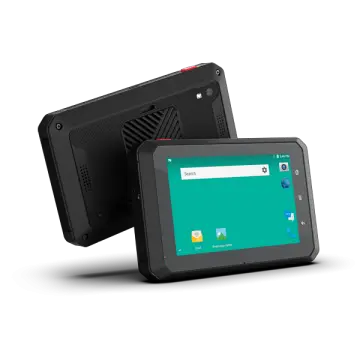
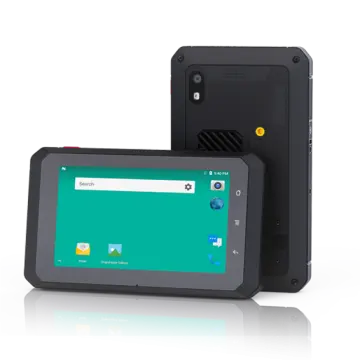
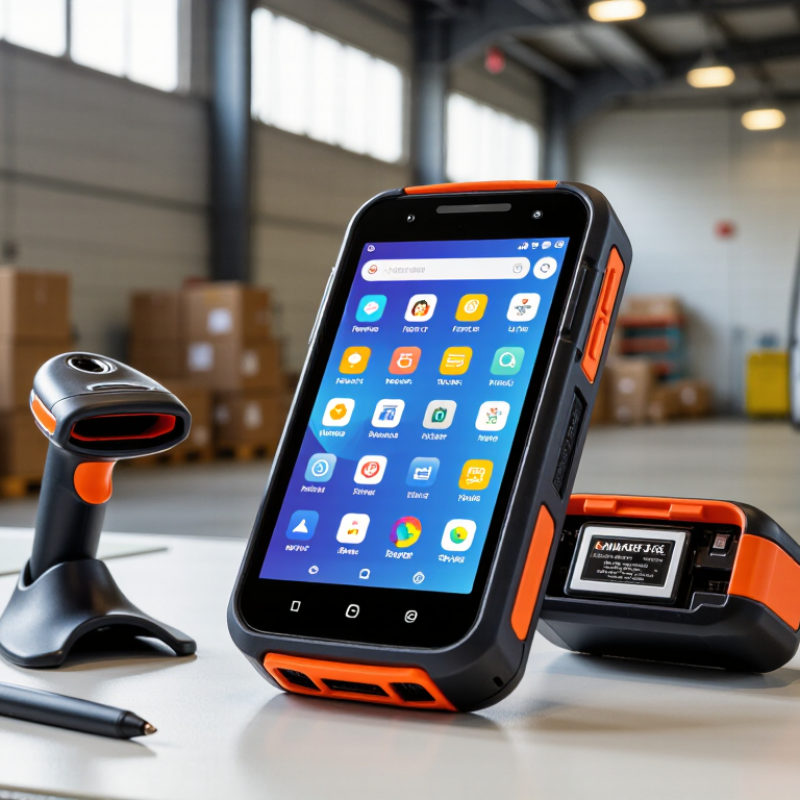
An Android MDT terminal is a Mobile Data Terminal built for workers who need live information away from a desk. It usually combines an Android operating system, touch display, wireless communication, barcode scanning, and vehicle or handheld mounting. A delivery driver may use it to view routes, scan parcels, capture signatures, and report delays from one device.

The hardware is typically stronger than a consumer tablet. A practical terminal may include a sunlight-readable screen, physical buttons, glove-friendly touch control, and a battery designed for long shifts. Some models support GPS, cellular networks, Wi-Fi, Bluetooth, and camera-based scanning. These features help field teams update records without returning to an office. Reliable performance matters more than decorative design.

Real use reveals limitations. A large screen can improve map reading, but it may be difficult to mount in a small vehicle. A rugged shell protects against drops, yet it can add weight. Battery life also changes with GPS, scanning, screen brightness, and network coverage. Buyers should test the terminal with their software, mounts, chargers, and regional network bands. Security updates and device management deserve equal attention. A lower price is not always lower cost. That lesson is easy to miss.

Core Hardware and Software Features

China Top Android MDT Terminal for Global Buyers?

For global buyers, an Android MDT terminal should work reliably in warehouses, vehicles, and outdoor sites. A 5G modem, Wi-Fi 6, Bluetooth, and multi-constellation positioning support faster field operations. The hardware needs more than high specifications. A readable 6-inch screen, physical scan trigger, glove-friendly touch, and a replaceable battery matter during long shifts. IP65 or higher protection helps resist dust and water. Drop resistance should be tested, not simply advertised. It is a small but important distinction.

GSMA’s Mobile Economy 2024 report estimates that mobile technologies generated 5.4% of global GDP in 2023, equal to about US$5.7 trillion. This scale explains the demand for dependable mobile terminals. For software, Android Enterprise management, remote configuration, application control, and security patch support are essential. A terminal should also offer SDK access, REST APIs, and compatibility with warehouse, transport, and asset-management systems. Android 13 or later is preferable, but update duration deserves closer inspection. Newer is not always better.

VDC Research consistently identifies durability, lifecycle support, and total cost as major enterprise mobility concerns. Buyers should request battery-cycle results, scan accuracy tests, repair procedures, and regional service commitments. Encryption, secure boot, device certificates, and role-based access reduce operational risk. However, no terminal is perfect. Bright sunlight can still affect screens, and cold weather can reduce battery capacity. A practical pilot with real labels, gloves, dust, and weak signals is more convincing than a polished specification sheet.

Major Industries and Practical Use Cases

China Top Android MDT Terminal for Global Buyers?

Major Industries and Practical Use Cases

Android MDT terminals are becoming practical tools for fleets, warehouses, factories, and field teams. GSMA Intelligence reported that mobile technologies generated 5.4% of global GDP in 2023. This reflects growing dependence on connected work.

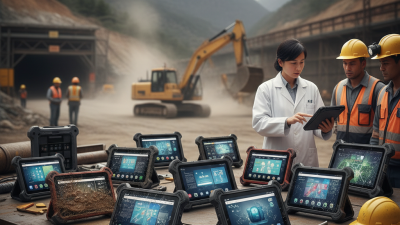
In logistics, drivers use MDT terminals for route updates, barcode scanning, electronic proof of delivery, and customer signatures. A sunlight-readable screen helps at loading bays. Glove-friendly touch controls matter during winter deliveries. Small detail. Big effect. IATA reported that global air cargo demand increased by 11.3% in 2024. Airports and cargo operators therefore need faster, traceable handling. Weak Wi-Fi can still disrupt the workflow.

Warehouses use these terminals for stock counts, picking instructions, and dock confirmation. MHI’s 2024 Annual Industry Report found that 88% of supply chain leaders expected higher investment in innovation. Manufacturing teams connect MDT devices with maintenance systems, quality checklists, and machine alerts. Construction crews record site progress, drawings, and safety inspections outdoors. Public utilities use them for meter checks and repair dispatch.

For global buyers, useful specifications include IP65 protection, reliable 4G or 5G, replaceable batteries, and long-term Android security updates. Drop resistance should be tested with real work gloves, not only laboratory claims. That gap is easy to underestimate. A cheaper terminal may become expensive when batteries, repairs, or software support fail early.

China Top Android MDT Terminal for Global Buyers? - Major Industries and Practical Use Cases

Industry-focused comparison of Android mobile data terminal requirements, operating conditions, and practical deployment applications.

Industry Typical Operating Site Primary MDT Role Recommended Display and Input Key Connectivity Useful Data-Capture Tools Ruggedization Requirements Practical Use Case
Warehousing and Distribution Indoor storage areas, loading bays, cold rooms, and vehicle staging zones Inventory lookup, picking confirmation, put-away, replenishment, and dispatch verification 8–10 inch capacitive touchscreen; glove-friendly mode; optional physical scan trigger Dual-band Wi-Fi, Bluetooth, optional 4G/5G cellular, and industrial Ethernet through a dock 1D/2D barcode scanning, NFC, camera, and optional UHF RFID reader IP65 or higher; 1.2–1.5 m drop resistance; operating temperature commonly around −20°C to 50°C Scan a pallet, check stock in the warehouse management system, and confirm movement without returning to a fixed workstation
Manufacturing Production lines, assembly cells, quality laboratories, and maintenance workshops Work instructions, batch traceability, quality inspection, downtime reporting, and maintenance records 8–12 inch high-brightness display; touch operation with stylus or gloves Wi-Fi 5/6, Bluetooth for peripherals, USB-C, and optional serial or Ethernet expansion Barcode or QR scanning, camera-based inspection, NFC, and optional digital I/O gateway IP54–IP65 depending on the line; vibration resistance; sealed connectors; screen brightness of about 500 nits or more for bright areas Verify component identity and record inspection results at the workstation before the product moves to the next process
Retail and Store Operations Supermarkets, specialty stores, stockrooms, and temporary retail locations Price checking, stock counting, shelf replenishment, order collection, and mobile checkout support 7–10 inch lightweight touchscreen; front camera; optional hand strap Wi-Fi, Bluetooth, NFC, and optional cellular connectivity for outdoor or pop-up operations Integrated 1D/2D scanner, NFC reader, camera, and magnetic stripe or payment accessory interface where permitted IP54 or higher; reinforced corners; approximately 1.0–1.2 m drop resistance; replaceable protective screen cover Check shelf availability and create a replenishment task immediately after scanning an item or location code
Transportation and Fleet Management Delivery vehicles, depots, airports, ports, rail yards, and roadside service areas Electronic proof of delivery, route updates, vehicle inspection, dispatch communication, and asset tracking 8–10 inch sunlight-readable display; physical buttons or programmable scan key preferred 4G/5G, dual-band Wi-Fi, Bluetooth, GNSS, and optional CAN bus or serial vehicle interface Camera, 1D/2D scanner, GNSS, NFC, and optional vehicle diagnostic interface IP65 or higher; anti-vibration design; 500–800 nit display; charging dock suitable for vehicle installation Capture a recipient signature, scan parcels, attach delivery photographs, and synchronize status when cellular coverage is available
Healthcare and Medical Logistics Hospitals, laboratories, pharmacies, clinics, and temperature-controlled storage areas Patient or specimen identification, medication checks, asset location, and supply-chain traceability 8–10 inch display; easy-to-clean surface; high-contrast interface; optional antimicrobial enclosure treatment Secure Wi-Fi, Bluetooth medical peripherals, NFC, and optional cellular connection 2D barcode scanning, NFC, camera, and Bluetooth connection to approved measurement devices Sealed housing, disinfectant-compatible materials, drop resistance, and battery-swapping or charging-dock options Scan a specimen or medication barcode at the point of care and record the transaction in the authorized clinical system
Field Service and Utilities Construction sites, energy facilities, public infrastructure, and customer premises Work-order execution, asset inspection, meter reading, photographs, and technician reporting 8–10 inch sunlight-readable display; glove operation; stylus support for forms and annotations 4G/5G, Wi-Fi, Bluetooth, GNSS, and optional LoRaWAN or serial gateway through an external accessory High-resolution camera, barcode scanner, NFC, GNSS, and Bluetooth instruments IP65–IP67; 1.2–1.5 m drop resistance; sunlight-readable display; extended battery of approximately 8–12 hours under mixed use Open an assigned work order, navigate to the asset, record readings, add photographs, and obtain a digital customer signature
Public Safety and Emergency Response Incident scenes, mobile command vehicles, municipal facilities, and outdoor response areas Incident reporting, identity or asset lookup, team coordination, mapping, and evidence documentation 8–10 inch high-brightness display; programmable keys; readable with gloves and under changing light Private or public cellular network, Wi-Fi, Bluetooth, GNSS, and optional push-to-talk accessory Camera, NFC, barcode scanner, GNSS, and optional external radio or sensor interface IP65 or higher; shock and vibration resistance; high-brightness screen; secure boot and device-encryption support Update an incident record, share location data, and transmit time-stamped photographs from the field
Agriculture and Food Production Farms, greenhouses, packing facilities, cold chains, and livestock operations Crop or batch records, harvest tracking, equipment inspection, and cold-chain documentation 8–10 inch display; glove-friendly touch; optional physical controls for wet or dirty environments Wi-Fi in facilities, 4G/5G in the field, Bluetooth, GNSS, and optional sensor gateways Barcode or QR scanner, camera, GNSS, NFC, and Bluetooth temperature or weighing sensors IP65–IP67; resistance to dust, water splashes, vibration, and temperature changes; washable enclosure Link a harvested batch to a field location, record quality data, and upload shipment information before dispatch

Selection note: The specifications shown are practical ranges commonly used in Android mobile data terminal projects. Final requirements should be confirmed against the application software, network conditions, environmental exposure, mounting method, data-security policy, and local regulatory requirements.

How to Evaluate Chinese MDT Terminal Manufacturers

China Top Android MDT Terminal for Global Buyers?

Choosing a Chinese Android MDT terminal manufacturer requires more than comparing prices. A 2024 MarketsandMarkets report estimates the rugged device market will grow steadily through 2028, driven by logistics, field service, and industrial operations. This growth attracts capable factories, but also uneven suppliers. Request ISO 9001 records, product traceability, and recent export references. Ask who controls the motherboard, battery, and firmware.

Test the terminal in real conditions. Check IP65 or higher protection, drop resistance, glove operation, sunlight readability, and charging stability. A warehouse trial should include cold starts, barcode scans, Wi-Fi handovers, and eight-hour battery use. Android security support matters too. Google's Android Enterprise guidance emphasizes managed updates and device enrollment, which can reduce deployment risk. Marketing claims are not evidence.

Independent reports from VDC Research repeatedly identify lifecycle support as a major factor in enterprise mobility purchasing. Therefore, evaluate the manufacturer’s SDK, documentation, repair process, spare-part stock, and response time. Measure total cost, not only the unit price. A lower quote may hide custom tooling, freight delays, or limited software support. I would request ten pilot units before a larger order. Even then, the pilot can miss seasonal heat, weak network zones, or driver abuse. That uncomfortable gap deserves attention.

Global Purchasing, Compliance, and Deployment Factors

For global buyers, choosing an Android MDT terminal requires more than comparing screen size and processor speed. The device must fit real working conditions, including warehouses, vehicles, outdoor routes, and noisy service areas. Start with the worksite. Check sunlight readability, glove operation, drop resistance, IP protection, charging temperature, and battery endurance during a full shift. A lighter terminal may feel better, but a fragile housing can increase replacement costs.

Compliance also changes by destination. Request clear test reports for radio equipment, electrical safety, electromagnetic compatibility, restricted substances, and battery transport. Regional marks and approvals should match the actual model, accessories, and wireless configuration. Do not rely on a general statement such as “globally certified.” Import documents, tariff classification, labeling, warranty terms, and spare-part availability should be reviewed before payment. Local data protection requirements also matter when terminals collect location, customer, or employee information.

Deployment planning often decides whether the purchase succeeds. Confirm supported network bands, device-management functions, security-update periods, language options, and compatibility with existing business applications. Ask for an SDK, test units, and a written update policy. Run a small pilot in the target environment before ordering thousands of units. This step may reveal weak GPS performance, slow scanning, or charging problems. Our experience suggests that technical specifications rarely show these practical failures. Procurement teams should record them honestly, even when the supplier appears reliable.