How to Choose the Best Rugged Android Tablet for Your Needs?
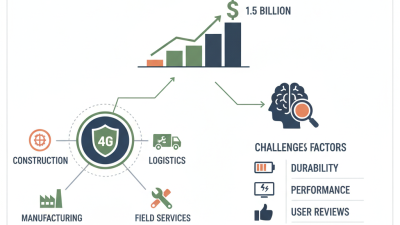
Choosing the right Tablet Rugged Android can be a daunting task. The market for rugged tablets is growing rapidly. According to a recent report by MarketsandMarkets, the rugged tablet market is expected to reach USD 1.6 billion by 2025. This growth reflects the increasing demand for durable devices in harsh environments.
Users need to consider their specific requirements when selecting a rugged tablet. Factors such as battery life, screen size, and durability ratings are crucial. For instance, a tablet with an IP68 rating can withstand dust and immersion in water. Many professionals in fields like construction and emergency services rely on these devices. Rough handling is part of their daily routine.
However, not all rugged tablets are created equal. Some may offer impressive specs but fall short in real-world applications. Users might find a tablet that works well in theory but falters under actual stress. It's essential to balance marketing claims with user reviews. Therefore, making an informed decision requires careful research and reflection on individual needs.
Understanding Rugged Tablets: Key Differences from Standard Tablets
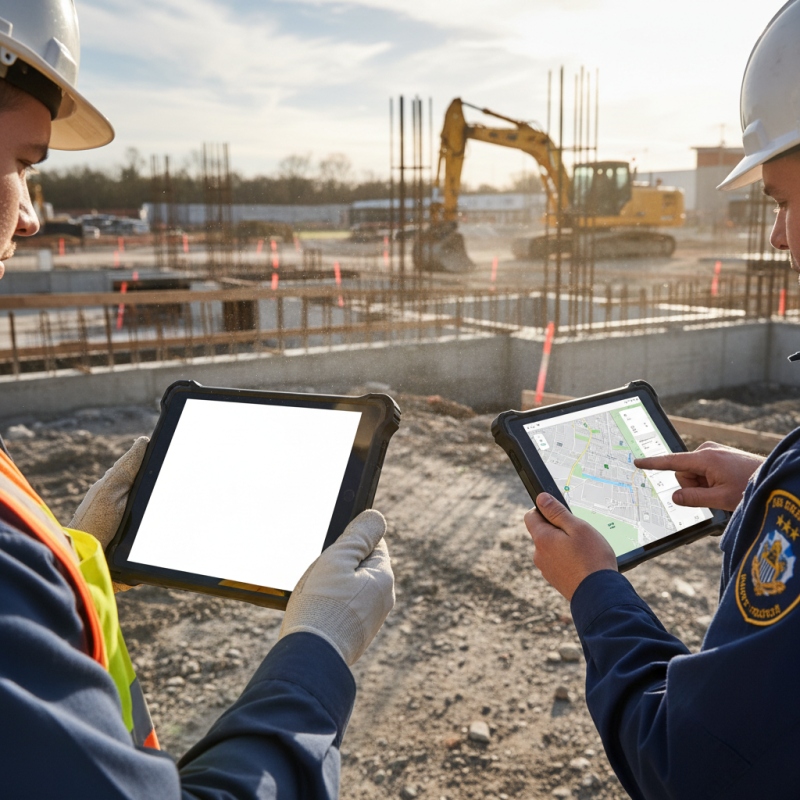
When exploring rugged Android tablets, it’s vital to understand what sets them apart from standard models. Rugged tablets are designed with durability in mind. They can withstand extreme temperatures, moisture, and heavy impacts. This makes them ideal for harsh environments, like construction sites or outdoor activities. A rugged tablet often features a reinforced casing and shock-absorbent materials.
Additionally, rugged tablets usually meet military-grade standards. They undergo rigorous testing for resistance to dust, water, and drops. The screens are often shatterproof, ensuring functionality even in tough conditions. These tablets also tend to have a longer battery life. Users can rely on them during long workdays without worrying about recharging often.
However, rugged tablets may also be heavier and bulkier than standard ones. Their robust design sometimes translates to less sleek aesthetics. Battery life, although longer, might come at the cost of processing power. While a rugged tablet is a smart investment for some, others might find them less suitable for everyday use. Prioritizing specific needs is crucial in making the right choice. Consider the type of environment and usage duration before committing.
Assessing Durability Standards: IP Rating and MIL-STD Certification Explained
When choosing a rugged Android tablet, understanding its durability standards is crucial. The Ingress Protection (IP) rating system illustrates how resistant a device is to dust and water. An IP67 rating indicates the tablet can withstand being submerged in water for 30 minutes. This is vital for outdoor work or in environments where water exposure is possible.
MIL-STD certification is another critical standard. MIL-STD-810G ensures the device can survive extreme temperatures, shocks, and vibrations. Tablets with this certification often withstand multiple drops from a height of four feet. Familiarity with these ratings helps in making an informed purchase.
Tip: Always check real-world reviews highlighting how well the tablet performs under tough conditions.
It's important to note that rugged tablets can be heavier and bulkier than standard devices. This may hinder portability. Users should evaluate where they will primarily use the tablet. Additionally, potential buyers should compare different models before settling. Look for certifications that align with your specific job requirements.
Tip: Consult industry guidelines or reports from electronics testing labs for deeper insights into performance and reliability.
How to Choose the Best Rugged Android Tablet for Your Needs?
| Model |
IP Rating |
MIL-STD Certification |
Display Size |
Battery Life |
| Model A |
IP67 |
MIL-STD-810G |
10.1 inches |
12 hours |
| Model B |
IP68 |
MIL-STD-810H |
8.0 inches |
10 hours |
| Model C |
IP65 |
MIL-STD-810F |
9.7 inches |
15 hours |
| Model D |
IP69K |
MIL-STD-810G |
11.6 inches |
14 hours |
Performance Metrics: Processor Speed and Battery Life for Rugged Use Cases
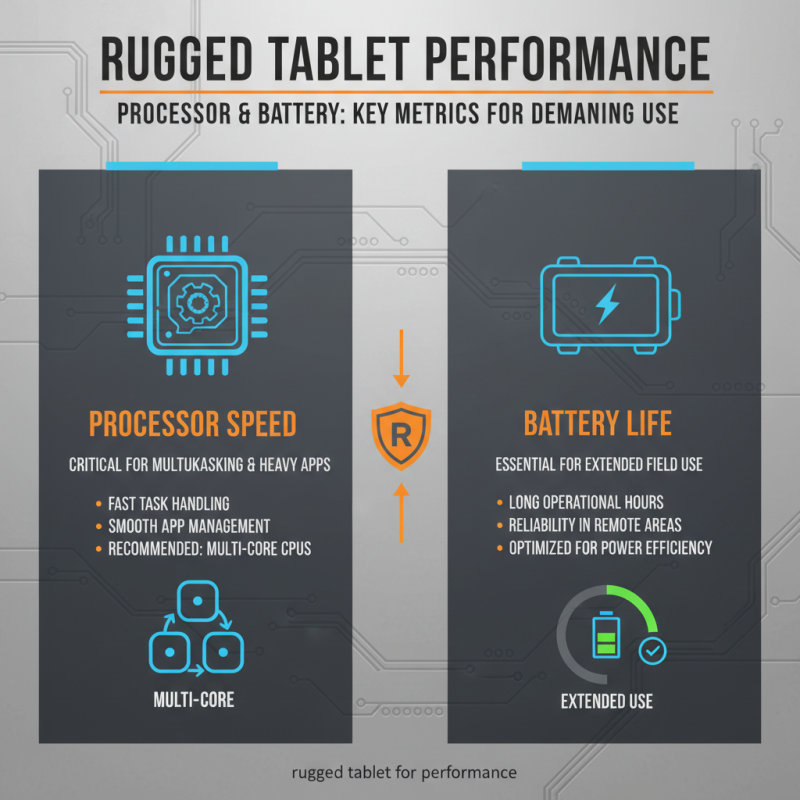
When selecting a rugged Android tablet, processor speed and battery life are critical performance metrics. A powerful processor ensures tasks are handled quickly. For rugged environments, multitasking is common. Thus, a tablet with a fast processor can help manage various applications smoothly. Look for tablets with multi-core processors. They offer better performance for heavy applications.
Battery life is equally important. Tablets used in tough conditions might not have frequent charging opportunities. A long-lasting battery allows uninterrupted work. Ideally, choose a tablet that lasts at least 10 hours on a single charge. This ensures it can withstand long shifts in demanding scenarios.
However, the balance between speed and battery life can be tricky. Some high-performance tablets may drain batteries quickly. Users must consider their specific tasks. If heavy processing is unnecessary, a slower processor might suffice. Evaluating real-world usage is vital. Consider how often the tablet will be used without charging. This reflection can guide toward a suitable choice.
Display Features: Touch Sensitivity and Brightness for Outdoor Visibility
When selecting a rugged Android tablet, display features are crucial. For outdoor visibility, touch sensitivity and brightness play significant roles. The tablet must perform well even in bright sunlight. A high-brightness display ensures that colors remain vibrant.
Touch sensitivity impacts usability in various conditions. Users often prefer a tablet that responds well to their fingers, even with gloves on. Choosing a tablet with a responsive screen enhances the user experience outdoors. You might find that some models have a delay in touch response, which can be frustrating.
Tips for choosing the right display: look for at least 500 nits brightness. Higher brightness levels improve visibility outdoors. Check if the tablet supports multi-touch; this ensures smooth navigation. Also, consider the screen's material. Gorilla Glass is ideal for durability and scratch resistance. Examine user reviews for real-life experiences with the display features. Aim for a balance of durability and functionality. Adjust your requirements based on where and how you'll use the tablet.
Key Software Considerations: Operating Systems and App Compatibility for Users
When selecting a rugged Android tablet, software considerations are crucial. The operating system (OS) plays a significant role. Look for tablets running on the latest versions of Android. Newer versions offer improved security and features, essential for fieldwork. Older OS versions can become vulnerable to threats. Ensure that the device supports regular updates.
App compatibility is another important factor. Not all rugged tablets can run high-performance apps. Before making a decision, check the list of compatible applications. Enterprise-focused solutions often require specific software. Choose a tablet that can support your operational needs effectively.
Tips: Identify key applications you rely on daily. Test them on the new device before purchase. Investigate user reviews regarding performance. Sometimes, a tablet may claim compatibility but fail in real situations. Check for any quirks or issues reported by other users. Don't hesitate to rethink your options if there are red flags.
Operating System Usage in Rugged Android Tablets

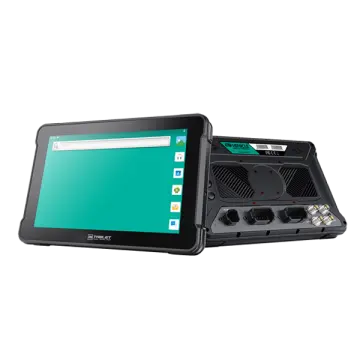 AT-10A
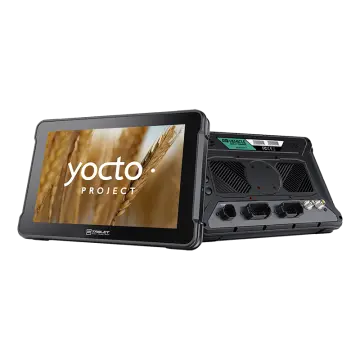 AT-10AL
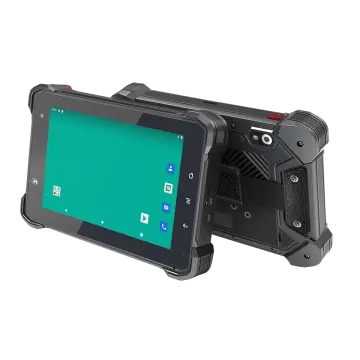 VT-7 GA/GE
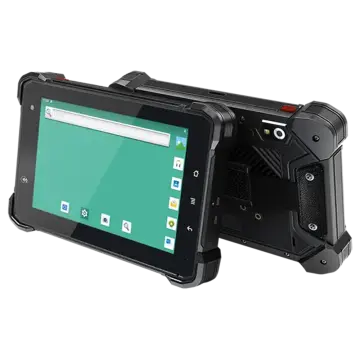 VT-7 Pro
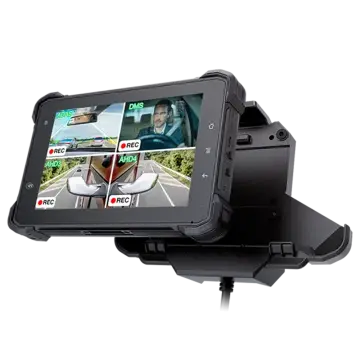 VT-7 PRO (AHD)
 VT-7A
VT-7A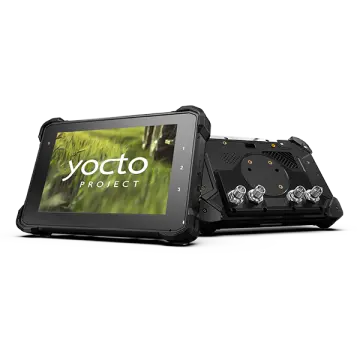 VT-7AL
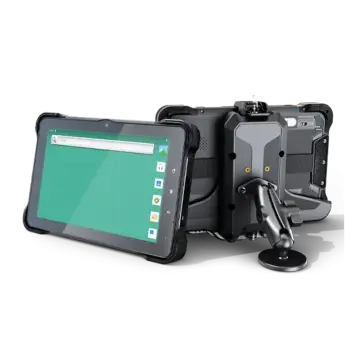 VT-10
VT-10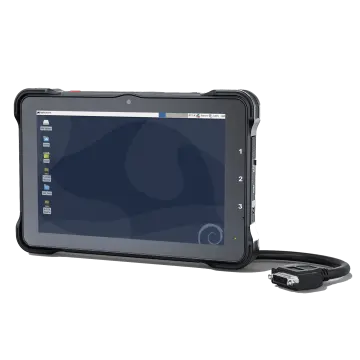 VT-10 IMX
 VT-10 Pro
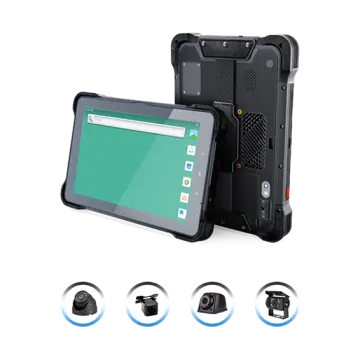 VT-10 Pro AHD
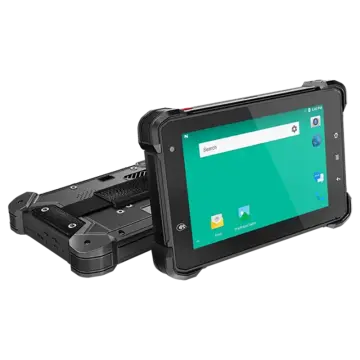 VT-7
VT-7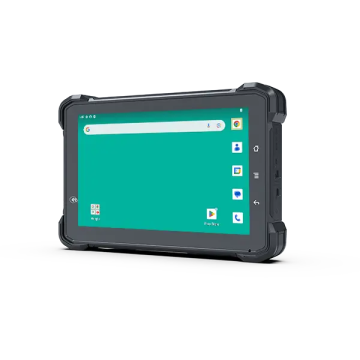 VT-7A PRO
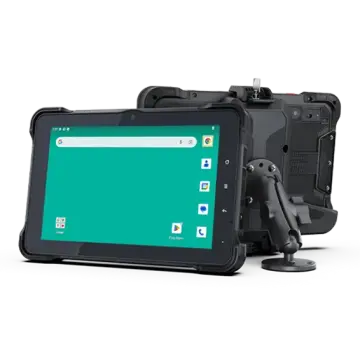 VT-10A Pro
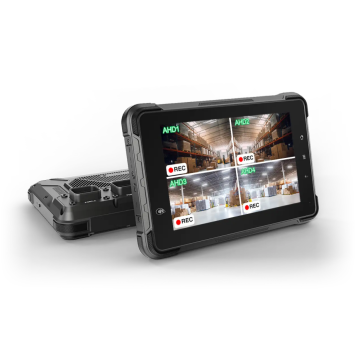 ST-7 Rugged Table
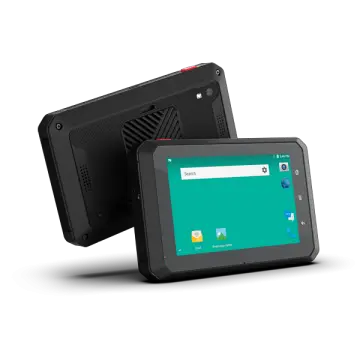 VT-5A
VT-5A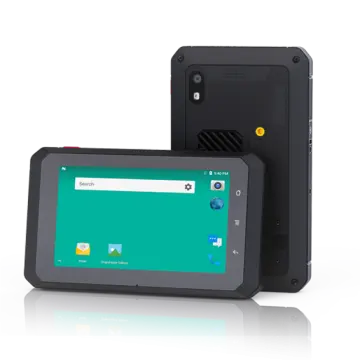 VT-5
VT-5 VT-BOX
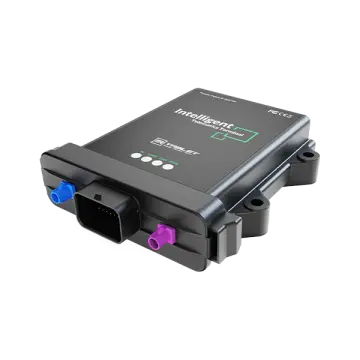 VT-BOX-II
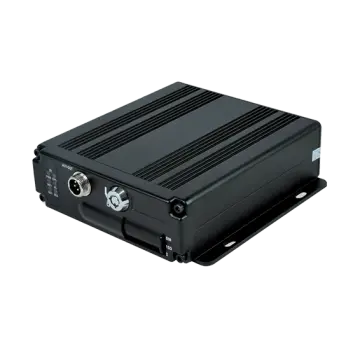 AI-MDVR040
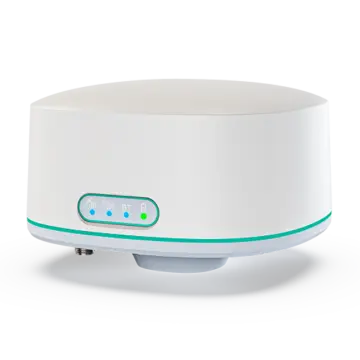 AT-B2
AT-B2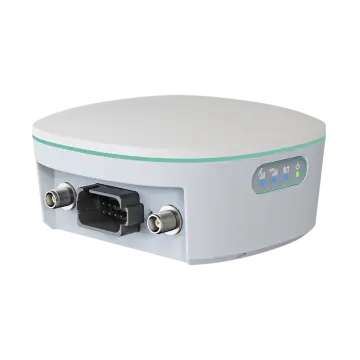 AT-R2
AT-R2