How to Choose the Best Android Industrial Tablet for Your Needs?
Choosing the right Android Industrial Tablet can be a daunting task. The market is inundated with options, each claiming to be the best. According to a recent industry report, the global industrial tablet market is expected to reach $6.3 billion by 2025. This growth highlights the increasing reliance on mobile technology in industrial settings.
When selecting an Android Industrial Tablet, consider the specific needs of your operation. Factors such as durability, battery life, and software compatibility are crucial. Some tablets may excel in one area but fall short in another. For instance, a tablet with a rugged design might have limited processing power.
Furthermore, businesses must reflect on their long-term needs. A tablet that meets current demands might not suffice in the future. It’s essential to evaluate not just immediate requirements but also potential growth. Ultimately, the right choice could enhance productivity and efficiency within your operations.
Understanding the Unique Features of Android Industrial Tablets
When selecting an Android industrial tablet, understanding its unique features is essential. These tablets are designed for tough environments. They often come with enhanced durability, such as rugged designs and waterproof capabilities. The displays are usually brighter, allowing use in direct sunlight. Battery life is another critical aspect; many industrial tablets boast long-lasting power for extended work hours.
Tips: Look for a tablet with a glove-friendly touchscreen. This feature is vital for industries like manufacturing or field services. Think about the processing power as well. A faster processor ensures smoother multitasking and application performance.
Compatibility with software is also important. Many industrial tablets run specific software for tasks like inventory management or data logging. Ensure the tablet can support the necessary apps for your industry. Always consider device connections too. USB ports, Bluetooth, and Wi-Fi are essential for seamless integration with other equipment. Checking for update capabilities is a good practice. This way, your tablet stays current with the latest security patches and software enhancements.
Identifying Your Specific Use Cases and Requirements
When selecting an Android industrial tablet, understanding your specific use cases is vital. Consider the environment where the tablet will be used. For example, in a manufacturing setting, durability is essential. A report from the International Data Corporation (IDC) states that 75% of companies report issues with device failure in extreme conditions. Therefore, a rugged design is crucial.
Evaluate the tasks the tablet needs to perform. For field service applications, features like GPS and camera capabilities are important. According to a recent study, 60% of field workers prefer tablets with high-resolution displays for easier data entry. Battery life also matters; 80% of workers require devices that last a full shift. Analyzing these requirements allows for a more tailored choice.
Lastly, reflect on software integration. Compatibility with existing systems can be a hurdle. A significant portion of users, approximately 50%, face delays in productivity due to software mismatches. Ensuring seamless integration can prevent costly downtime. Identifying these needs early improves the selection process and addresses potential challenges.
How to Choose the Best Android Industrial Tablet for Your Needs?
This chart illustrates the distribution of various use cases for Android industrial tablets based on compiled data from industry surveys. Understanding these use cases can help you identify which features or specifications are essential for your specific needs.
Evaluating Hardware Specifications for Optimal Performance
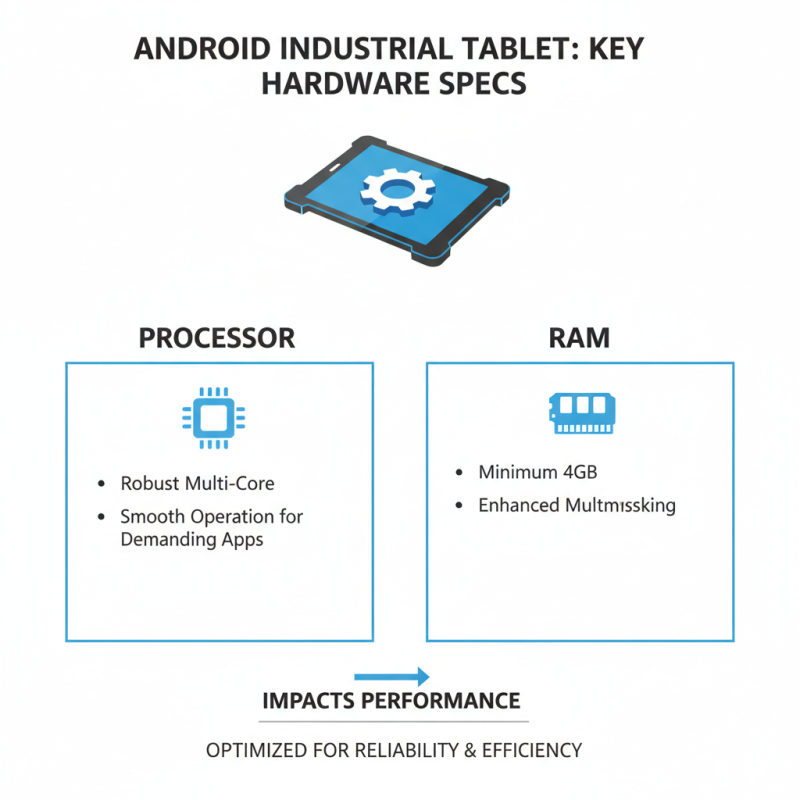
When selecting an Android industrial tablet, hardware specifications are crucial. A robust processor ensures smooth operations, especially for demanding applications. Look for multi-core processors and a minimum of 4GB RAM. This can significantly impact multitasking capabilities.
Screen quality is equally important. A high-resolution display can reduce eye strain during long hours of use. Consider a screen that is both durable and sunlight-readable. This is vital for outdoor environments where glare can be an issue.
Battery life is often an afterthought, but it shouldn’t be. A longer battery life allows for uninterrupted work in the field. A tablet might have impressive specs, but if it dies quickly, it’s ineffective. Reflect on your actual usage patterns. Some users might find they have to recharge more often than expected.
Assessing Software Compatibility and Support Options
When selecting an Android industrial tablet, software compatibility is crucial. Start by assessing the applications you intend to use. Not all tablets support every app available. Some may have limitations due to hardware or software versions. Checking for updates on compatibility can save you from future headaches.
You should also consider the operating system version on the tablet. Newer OS versions often support more applications. However, older apps might not run well on updated systems. This can create a gap between your needs and the tablet’s capabilities. Be prepared to test any software you plan to use before making a purchase.
Moreover, support options are essential. Look for tablets that offer reliable customer support. Good support can help you navigate technical issues. It’s not uncommon to face bugs or unexpected behavior in software. Brands may vary in responsiveness. Assess whether they provide forums, chat support, or direct contact. This can impact your tablet’s longevity and usability.
How to Choose the Best Android Industrial Tablet for Your Needs? - Assessing Software Compatibility and Support Options
| Dimension |
Value 1 |
Value 2 |
Value 3 |
| Processor Speed |
1.8 GHz |
2.0 GHz |
2.2 GHz |
| RAM |
4 GB |
8 GB |
16 GB |
| Storage Capacity |
64 GB |
128 GB |
256 GB |
| Battery Life |
10 hours |
12 hours |
15 hours |
| Operating System Version |
Android 10 |
Android 11 |
Android 12 |
| Software Compatibility |
Yes |
Moderate |
Limited |
| Support Options |
24/7 |
Business Hours |
Limited Email Support |
Considering Durability, Design, and Ergonomic Factors
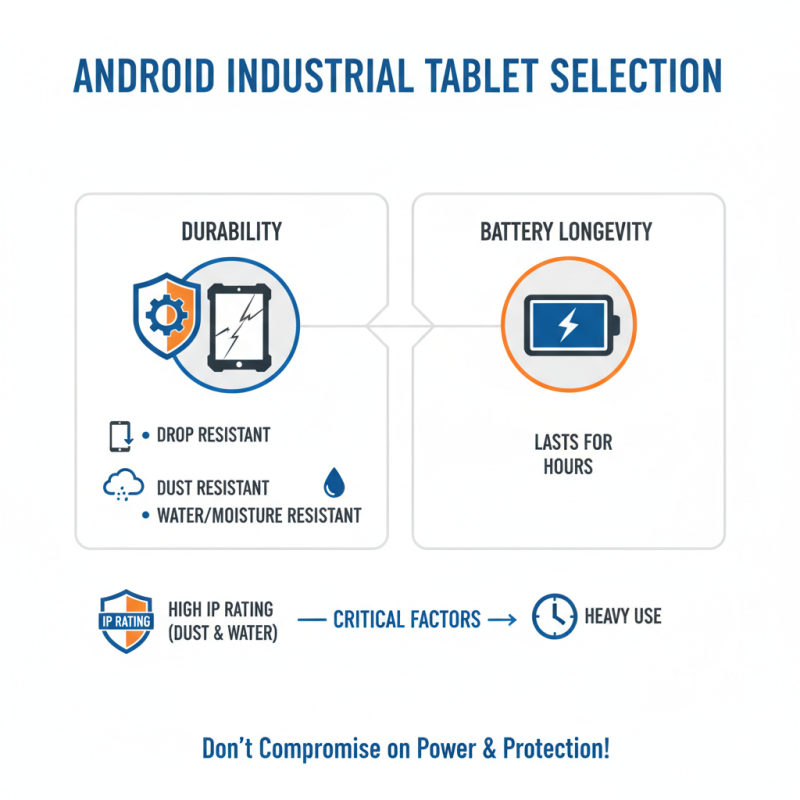
When selecting an Android industrial tablet, durability is critical. Many environments expose devices to harsh conditions. Look for tablets with rugged constructions. They should resist drops, dust, and moisture. A high IP rating indicates better water and dust resistance. However, some may overlook battery longevity. A durable tablet should also have a battery that can last hours under heavy use.
Design is equally important for function. Choose a tablet that is lightweight but sturdy. It should have a screen that is easy to read in direct sunlight. Ergonomic designs enhance user comfort, especially during prolonged usage. Tablets with grips or specially designed handles can reduce fatigue. Consider models that support various mounting options for hands-free use. Still, be wary of overly complicated designs. They may lead to higher maintenance costs.
Reflect on your workspace as well. A tablet that works well physically is not always the best choice. User feedback often reveals flaws that specs cannot. Take note of potential issues, like software compatibility. It’s crucial, yet often ignored. Choose a tablet that fits comfortably in your workflow. After all, the best choice is one that meets both functional and personal needs without unnecessary complications.

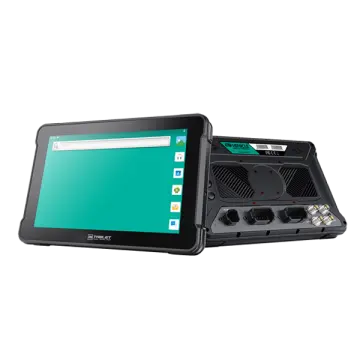 AT-10A
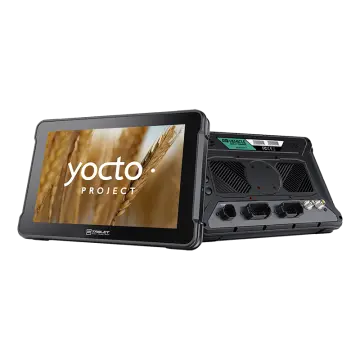 AT-10AL
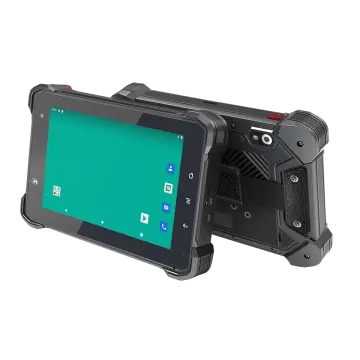 VT-7 GA/GE
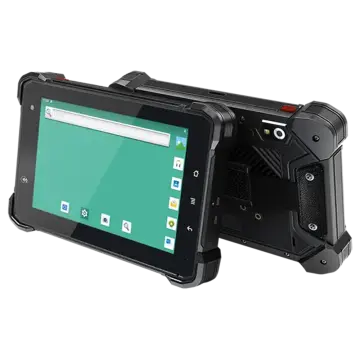 VT-7 Pro
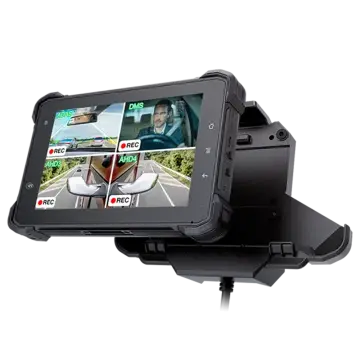 VT-7 PRO (AHD)
 VT-7A
VT-7A VT-7AL
 VT-10
VT-10 VT-10 IMX
 VT-10 Pro
 VT-10 Pro AHD
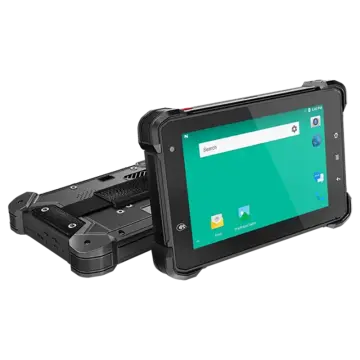 VT-7
VT-7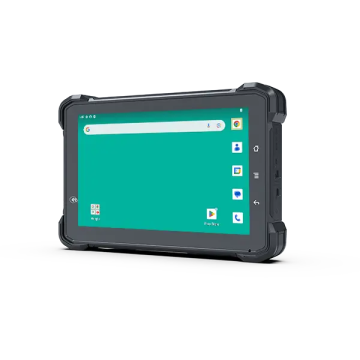 VT-7A PRO
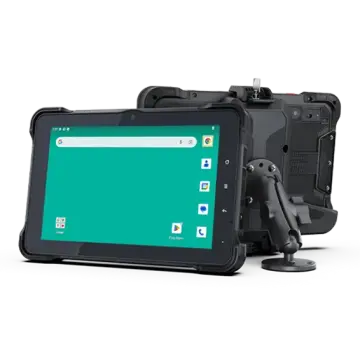 VT-10A Pro
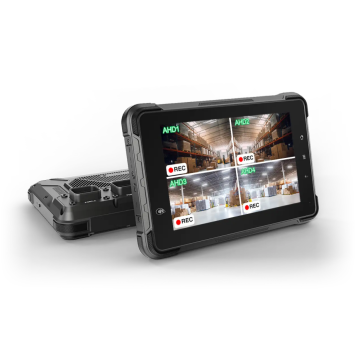 ST-7 Rugged Table
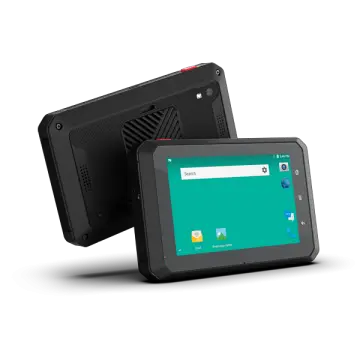 VT-5A
VT-5A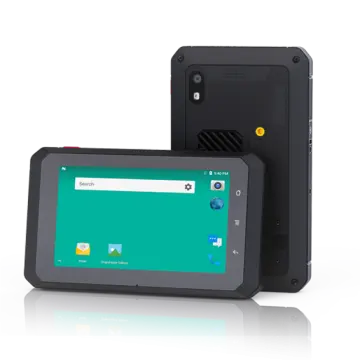 VT-5
VT-5 VT-BOX
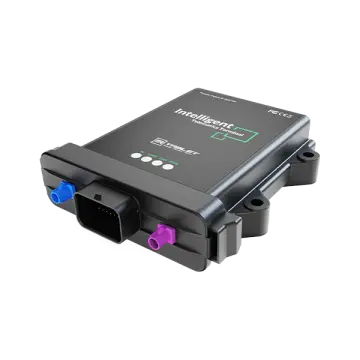 VT-BOX-II
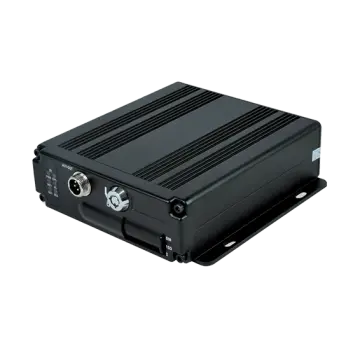 AI-MDVR040
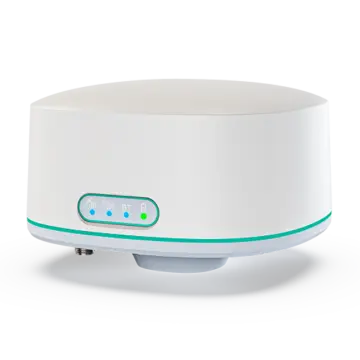 AT-B2
AT-B2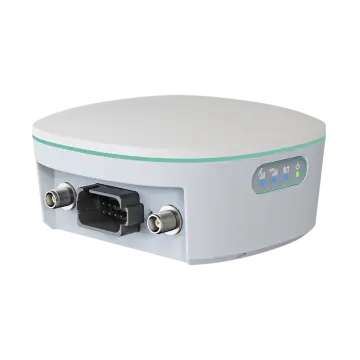 AT-R2
AT-R2