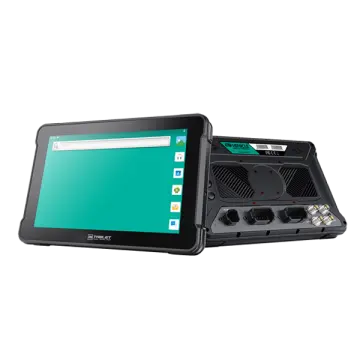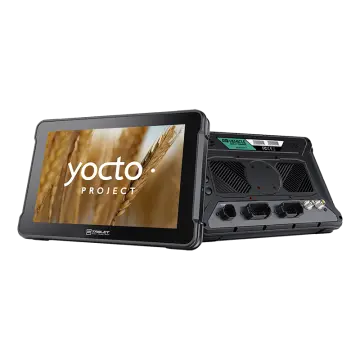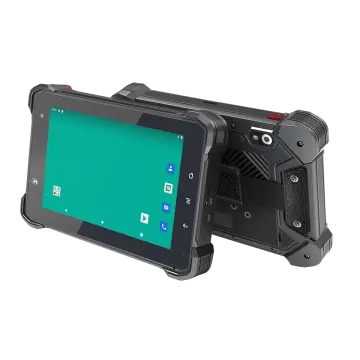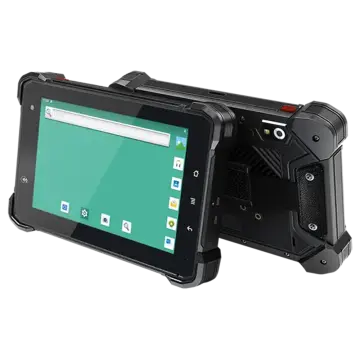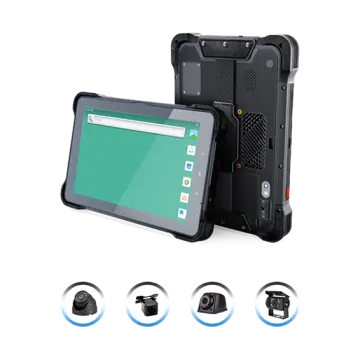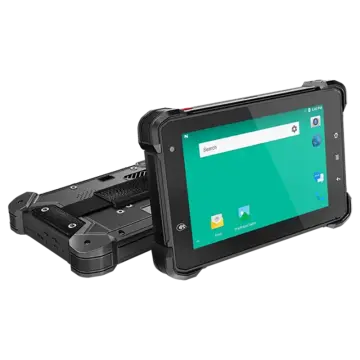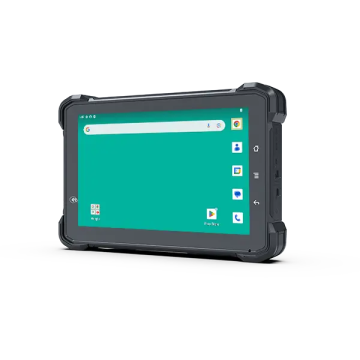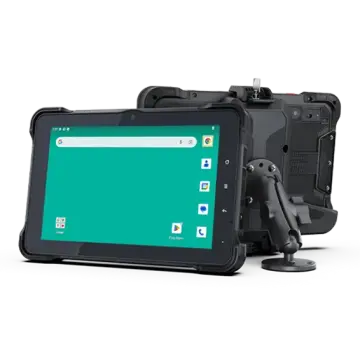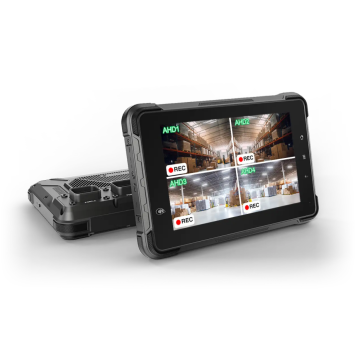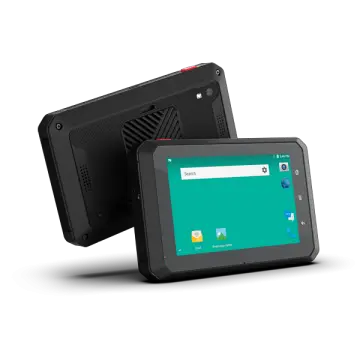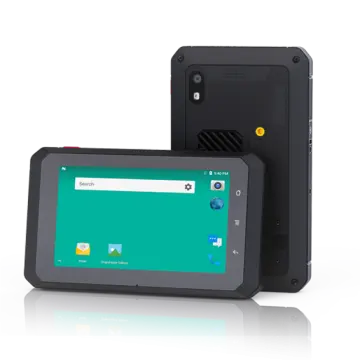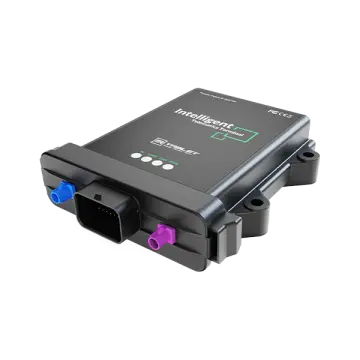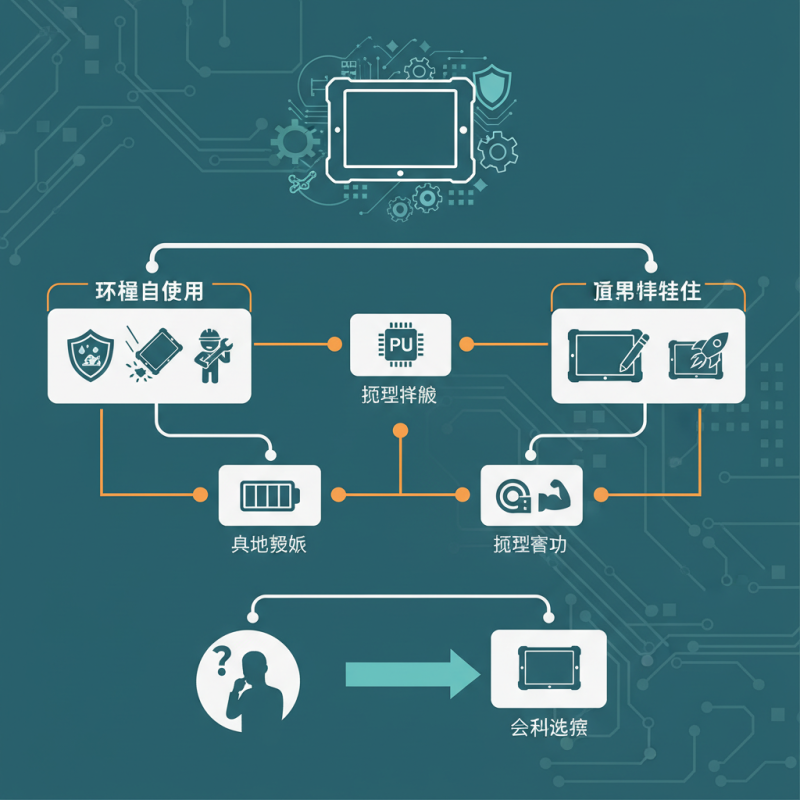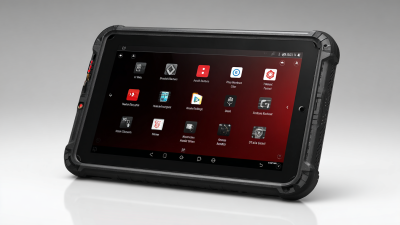
Choosing the right Tablet Rugged can be challenging. These devices are built for durability and performance, catering to various needs. Understanding your requirements is essential to make an informed decision.
When evaluating Tablet Rugged options, consider factors like environment and usage. These tablets often resist drops, water, and dust, making them suitable for tough tasks. Yet, not all are the same. Some excel in battery life while others focus on performance.
Do not overlook essential features such as screen size and processing power. A larger screen can improve usability, but it might add weight. Reflect on how you plan to use it. Will it endure extreme conditions, or is it for everyday tasks? Identifying your primary use will significantly impact your choice.
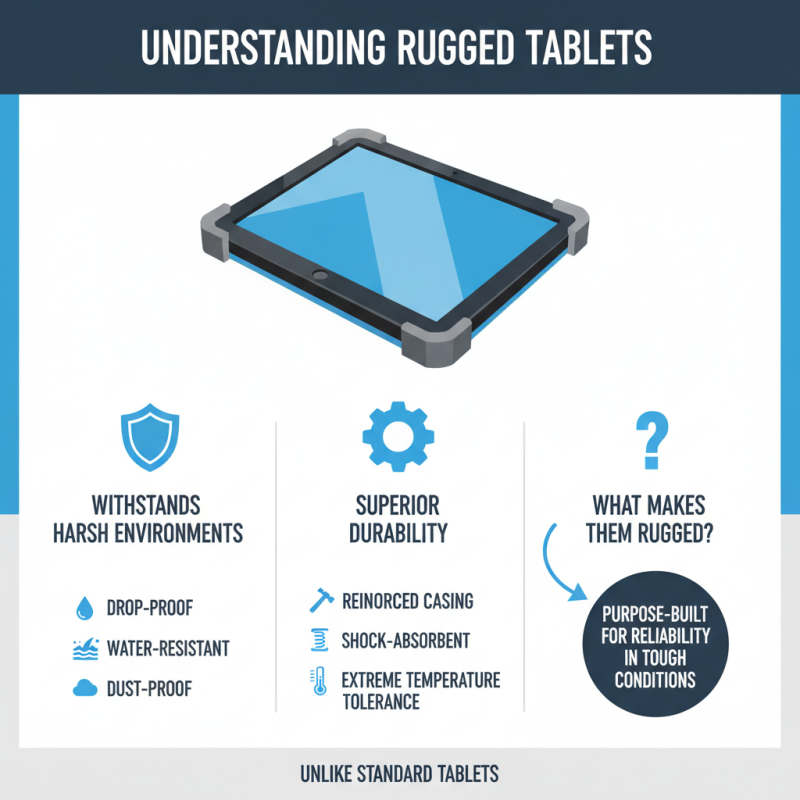
Rugged tablets are designed to withstand harsh environments. They offer durability that standard tablets do not. But what exactly makes a tablet rugged?
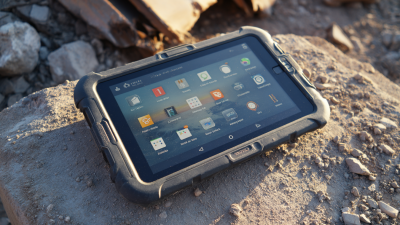
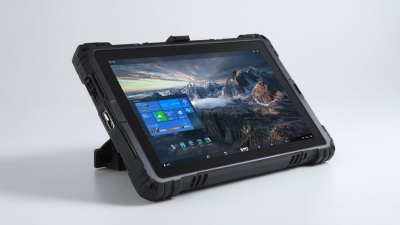
A rugged tablet typically has enhanced features such as reinforced cases and moisture resistance. These devices are built to endure drops, extreme temperatures, and vibrations. For those in industries like construction, logistics, or field research, a rugged tablet can be a game changer. However, not all rugged tablets are equal. Some may meet basic military standards while others exceed them.
When choosing a rugged tablet, consider your specific needs. Assess the conditions it will face. Will it be used outdoors in rain or dust? Will it be dropped often? These questions will guide your decision. It is essential to read user reviews and expert opinions. Pay attention to common pitfalls, such as battery life or screen responsiveness. Being aware of these aspects can save you from costly mistakes.
Choosing the right rugged tablet is crucial for specific use cases. Various environments demand unique features. For example, construction sites require dust and water resistance. Research indicates that approximately 70% of professionals in these environments prefer devices with an IP rating of 67 or higher. This means they can resist water immersion and dust intrusion.
In healthcare settings, tablets must comply with strict sanitation protocols. A survey showed that 50% of healthcare workers use tablets in high-touch areas. These devices must withstand frequent cleaning without compromising performance. The battery life is also vital; a study revealed that 65% of users need at least 12 hours of continuous use. Rugged tablets must meet these needs to ensure reliability.
Working in extreme temperatures can be challenging. Many rugged tablets can operate between -20°C to 60°C. But, crucially, not all products fulfill this requirement equally. Users frequently express frustration with devices that overheat or fail in cold conditions. Identifying these specific needs prevents costly mistakes. Understanding the nuances in your unique environment will guide your choice effectively.
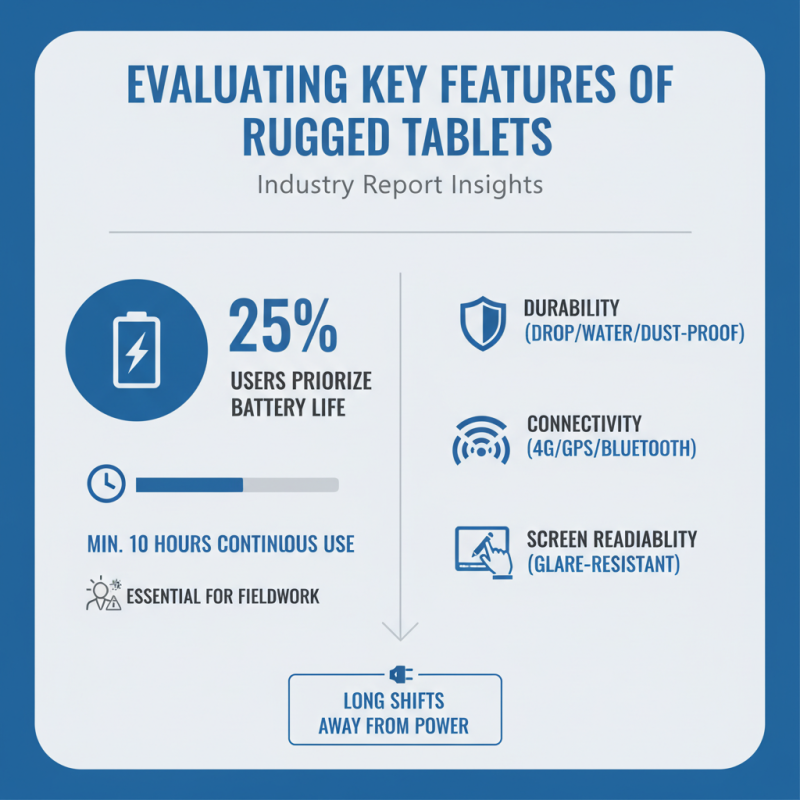
When selecting a rugged tablet, several key features must be evaluated. A recent industry report indicates that 25% of users prioritize battery life, especially in fieldwork scenarios. A rugged tablet should offer at least 10 hours of continuous use. If your work demands long hours away from power sources, this is essential.
Durability is another critical factor. Most rugged tablets are rated with military standards like MIL-STD-810. This means they withstand drops, vibrations, and harsh environments. Water and dust resistance, rated by IP67 or higher, is also vital. Choosing a tablet that meets these standards can prevent costly replacements.
**Tip**: Check user reviews and feedback regarding durability claims.
Another important feature is display readability. A high-nit outdoor display, ideally above 500 nits, improves visibility in bright conditions. Many professionals work outside, where glare can be a challenge. In a recent survey, 70% of users reported they needed better visibility in sunlight.
**Tip**: Test the display in various lighting before making a decision.
Finally, consider processing power and connectivity options. Advanced processors and robust connectivity ensure the tablet can handle demanding applications and stay connected in remote areas. Yet, some users find that expensive specs do not always correlate with improved performance in real-world tasks.
**Tip**: Balance your needs and budget when selecting features.
Choosing the right rugged tablet can be challenging. The market is flooded with numerous brands and models, each claiming to have the best features. Before making a decision, it's essential to consider your specific needs. Think about the environment where you will use the tablet. Will it be exposed to extreme temperatures or moisture? Different rugged tablets offer various levels of protection against these elements.
When comparing brands, focus on their certifications. Look for those with military standards, which indicates durability. In addition, battery life plays a crucial role. Some tablets have longer usage times, which is beneficial for field work. Evaluate processing power, too. A responsive tablet can significantly enhance productivity. The size and weight matter as well; a heavy tablet may be cumbersome in tight spaces.
User reviews provide insights into real-world performance. Consider checking forums or technical blogs where professionals discuss their experiences. It’s also wise to look for warranties and customer support quality. Unforeseen issues can arise, and a brand's support system can impact your choice. Remember, the ideal rugged tablet balances performance, durability, and support, aligning with your unique requirements.
When it comes to purchasing a rugged tablet, establishing a budget is essential. A well-defined budget helps narrow down options that meet your needs without overspending. Look at your usage requirements first. Will you use it for fieldwork or in harsh environments? Understand how much durability you truly need. This knowledge shapes your spending.
Rugged tablets come in various price ranges. The most basic models may cost less, but they might not withstand extreme conditions. However, higher-end options often offer advanced features and better performance. Balancing cost and functionality becomes a delicate act. Reflect on how much you value durability versus the cost. Sometimes, spending a little more today prevents bigger expenses later.
Moreover, consider potential additional costs. Accessories, such as protective cases or mounts, can add up. Think about warranties and service plans as well. A robust warranty can be worth the extra price. Evaluate how these factors impact your budget. Finding the right balance requires careful thought. It’s a process of trial and error to identify what works best for your needs.
| Feature | Description | Price Range | Best For |
|---|---|---|---|
| Display Size | Typically ranges from 7" to 12" | $200 - $800 | Fieldwork, Transportation |
| Durability Rating | IP65 to IP68, MIL-STD-810G | $300 - $1200 | Construction, Military |
| Battery Life | 4 to 12 hours depending on usage | $250 - $900 | Long field use |
| Operating System | Android, Windows, iOS | $200 - $1000 | Compatibility with software |
| Storage Options | From 32GB to 1TB | $200 - $1500 | Data-heavy tasks |