Top 10 Tips for Choosing the Best Android Rugged Tablet PC?
In the rapidly evolving market for rugged technology, the Android Rugged Tablet PC stands out. According to industry reports, demand for these devices has surged by 30% in the last two years. As professionals increasingly seek durability and versatility, choosing the right tablet can be challenging. "Selecting the optimal Android Rugged Tablet PC is crucial for enhancing workplace efficiency," says John Smith, a noted expert in rugged technology.
Choosing the best rugged tablet goes beyond basic features. It involves understanding your specific needs in tough environments. Many such devices promise durability but often fail in real-world conditions. For instance, a study revealed that 25% of users encounter issues within the first year. This highlights the importance of thorough evaluation before making a decision.
Investing in the right Android Rugged Tablet PC can mean the difference between seamless operations and costly delays. It's essential to consider factors like battery life, screen sensitivity, and rugged ratings. Overlooking these details can lead to regret. As you explore your options, remember that the ideal choice may not always be the one that seems the most reliable at first glance.
Understanding Rugged Tablet Specifications and Features
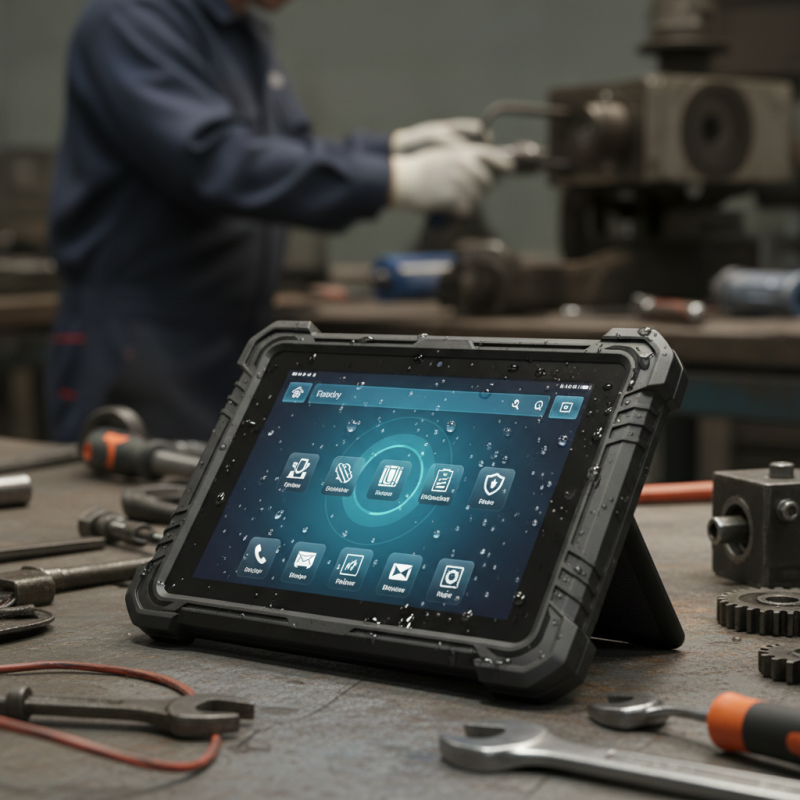
When choosing a rugged tablet, understanding the specifications is crucial. Look for a tablet with MIL-STD-810G certification. This means it can survive drops, extreme temperatures, and dust. A high IP rating is essential too. Aim for at least IP65 for water and dust resistance.
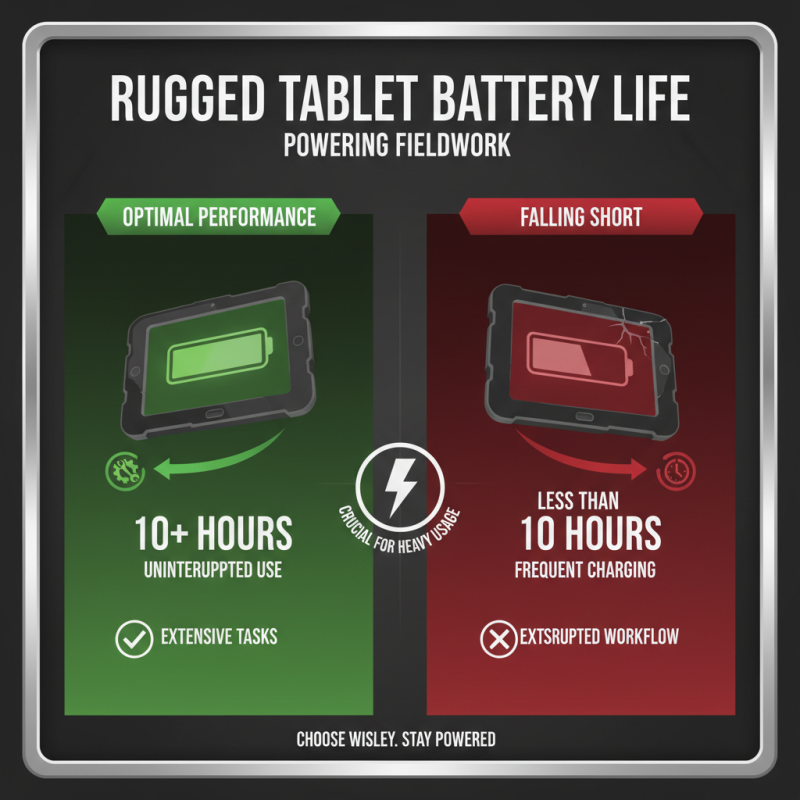
Battery life can make or break your experience. Choose a tablet that offers at least 10 hours of use. Consider the processor too. A powerful CPU ensures smooth performance, especially under demanding conditions.
Display quality shouldn't be overlooked. A glare-free screen is vital for outdoor use. Also, check the weight. Lighter tablets are easier to carry but may compromise durability. Balance is key here.
Remember to think about storage. You’ll need enough space for applications and files. Sometimes, expandable storage options can be a wise choice. Look for additional features like stylus support or detachable keyboards. These can enhance productivity in field settings.
Top 10 Tips for Choosing the Best Android Rugged Tablet PC
| Feature |
Specification |
Importance |
| Durability Rating |
IP68, MIL-STD-810G |
High |
| Screen Size |
8-12 inches |
Medium |
| Battery Life |
8-12 hours |
High |
| Operating System |
Android 10 or above |
High |
| Processor |
Quad-core/Octa-core |
High |
| Storage Options |
64GB, 128GB, expandable |
Medium |
| RAM |
4GB, 6GB |
Medium |
| Camera Quality |
8MP Rear, 2MP Front |
Low |
| Connectivity Options |
Wi-Fi, Bluetooth, LTE |
High |
| Warranty |
1-3 years |
Medium |
Evaluating Build Quality and Durability for Harsh Environments
When selecting an Android rugged tablet for harsh environments, build quality and durability are paramount. A study by Industry Analysts estimates that over 30% of tablets fail due to environmental conditions. To avoid costly replacements, focus on materials and design. Look for tablets that use heavy-duty plastics or metals. These materials offer greater resistance to impacts and abrasions. Additionally, seek devices with reinforced corners to absorb shocks during drops.
IP ratings provide essential insights. An IP67 rating, for instance, means the device is dust-tight and can withstand submersion in water for up to 30 minutes. This level of protection is vital for outdoor use. Additionally, tablets should meet MIL-STD-810G standards, ensuring they can endure extreme temperatures and humidity.
Consider the weight and size of the tablet as well. A lighter device is easier to carry, but ensure it doesn’t compromise durability. Balancing portability and sturdiness can be challenging. Users should also reflect on their specific needs. If a tablet is too rugged, it may feel cumbersome. Test the device in real-world scenarios to see how it performs under pressure. This hands-on approach will help you gauge if the tablet meets your expectations for durability and functionality.
Assessing Operating System and Software Compatibility
When selecting a rugged Android tablet, the operating system and software compatibility are crucial factors. Not all systems are created equal. Ensure the Android version is up-to-date. Older versions may lack security features and app support. This can limit user experience and functionality.
Pay attention to software compatibility. Check whether your essential applications run smoothly on the tablet. Some rugged tablets may not support specific apps, which could hinder productivity. It's essential to test software before committing. Engage with user reviews for real-world feedback. This helps assess performance in rigorous environments.
Evaluate the manufacturer’s support for updates. Some companies may lag in providing timely updates. This can lead to vulnerabilities and compatibility issues. Also, consider the tablet's ability to run specialized industry software. Addressing these factors early on can mitigate future frustrations. A well-researched choice can enhance efficiency in your tasks.
Considering Connectivity Options and Accessories for Flexibility
When choosing an Android rugged tablet, connectivity options greatly impact flexibility. Look for devices that offer multiple wireless capabilities. Wi-Fi, Bluetooth, and 4G LTE are essential. They enable seamless data access in remote areas. A tablet with great connectivity ensures that tasks are completed without interruption.
Accessories play a crucial role in enhancing versatility. Consider tablets that are compatible with keyboards, styluses, or docking stations. These accessories can improve productivity. However, not every accessory works perfectly with every tablet. Research each option carefully to avoid frustration later. Remember, a rugged tablet should withstand tough conditions.
The design should not compromise on usability. A good rugged tablet should have ports that are easy to access even with a protective case. Look for models with adequate battery life. Frequent charging can hinder productivity. Evaluate your specific needs, and choose wisely. The perfect device might not exist; you may have to make some trade-offs.

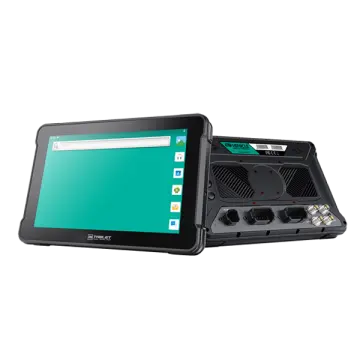 AT-10A
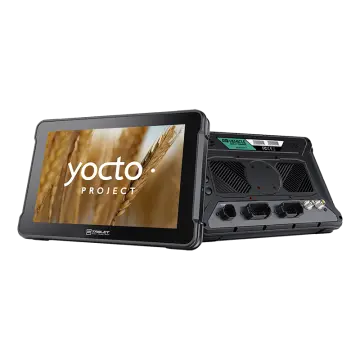 AT-10AL
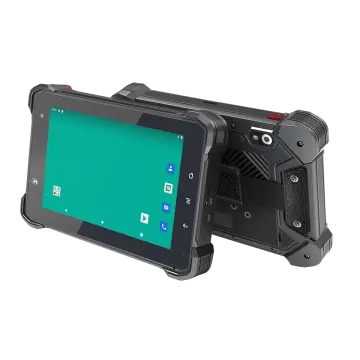 VT-7 GA/GE
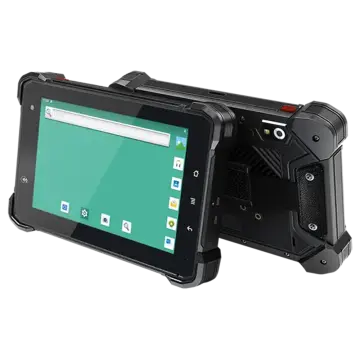 VT-7 Pro
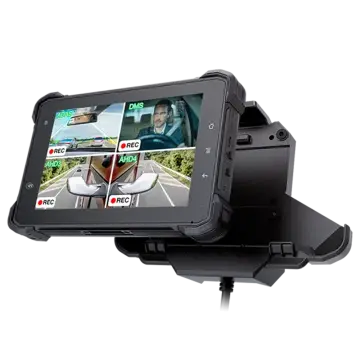 VT-7 PRO (AHD)
 VT-7A
VT-7A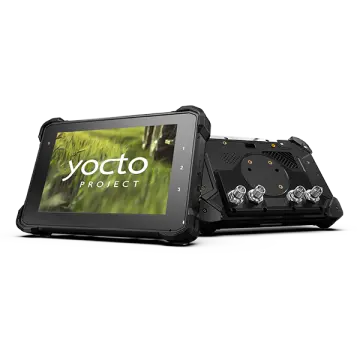 VT-7AL
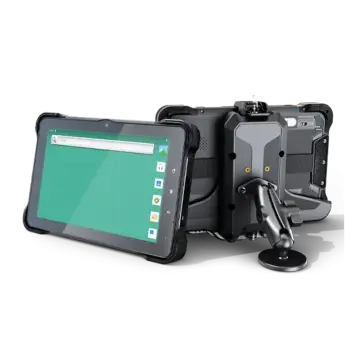 VT-10
VT-10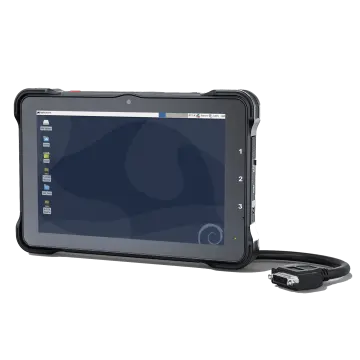 VT-10 IMX
 VT-10 Pro
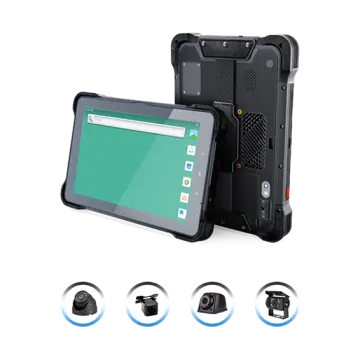 VT-10 Pro AHD
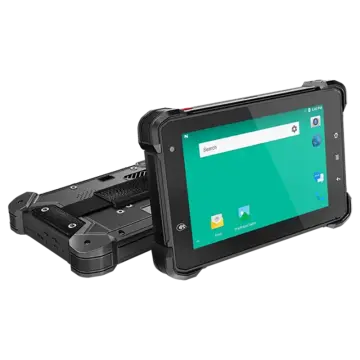 VT-7
VT-7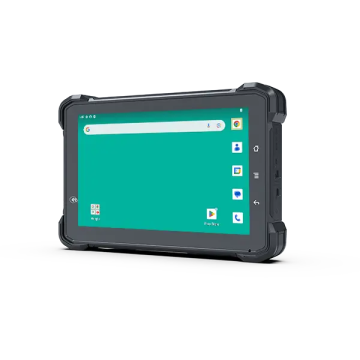 VT-7A PRO
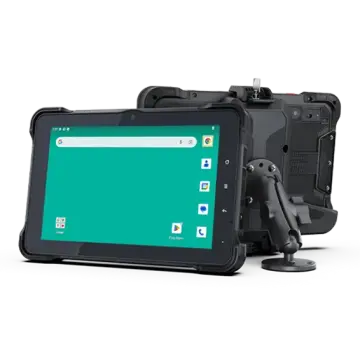 VT-10A Pro
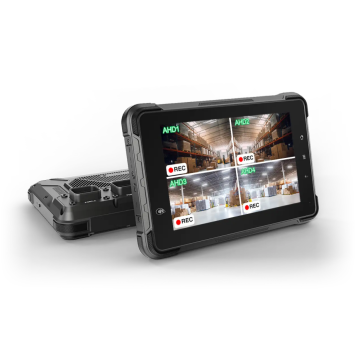 ST-7 Rugged Table
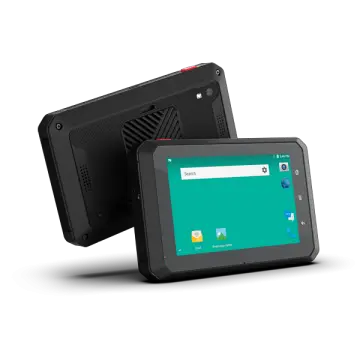 VT-5A
VT-5A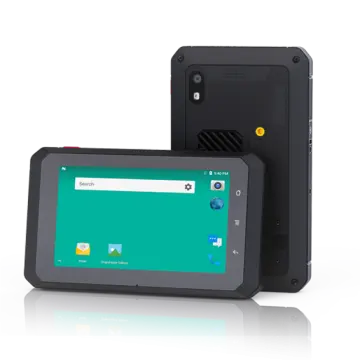 VT-5
VT-5 VT-BOX
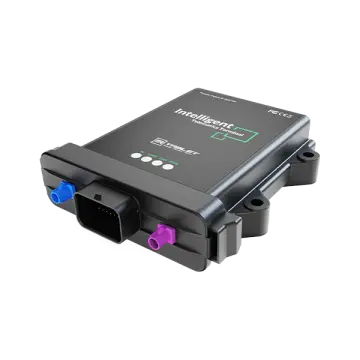 VT-BOX-II
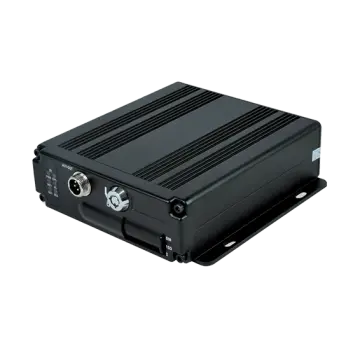 AI-MDVR040
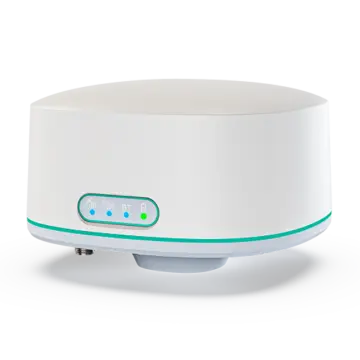 AT-B2
AT-B2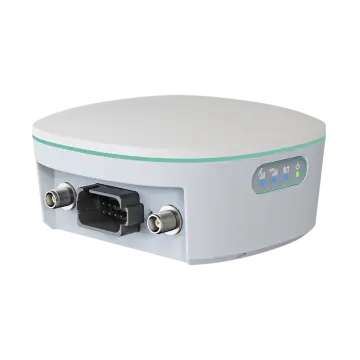 AT-R2
AT-R2