2026 Top Industrial Tablet Android Buying Guide
Industrial Tablet Android devices are becoming practical tools for warehouses, field service, manufacturing, transport, and public infrastructure. Their value is not limited to screen size or processing speed. A useful device must survive dust, vibration, gloves, rain, charging cycles, and repeated drops near metal shelving. It must also connect reliably with scanners, printers, cameras, enterprise software, and wireless networks.
Industry data supports this direction. StatCounter GlobalStats has consistently reported Android as the leading global mobile operating system, with a share above 70% during 2025. That scale gives businesses a broad application ecosystem and a large developer base. VDC Research’s coverage of rugged mobile computing also emphasizes lifecycle support, device durability, and total ownership costs rather than specifications alone. Meanwhile, Zebra Technologies’ workforce and warehouse studies continue to show strong investment in mobility, automation, and real-time operational visibility. These reports describe a clear trend, but they do not make every Android tablet suitable for industrial work.
That distinction matters. A bright display can still fail under direct sunlight. A high IP rating does not prove long-term shock resistance. Android version support may look acceptable today, yet become a security concern after several years. Buyers should compare MIL-STD testing evidence, IP certification, operating temperature, battery replacement methods, update policies, accessories, and repair availability. No device is perfect. Even experienced teams can underestimate mounting systems and charging logistics. This 2026 Industrial Tablet Android buying guide examines those practical details, helping decision-makers balance performance, reliability, security, and total cost before approving a fleet purchase.
Industrial Tablet Basics: Definition, Uses, and Core Advantages
Industrial Tablet Basics: Definition, Uses, and Core Advantages
An industrial tablet is a rugged Android computer designed for demanding workplaces. It combines a touch display, wireless connectivity, rechargeable power, and protective housing. Unlike consumer tablets, it usually supports glove touch, stronger drop resistance, and wider operating temperatures.
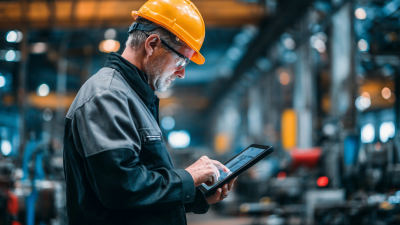
In warehouses, workers scan cartons beside metal shelves and concrete floors. In manufacturing plants, operators view work orders near vibrating machinery. Field technicians use tablets outdoors, where dust, rain, and bright sunlight can challenge ordinary screens. Healthcare teams may record equipment checks, but device cleaning requirements must be verified carefully.
A reliable model should offer an IP rating suited to the worksite. Its battery should last through a practical shift, not only laboratory testing. Barcode scanning, GPS, cameras, and cellular connections can reduce manual paperwork. Central device management also helps teams update applications and control access.
The details matter.
From hands-on evaluations, a thick case can improve protection but increase weight. A bright display may remain readable outdoors, yet consume more power. Sealed ports resist dust, though repairs can become slower. These compromises deserve honest testing before purchase. Workers should test the tablet with gloves, wet fingers, protective cases, and the actual software used daily. Android flexibility is valuable, but poorly managed applications can create support problems. A buying decision should follow measured field performance, not attractive specifications alone.
Key Hardware Specifications for Industrial Android Tablets
Industrial Android tablets need more than a fast processor. In warehouse and field testing, stable performance often matters more than peak benchmark scores. Choose a modern multi-core processor, at least 4GB RAM, and expandable storage for maps, inspection photos, and application data. Storage speed also affects startup time. A bright screen with glove-friendly touch improves accuracy under sunlight, rain, or dusty conditions.
Battery capacity should match the work shift, not just the product sheet. Look for hot-swappable batteries when downtime is costly. Check charging time, battery health controls, and low-temperature performance. A sealed enclosure with a suitable IP rating helps protect against water and dust. Drop resistance is useful, but real testing on concrete can reveal weaknesses that laboratory claims miss. Ports, barcode readers, cameras, and wireless connections should remain reliable when workers wear gloves.
Tips: Test the tablet with your actual software, gloves, scanners, and network conditions before purchase. Confirm Android update support and security patch policies in writing. I have seen devices with excellent specifications struggle after installing one demanding application. That was easy to overlook. Leave performance headroom for future updates, because replacement cycles are usually longer than expected. Also measure screen readability at the exact worksite, not only indoors.
How to Evaluate Durability, Protection, and Environmental Ratings
2026 Top Industrial Tablet Android Buying Guide
Durability starts with the worksite, not the product brochure. Examine the tablet’s enclosure, screen glass, port covers, and mounting points. A device used beside machinery may face vibration, dust, oil mist, and repeated drops. Ask for documented drop-test height, test conditions, and the number of tested units. Certification language alone is not enough. IP ratings also need careful reading. IP65 resists dust and water jets, while IP67 usually covers temporary immersion. Neither rating guarantees protection during charging. Check operating temperature, storage temperature, humidity limits, and resistance to vibration. Touch performance matters too. Test the screen with gloves, wet fingers, and protective film. Small failures become expensive delays.
Tips: Request laboratory reports, not only marketing claims. Inspect seals after repeated opening. Test every port cover. Confirm whether accessories keep the rated protection. A bright display may still fail outdoors. Measure readability under direct sunlight. Ask how batteries perform during cold starts. These details often reveal more than a specification sheet.
Reliability also depends on software and support. Verify Android update policies, security maintenance, diagnostic tools, and replacement procedures. Field trials should run for several shifts, not just a few minutes. Record missed touches, reboot events, loose connectors, and charging interruptions. One imperfect test can expose a serious weakness. I would not treat a single successful drop as proof of ruggedness. Real environments are less controlled, and dust rarely arrives politely. Choose evidence that matches your workers, weather, handling habits, and daily workload.
2026 Top Industrial Tablet Android Buying Guide: Protection Ratings
The first digit indicates protection against solid particles, while the second digit indicates protection against water.
A higher number generally provides stronger protection, but IP68 immersion conditions are defined by the manufacturer and should be verified for the intended working environment.
Ratings are based on IEC 60529.

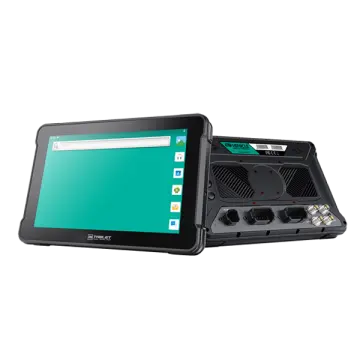 AT-10A
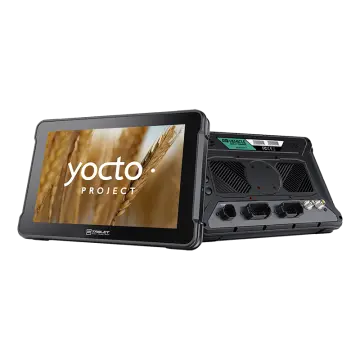 AT-10AL
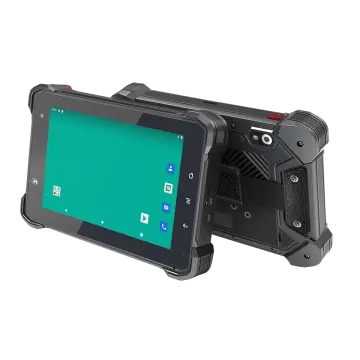 VT-7 GA/GE
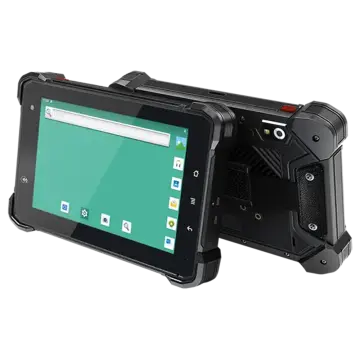 VT-7 Pro
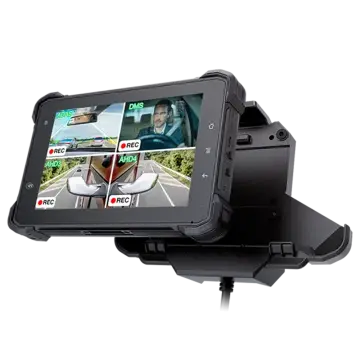 VT-7 PRO (AHD)
 VT-7A
VT-7A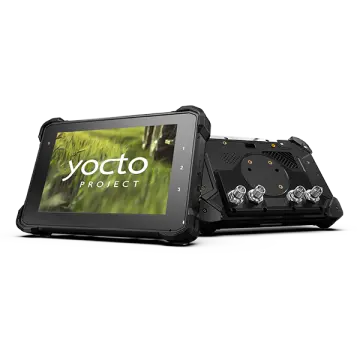 VT-7AL
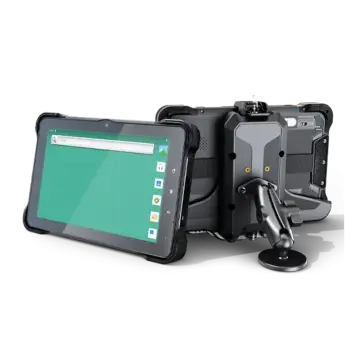 VT-10
VT-10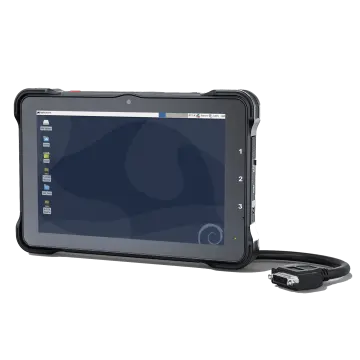 VT-10 IMX
 VT-10 Pro
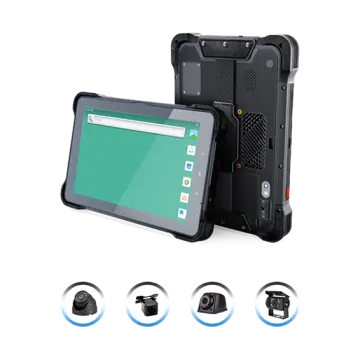 VT-10 Pro AHD
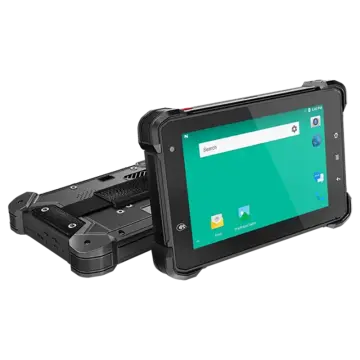 VT-7
VT-7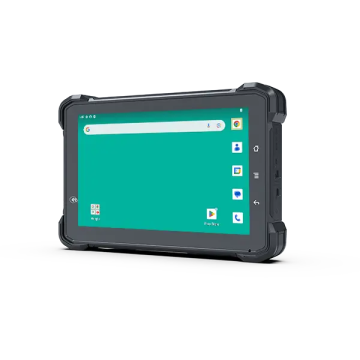 VT-7A PRO
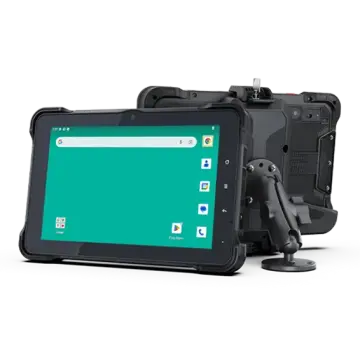 VT-10A Pro
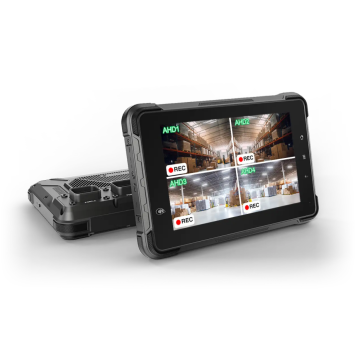 ST-7 Rugged Table
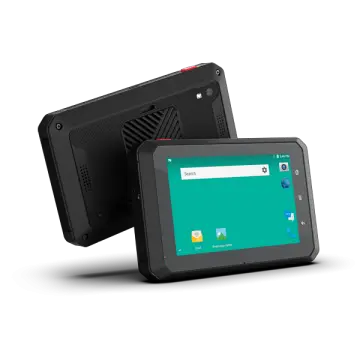 VT-5A
VT-5A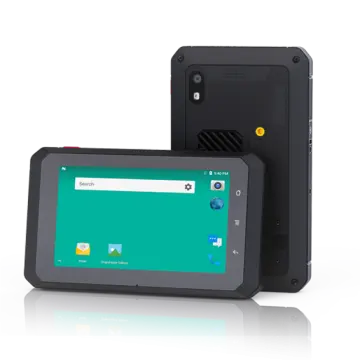 VT-5
VT-5 VT-BOX
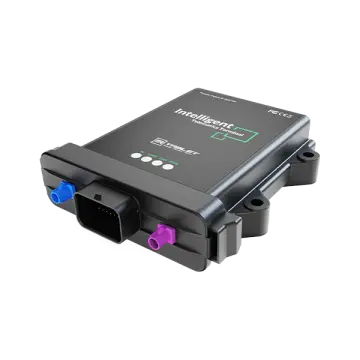 VT-BOX-II
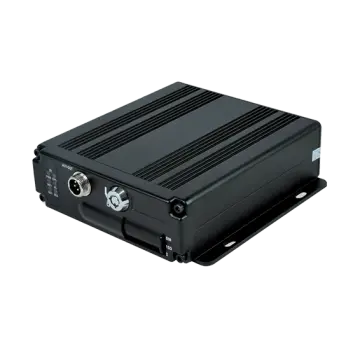 AI-MDVR040
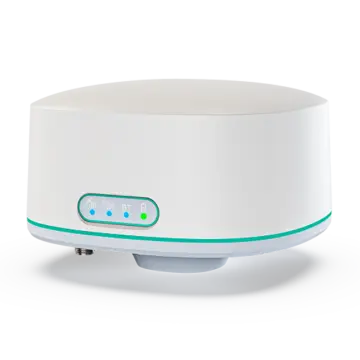 AT-B2
AT-B2 AT-R2
AT-R2