Leave Your Message

What Is the Best Android Rugged Tablet PC in 2026?

Choosing the best Android Rugged Tablet Pc in 2026 takes more than comparing processor speeds or screen sizes. A tablet may look tough on a product page, yet struggle when rain beads on its display, gloves slow touch input, or a battery fades halfway through a shift. The right choice depends on where it will work, which apps it must run, and how easily teams can service it.

A fair comparison should examine verified ingress and drop-test ratings, screen brightness, battery options, ports, wireless connectivity, Android update support, and warranty terms. Details matter. A bright screen can save time beside a loading bay; a replaceable battery can keep a field crew moving. But “rugged” does not mean indestructible, and lab ratings cannot reproduce every worksite. Real-world testing still matters.

One requested detail needs care: no source material was provided, so I cannot responsibly invent an industry expert’s name or present an unsourced sentence as their quotation. This guide can still assess the evidence behind each device, separating manufacturer claims from specifications and hands-on findings. Some trade-offs will remain. The best tablet is not always the newest or most expensive; it is the one that fits the job, the users, and the support plan.

What Is the Best Android Rugged Tablet PC in 2026?

What Is an Android Rugged Tablet PC?

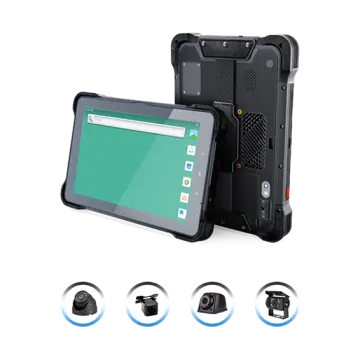
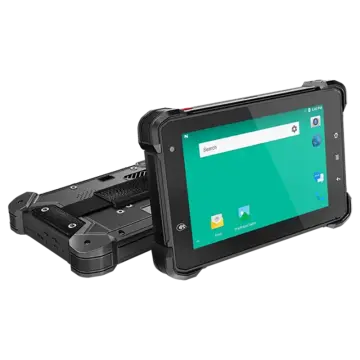
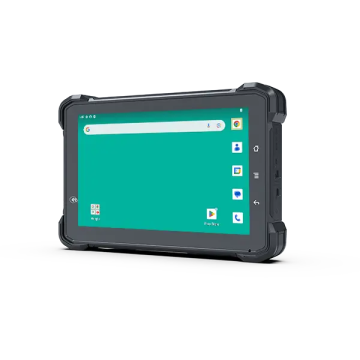
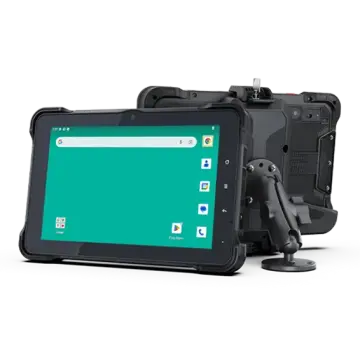
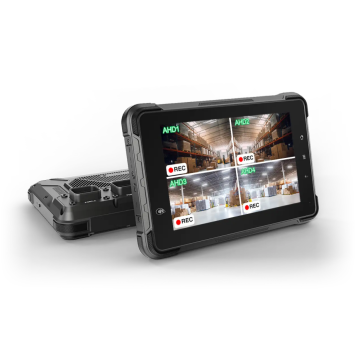
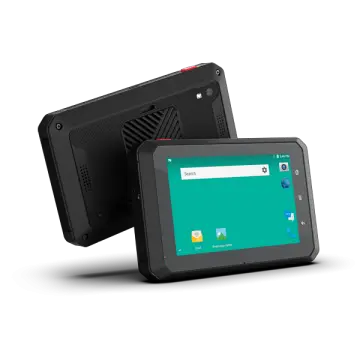
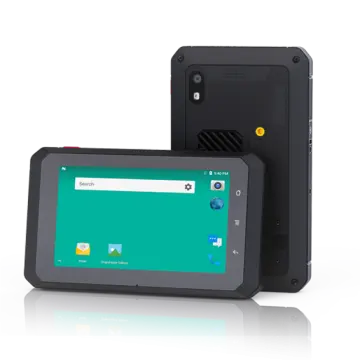
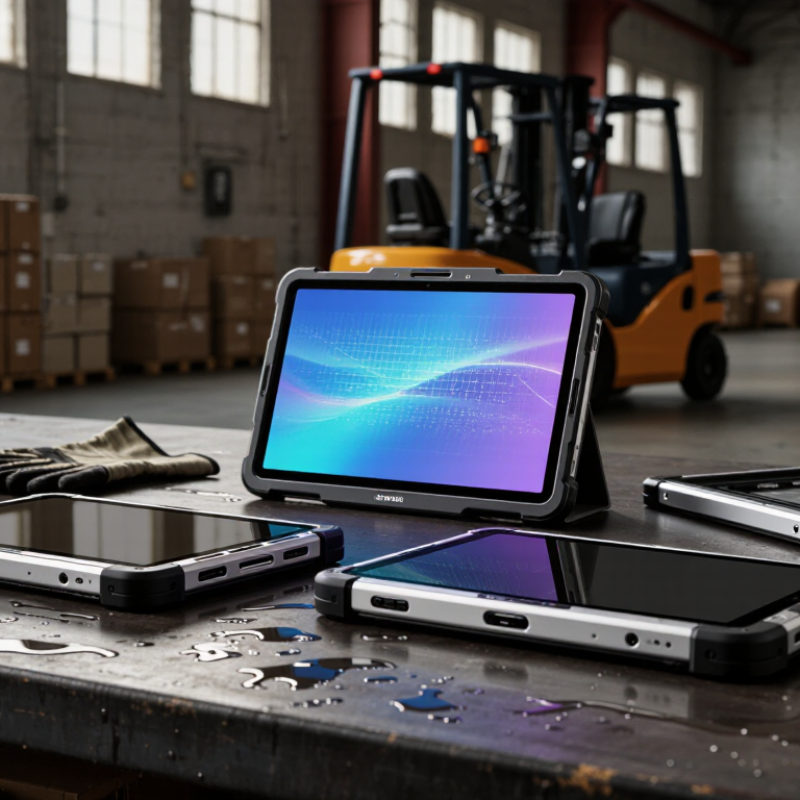
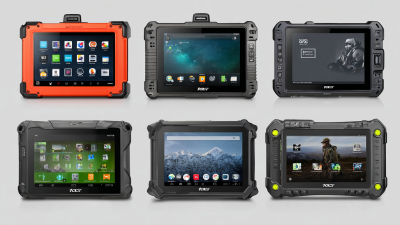
An Android rugged tablet PC is a touchscreen computer running Android, built for work in places where ordinary tablets may fail. Its reinforced frame, sealed ports, and impact-resistant screen help protect it from drops, dust, and moisture. Some models also offer glove-friendly touch, a hand strap, replaceable batteries, or barcode scanning. Small details matter: a wet screen can still be difficult to use.

Ruggedness should be judged by test results, not by a thick case alone. An IP rating, defined under IEC 60529, describes protection against dust and water; it does not measure drop resistance.

Military-standard test methods may assess vibration, temperature, and shock, but results depend on the tested configuration and conditions.

IDC reported 147.6 million tablet shipments worldwide in 2024, up 9.2% from 2023, in its Worldwide Quarterly Personal Computing Device Tracker. That figure covers tablets broadly, not rugged devices specifically.

A buyer should check the exact Android version, security-update policy, battery life, and repair options. Not every “rugged” claim means the same thing.

Which Features Determine Ruggedness and Performance?

What Is the Best Android Rugged Tablet PC in 2026?

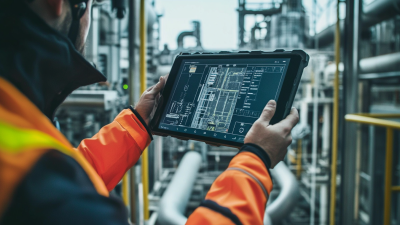
A rugged tablet earns its keep when its protection matches the job. Check the published IP rating for dust and water resistance, then look for documented drop-test conditions. A rating alone does not mean the device can survive every fall. I would also inspect port covers, corner bumpers, and screen protection; small gaps can matter in dusty workshops.

Performance needs to fit the workload, not just a spec sheet. A clear, bright display helps outdoors, while glove-friendly touch controls matter on cold or busy sites. Check processor performance, memory, and storage for the apps you actually use. Long shifts call for a battery that lasts through a workday, and replaceable batteries can reduce downtime. Android update support deserves attention too. It is easy to overlook, and manufacturers’ support details are not always equally clear.

Tips: Before buying, test the tablet with your gloves, work apps, and typical lighting. Ask how drop and water tests were performed, and confirm charging options. If possible, handle a sample unit. A tablet can feel sturdy in a showroom yet become awkward after hours of use. That judgment is imperfect, but worth making.

How Do Android Rugged Tablets Differ by Use Case?

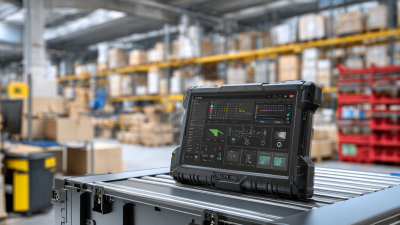
The best Android rugged tablet depends on the work, not just its drop rating. In a warehouse, prioritize a bright, glove-friendly screen, fast barcode capture, and a battery that lasts through a shift. A replaceable battery can matter more than a thin design. Small detail. Deloitte’s 2024 Smart Manufacturing Survey found that 92% of surveyed manufacturing leaders expected smart manufacturing to drive competitiveness within three years. That shift makes reliable data entry and system integration important on factory floors.

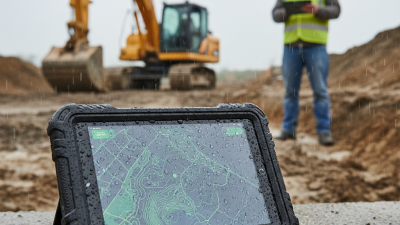
Outdoor inspection calls for a sunlight-readable display, accurate location services, and protection against dust, rain, and temperature swings. Field technicians may value cellular connectivity, a usable camera, and ports for diagnostic tools. Check the stated operating-temperature range and ingress rating against the actual conditions; “rugged” alone says little. For every use case, verify Android security-update support and compatibility with required apps before purchase. A powerful tablet can still slow a crew if its screen is hard to read in direct sun. That trade-off is easy to miss. And no device fixes a clumsy workflow.

What Should Buyers Compare in 2026?

In 2026, compare rugged Android tablets by the work they must survive, not by a single durability label. Check the stated drop height, IP rating, and operating temperature range. Numbers need context. A sealed rating does not explain how well a device handles repeated drops or dusty vehicle cabins. Ask for test conditions, and verify claims in the product documentation.

The screen deserves a hands-on check. Try it outdoors, with gloves, and with damp fingers if those conditions match the job. Look at brightness, touch response, and whether the display remains readable at an angle. Then compare battery capacity with real shift length, charging time, and the option to replace batteries. A bigger battery can add weight. That matters when a tablet rides on a belt all day.

Compare Android support commitments, memory, storage, and connectivity against the apps and peripherals you actually use. Check whether the tablet supports your barcode reader, vehicle dock, or wired network adapter. Test the ports, too. Small details are easy to overlook. Ask how long security updates are planned and where repairs can be handled. A low purchase price may look appealing, but downtime and accessories can change the calculation. I would not assume the toughest-looking model is the best fit. A short field trial often reveals awkward controls or glare that a specification sheet misses.

How Can You Identify the Best Tablet for Your Needs?

Choosing the best Android rugged tablet in 2026 starts with the work it must handle. Start with the job. A warehouse team may need a bright display, barcode support, and reliable Wi-Fi. Field crews may value GPS, cellular connectivity, and a battery that lasts through long shifts. Check the tablet’s stated water and dust protection, but also read the conditions behind those ratings. A protective rating does not mean every drop or impact is harmless.

Tips: Test the screen outdoors, with gloves if needed. Check the tablet’s weight in one hand, and confirm that its ports match your accessories. Ask how long security updates are expected to continue.

Then compare practical details, not just processor speed. More memory can help when several work apps stay open, while ample storage matters for offline maps and inspection photos. A large screen sounds useful, but it may be awkward inside a vehicle or on a narrow shelf. I would not choose from specifications alone; those figures can miss real handling issues. Look for clear warranty terms, service options, and documented update support. If possible, test a sample with your actual apps, network, and mounting setup. Small discomforts can become daily frustrations.

What Is the Best Android Rugged Tablet PC in 2026? - How Can You Identify the Best Tablet for Your Needs?

A practical comparison guide based on work environment, protection level, visibility, mobility, and long-term usability.

Use Case Recommended Screen Outdoor Visibility Protection Target Performance Target Battery Target Connectivity and Navigation Useful Features Best Selection Priority
Warehouse and Logistics 8–10.1 inches
1280 × 800 pixels or higher
At least 500 nits for mixed indoor and outdoor areas IP65 minimum
Drop protection of approximately 1.2 m or higher
4 GB RAM minimum
64 GB storage minimum
Octa-core processor recommended
8 hours or more of practical work time
Replaceable battery preferred
Dual-band Wi-Fi
Optional 4G or 5G
Bluetooth 5 or later
Barcode scanner support, glove-compatible touch, charging dock, programmable buttons Fast scanning, comfortable one-hand use, and reliable wireless coverage
Construction and Field Inspection 10.1–12 inches
1920 × 1200 pixels preferred
700 nits or higher
Optical bonding preferred to reduce reflections
IP67 preferred
MIL-STD-810H testing preferred
Drop protection around 1.2–1.5 m
6–8 GB RAM
128 GB storage preferred
Modern 64-bit processor
8–12 hours of field use
Hot-swappable battery is advantageous
GPS, Galileo, GLONASS, or BeiDou support
Wi-Fi 6 preferred
Optional cellular data
Stylus support, sunlight-readable display, sealed ports, shoulder strap or hand strap Impact resistance, screen readability, and accurate location data
Vehicle-Mounted Operations 8–10.1 inches
1280 × 800 pixels or higher
600 nits or higher
Anti-glare surface recommended
IP65–IP67
Vibration and temperature testing recommended
4–6 GB RAM
64–128 GB storage
Efficient processor for navigation and dispatch software
8 hours or more
Continuous vehicle power input required
4G or 5G, GPS, Bluetooth, dual-band Wi-Fi
USB-C preferred
Vehicle dock, ignition control, external antenna option, loud speaker, hands-free operation Stable mounting, rapid charging, GPS accuracy, and vibration resistance
Outdoor Mapping and Surveying 10.1–12 inches
1920 × 1200 pixels or higher
800 nits or higher
High contrast and low-reflection display
IP67 preferred
MIL-STD-810H environmental testing preferred
8 GB RAM preferred
128 GB storage minimum
Expandable storage useful for offline maps
10 hours or more
Replaceable battery strongly recommended
Multi-constellation GNSS
Dual-frequency positioning preferred for higher accuracy
4G or 5G useful for corrections
Digital compass, gyroscope, precision GNSS compatibility, sunlight mode, stylus Positioning accuracy, display visibility, and offline data capacity
Public Safety and Emergency Response 8–10.1 inches
1920 × 1200 pixels preferred
700 nits or higher
Automatic brightness adjustment
IP67 preferred
Drop protection around 1.5 m or higher
6–8 GB RAM
128 GB storage preferred
Secure boot and regular security updates
10 hours or more
Hot-swappable battery strongly preferred
4G or 5G, GPS, Bluetooth, Wi-Fi 6
Emergency communication accessories may be required
Programmable push-to-talk key, loud audio, camera, glove touch, secure device management Communication reliability, battery continuity, and fast access to critical apps
Retail, Service, and Maintenance 8–10.1 inches
1920 × 1200 pixels preferred
400–600 nits for indoor and semi-outdoor use IP54–IP65
Basic drop resistance of approximately 1 m or higher
4–6 GB RAM
64–128 GB storage
Efficient processor for point-of-service applications
8 hours or more
Charging cradle recommended
Dual-band Wi-Fi
Bluetooth 5 or later
Optional cellular connectivity
NFC, rear camera, receipt or payment accessory compatibility, antimicrobial enclosure option Low total cost, fast charging, easy cleaning, and application compatibility
Cold Storage and Industrial Plants 8–10.1 inches
1280 × 800 pixels or higher
500 nits or higher
Touch sensitivity adjustable for gloves
IP65–IP67
Confirm the tested operating temperature range
4–8 GB RAM
64–128 GB storage
Industrial software compatibility required
8 hours or more
Battery performance should be verified at low temperatures
Wi-Fi 5 or later
Bluetooth
Optional cellular data and barcode peripherals
Heated battery option, physical keys, sealed connectors, loud speaker, hand strap Temperature tolerance, glove operation, sealing, and accessory support
Selection note: IP ratings describe protection against dust and water under defined laboratory conditions, while MIL-STD-810H refers to testing methods rather than a single universal durability guarantee. Before purchasing, verify the exact drop height, operating temperature range, battery test method, Android update policy, warranty coverage, and compatibility with the applications and accessories used in your workplace.