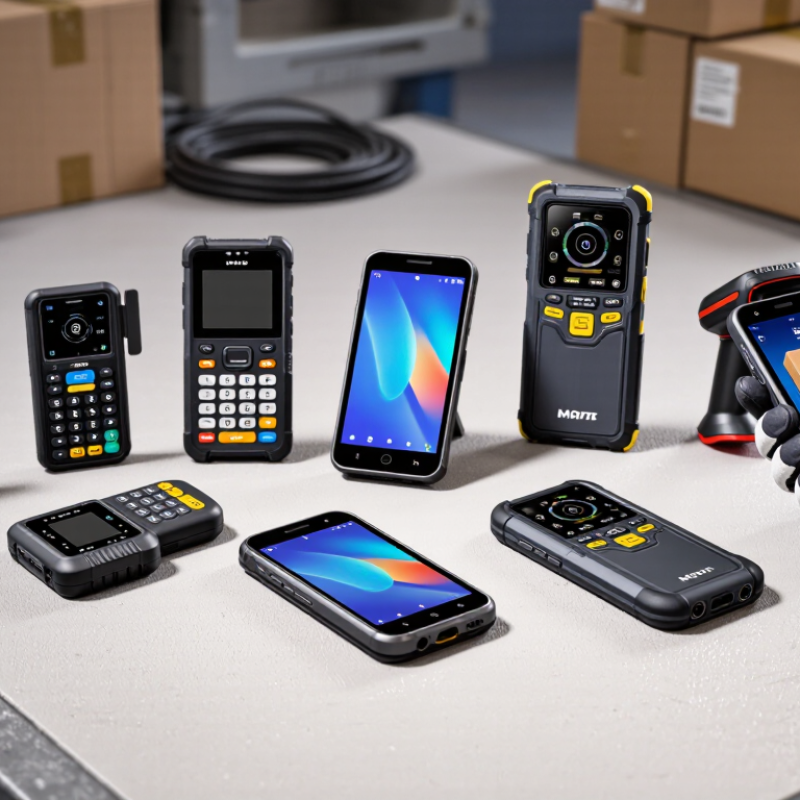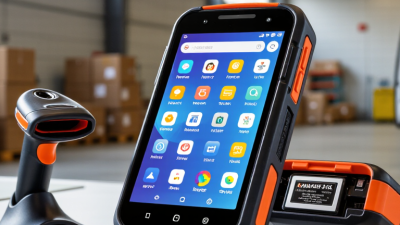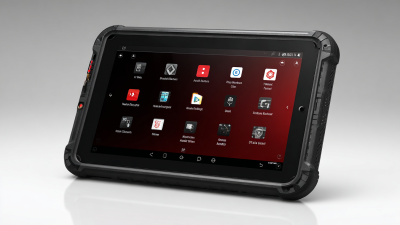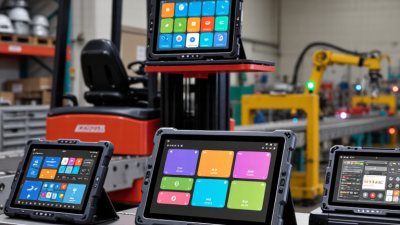
A warehouse terminal may look impressive on a product page, then struggle when a worker scans a scratched carton under cold lighting. That gap matters. For global buyers, choosing an Mdt Terminal Android means weighing daily performance, not just processor speed or screen size. Battery endurance, scan accuracy, grip, Android support, and repair access can shape years of work.
Rugged-computing reviewer Conrad H. Blickenstorfer offers a useful perspective through his device reviews: field performance matters more than a polished specification sheet. This is a paraphrase, not a verified direct quotation. The distinction deserves care. Buyers should confirm claims with current manufacturer documentation and, where possible, a hands-on trial.
This guide compares ten Android MDT terminals for varied workflows, from warehouse picking to outdoor asset checks. It considers practical details: whether gloves work on the touchscreen, how quickly a scanner reads a small label, and whether the battery lasts through a full shift. A high IP rating helps, but it cannot answer every question. Drop conditions, accessories, software updates, and service coverage also matter.
No single model fits every operation. Some terminals may feel bulky after hours of use; others may lack a feature that looked essential during procurement. That trade-off is easy to miss. Use the rankings as a starting point, then test shortlisted devices against real tasks, staff feedback, and support needs in each buying region.
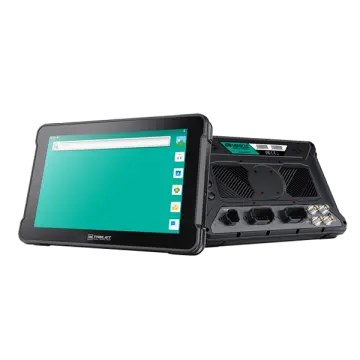
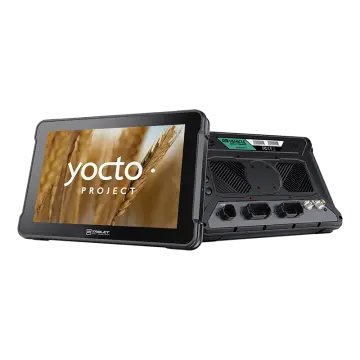
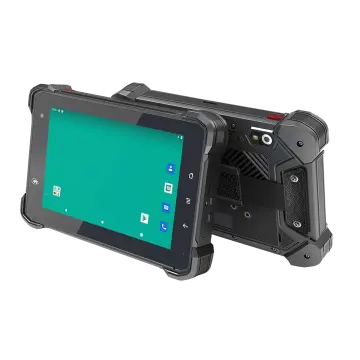
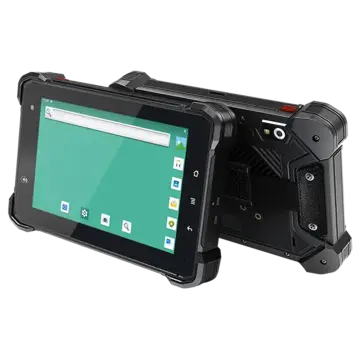
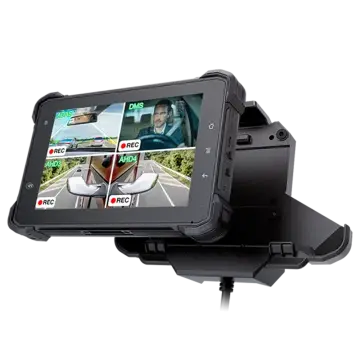
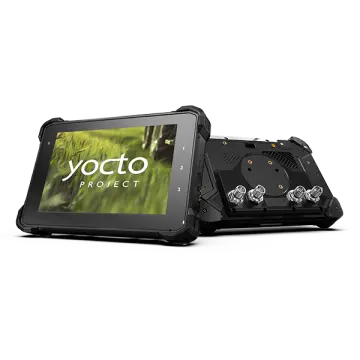
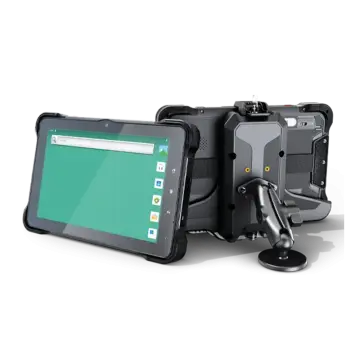
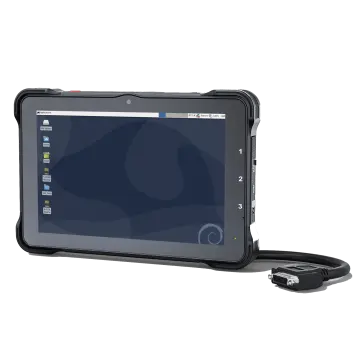
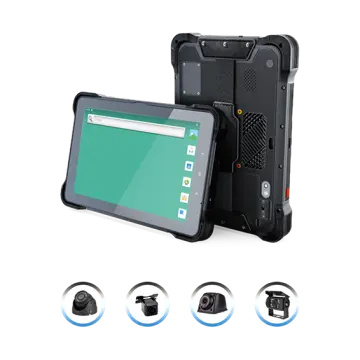
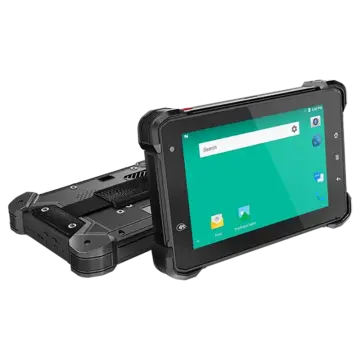
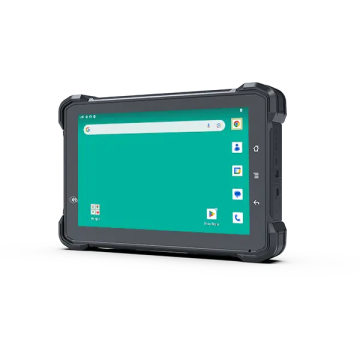
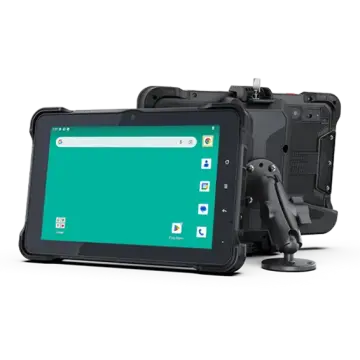
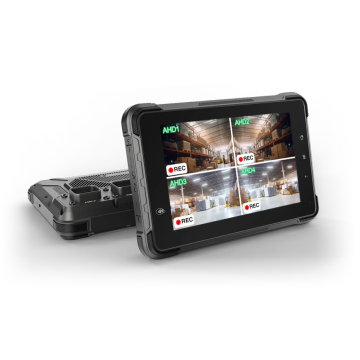
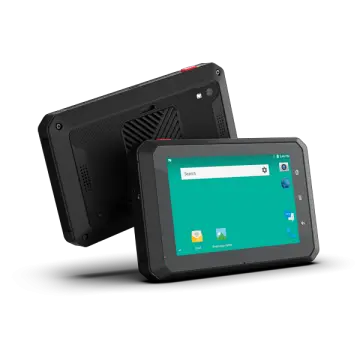
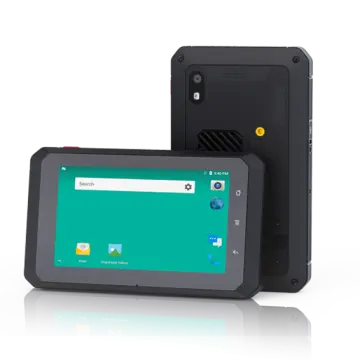
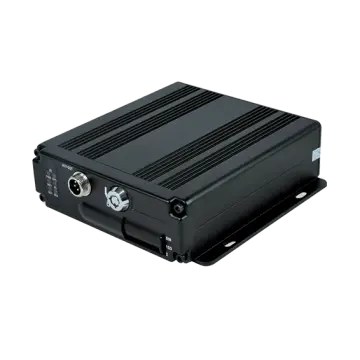
An Android MDT terminal is a mobile data terminal built for work on the move. It may be mounted beside a vehicle’s dashboard or carried as a rugged tablet. Drivers and field teams use it to receive jobs, check routes, capture signatures, scan items, and report status updates.
An MDT is not just a phone with a mount; it needs dependable power, clear controls, and a workflow suited to the vehicle or task.
The need for connected operations is visible across transport. UNCTAD’s Review of Maritime Transport 2024 reports that global container port throughput reached 858.9 million TEUs in 2023. That figure does not measure MDT use, but it shows the scale of goods moving through supply chains.
GSMA’s Mobile Economy 2024 estimates that mobile technologies and services contributed 5.4% of global GDP in 2023, or about $5.4 trillion.
For buyers, those broad figures are context, not a purchasing forecast. Check whether a terminal supports required scanning, mounts securely, and remains readable under direct sunlight.
Battery life matters, too. Sometimes the best setup is less impressive on paper, but easier to use at a busy loading bay.
An Android MDT terminal earns its place through more than a large screen or a rugged shell. In a delivery vehicle, sunlight can wash out a dim display, while gloves may make ordinary touch controls frustrating. Check screen brightness, touch response, and viewing angle in the cab, not only on a specification sheet. Small details count.
The operating system and hardware shape daily reliability. Confirm the Android version, update policy, available memory, and storage before choosing a unit. Mapping, dispatch, and scanning apps can compete for resources, especially when several run together. Cellular, Wi-Fi, Bluetooth, and accurate GNSS reception also matter. Test signal recovery on routes with tunnels or tall buildings. A connection that works only in the yard is not enough.
Physical design should match the vehicle and work pattern. Look for secure mounting, stable power input, useful ports, and protection against dust, vibration, and temperature changes. An IP rating helps, but it does not prove that a terminal will survive every cab or installation. That deserves a real trial. Compare units during a full shift, including startup, screen readability, and reconnection after a dead zone. Teams sometimes focus too heavily on processor figures; honestly, a clear display and dependable mounting may matter more in everyday use.
Evaluating Android MDT terminals for global operations means testing them against real shifts, not just comparing processor speeds. GSMA’s Mobile Economy 2024 projects 5.6 billion unique mobile subscribers by 2030, yet local coverage and network bands still vary. Ericsson’s June 2024 Mobility Report counted 1.6 billion 5G subscriptions worldwide at the end of 2023. That growth does not make 5G universal. Check each regional model’s supported bands, SIM options, and LTE fallback. Coverage varies. Test it outdoors, inside warehouses, and at loading bays.
Then assess the workday details: a scanner must read a scratched label under dim light, while the screen remains usable with gloves. Check battery runtime across a full shift, charging time between shifts, drop and ingress ratings, and operation across expected temperatures. Ask how long security updates and Android version support are guaranteed, and how updates are managed across deployed devices. Verify Wi-Fi roaming and GPS performance on the routes staff actually use. A specification sheet cannot show how a terminal feels after eight hours. A spreadsheet score can mislead. Pilot several units with workers, record missed scans and downtime, and include repair turnaround and spare-device availability in the total-cost comparison.
The entries below are generic terminal profiles, not specific products or brands. Specifications are common evaluation targets and vary by device configuration; confirm them in the manufacturer’s documentation before purchase.
| Rank | Terminal Profile | Typical Display Target | Best-Fit Operation | Key Evaluation Points | Global-Buyer Checks |
|---|---|---|---|---|---|
| 1 | Compact Vehicle-Mounted MDT | 5–7 in; touch operation suited to the cab | Delivery vans, service vehicles, and space-constrained dashboards | Secure mounting, stable power input, screen readability, and easy access to controls | Confirm the mount and power accessories are available for the target vehicle and country. |
| 2 | Standard 7-Inch Vehicle MDT | About 7 in; compact view for maps and work orders | Fleet dispatch, navigation, proof of delivery, and field-service workflows | GPS performance, cellular options, external antenna support, and docking connections | Check supported cellular bands and whether the device can use local SIM or eSIM services. |
| 3 | 8-Inch Rugged MDT | About 8 in; larger workspace while remaining vehicle-friendly | Logistics vehicles and operations that combine maps with forms or scanning | Drop-test conditions, ingress-protection rating, glove-compatible touch, and replaceable accessories | Review the exact test configuration and warranty terms; protection ratings do not cover every type of damage. |
| 4 | 10-Inch Large-Display MDT | About 10 in; supports detailed maps and multi-panel applications | Large-cab vehicles, mobile command work, and data-heavy field applications | Mount stability, viewing angle, power consumption, screen brightness, and thermal performance | Check shipping weight, mounting requirements, and local repair options before fleet-wide deployment. |
| 5 | Sunlight-Readable MDT | Commonly 7–10 in; brightness should be verified from the published specification | Outdoor delivery, construction, utilities, and work in bright daylight | Measured display brightness, anti-glare treatment, optical bonding, and automatic brightness control | Ask how brightness is measured and test readability in the actual vehicle and lighting conditions. |
| 6 | Fanless Rugged MDT | Typically selected in 7–10 in sizes | Dusty, vibration-prone, or continuously operated vehicle environments | Operating-temperature range, passive cooling design, vibration testing, and sustained workload performance | Compare the specified temperature range with the vehicle’s real parked and operating conditions. |
| 7 | Cold-Storage MDT | Typically selected in 7–10 in sizes; touch behavior matters in cold conditions | Refrigerated transport, cold rooms, and temperature-controlled logistics | Documented low-temperature operation, screen response, battery behavior, and condensation management | Request separate operating and storage temperature limits; verify performance with gloves and condensation exposure. |
| 8 | Forklift and Warehouse Vehicle MDT | About 7–10 in; chosen to suit operator distance and cab layout | Warehouse vehicles, inventory movement, and loading operations | Secure vehicle mount, vibration resistance, barcode-scanner compatibility, and quick power connection | Check that the mounting arrangement does not obstruct the operator’s view or vehicle controls. |
| 9 | Docking-Station MDT | Usually 7–10 in, depending on the workflow | Vehicles or field teams that need repeatable charging and peripheral connections | Dock availability, connector durability, charging behavior, and support for external displays or scanners | Confirm dock compatibility by exact device configuration and include spare docks in the service plan. |
| 10 | Certified Hazardous-Area MDT | Varies; select only from devices carrying the required certification | Operations in locations where explosive-atmosphere rules apply | Exact hazardous-area certification, permitted accessories, battery rules, and approved operating conditions | Match the certification marking to the site’s jurisdiction, zone or division, gas group, and temperature class. |
Evaluation reminder: For every candidate, verify the Android version and published security-update policy, cellular-band compatibility, local regulatory approvals, language and keyboard support, repair coverage, spare-part availability, and total cost of ownership. A feature or certification should be treated as confirmed only when it is documented for the exact model and configuration being quoted.
Choosing an Android MDT terminal for international work means checking fit, not just screen size. Confirm that its Android version supports your fleet-management and dispatch apps, including required security updates. Test the interface with gloves, under direct sunlight, and while mounted in a moving vehicle. Small details matter.
Check cellular bands, Wi-Fi roaming, Bluetooth, and positioning support against each destination market and carrier. A device that connects at headquarters may lose service in a rural depot. Ask suppliers for technical specifications and test units with your actual SIM cards, scanners, and vehicle docks. I still find this easy to underestimate. Battery life can also change sharply when scanning and location services run all day.
Compliance needs the same market-by-market attention. Verify applicable radio approvals, electrical safety documentation, and data-protection requirements before ordering; requirements differ, and paperwork should match the exact model and configuration. Avoid relying on a broad “global” claim alone. Request current documents and confirm who handles software updates and repair support locally. One awkward truth: a perfect specification sheet cannot predict every route, network dead zone, or driver habit. Pilot a small fleet, record connection drops and charging needs, then revise the shortlist before scaling.
For global buyers comparing the top 10 Android MDT terminals, the key question is not which unit looks strongest on paper. It is whether the device stays usable across shifts, climates, and network conditions. GSMA’s Mobile Economy 2024 report estimates 5.6 billion unique mobile subscribers in 2023, with the figure potentially reaching 6.3 billion by 2030. That scale makes regional compatibility and long-term support practical buying concerns. Check supported cellular bands, Wi-Fi performance, Android update commitments, and whether local service teams can replace batteries or screens.
Compare the terminals using the same workload. Scan a scratched barcode under warehouse lighting, enter data with gloves, and test the touchscreen near a vehicle dashboard. Then measure battery life during a full shift, not just in a vendor’s ideal test. Small details matter. A cradle that loosens on a vibrating forklift can waste more time than a slightly slower processor. Ask for documented drop, ingress-protection, and operating-temperature ratings, and verify the test conditions. The GSMA report also notes that mobile technologies and services contributed 5.4% of global GDP in 2023, underscoring how much operational work now depends on connected devices.
A shortlist should weigh total cost, repairability, security controls, and integration effort alongside screen size and processor speed. Request a pilot with the actual scanners, vehicle mounts, and software your staff will use. One weak point remains easy to overlook: published specifications rarely show how quickly a supplier resolves failures in your region. That deserves a direct question—and a written answer.