Why Choose a Rugged Tablet PC for Your Business?
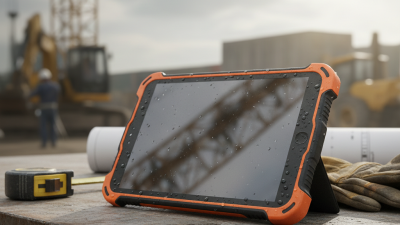
Why Choose a Rugged Tablet Pc for Your Business? The answer begins where ordinary devices often fail. A warehouse floor can shake. Rain can blur a screen. A technician may drop a tablet beside a running machine. These are not dramatic exceptions. They are normal working conditions for many field teams.
Industry research supports this shift toward durable computing. VDC Research’s rugged mobile computing studies identify logistics, transportation, manufacturing, utilities, and field service as major adoption sectors. Grand View Research also expects the global rugged tablet market to expand steadily through the decade, driven by connected operations and mobile workforce demands. These reports suggest a practical trend, not a temporary gadget cycle. Still, market growth alone does not prove that every company needs rugged hardware.
David Krebs, Executive Vice President at VDC Research, has expressed the central value clearly: “Rugged devices are built to keep business moving when conditions are not ideal.” That principle matters when a cracked screen delays a delivery route or a dead battery stops an inspection. A Rugged Tablet Pc can offer reinforced housing, glove-compatible touchscreens, hot-swappable batteries, and resistance to dust, drops, and moisture. However, durability is not the whole decision. Poor software, uncomfortable weight, or weak service support can erase the benefit. That part is easy to overlook. Businesses should test devices in real workflows, measure downtime, and compare total ownership costs before buying. A stronger shell helps. Better decisions help more.

Business Requirements and Rugged Tablet PC Fundamentals
Why Choose a Rugged Tablet PC for Your Business?
Choosing a rugged tablet PC should begin with business requirements, not appearance. Consider where employees will use it: dusty warehouses, wet service areas, vehicles, or outdoor sites. A field technician may need a bright display, glove-friendly controls, and reliable connectivity. A warehouse worker may value barcode scanning and a battery that lasts through a full shift. Small details matter.
Rugged fundamentals include drop resistance, sealed ports, reinforced frames, and protection against dust and water. Review the device’s tested ratings carefully. Marketing language can sound stronger than laboratory evidence. Check operating temperature, battery replacement options, repair support, and security controls. During trials, let real employees carry the tablet, enter data, and work under poor lighting. Specifications help, but hands-on experience often reveals uncomfortable grips or confusing software. No device fits every team perfectly.
Tips: List the harshest working conditions before comparing models. Test Wi-Fi, mobile connectivity, and battery life in actual work areas. Ask users to wear gloves during the trial. Do not ignore mounting systems, charging docks, or protective cases. A tablet can survive a drop yet still fail when its accessories are poorly designed. Reassess the purchase after a short pilot, because early assumptions are sometimes wrong.
Durability Features for Demanding Work Environments
Why Choose a Rugged Tablet PC for Your Business?
Demanding workplaces punish ordinary devices. Dust enters ports, rain reaches screens, and repeated drops happen beside vehicles. A rugged tablet should meet an IP65 or higher rating under IEC 60529. This helps resist dust and water jets. Drop protection also matters. MIL-STD-810H testing can assess shock, vibration, temperature, and humidity, but laboratory testing cannot copy every jobsite. That limitation deserves attention.
The U.S. Bureau of Labor Statistics recorded 1,069 fatal work injuries in transportation and material-moving occupations during 2023. This figure does not prove that rugged tablets prevent accidents. It does show why dependable equipment matters near moving loads and uneven ground.
Look for reinforced corners, glove-compatible touchscreens, sunlight-readable displays, and sealed connectors. Field technicians also need batteries that survive long shifts. A removable battery can reduce downtime, although it adds another seal that may eventually wear.
Tips:
Ask for test conditions, not just ratings. Check the drop height, temperature range, and port-cover design. Test the tablet with wet gloves and protective cases. Keep spare batteries away from extreme heat. The best specification can still fail when maintenance is ignored. According to IDC’s 2024 Future of Connected Work research, organizations continue investing in mobile and edge technologies to improve frontline productivity. Yet productivity gains depend on practical fit. A heavy tablet may survive a fall but frustrate workers carrying tools. I would trial it for one full shift before purchasing widely.
Performance, Connectivity, and Software Considerations
A rugged tablet PC is built for demanding business environments. Its reinforced housing helps protect against drops, dust, vibration, and occasional water exposure. In practical field work, reliable performance matters more than impressive specifications. A bright display remains readable beside a warehouse loading bay or under strong sunlight. Efficient processors also help technicians open inspection forms, drawings, and inventory tools without frustrating delays. Battery capacity deserves equal attention. A tablet that fails before a full shift creates extra paperwork and avoidable downtime.
Connectivity shapes daily productivity. Wi-Fi is useful indoors, while cellular support helps workers update records between sites. GPS can improve route tracking and asset verification. However, connection quality still depends on local coverage and building materials. Software should support offline work, secure synchronization, user permissions, and regular updates. Compatibility with existing business systems is essential. Poor integration can make a durable tablet surprisingly inefficient. I have seen teams focus on hardware strength and underestimate application design. That mistake is worth reconsidering.
Tips: Test the tablet with your real software, not only a showroom demonstration. Check glove operation, charging options, screen visibility, and port protection. Confirm how data syncs after a weak signal. Ask about repair procedures and update support. Small details matter. Also, measure battery life during actual shifts. Laboratory figures may not reflect GPS use, bright screens, or cold conditions. A short pilot with several employees can reveal problems that specifications often hide.
Why Choose a Rugged Tablet PC for Your Business?
Performance, connectivity, and software compatibility are key considerations when selecting a tablet for demanding business environments. The chart compares published maximum link rates for common connectivity standards used in modern rugged tablets.
How to read this chart: These are theoretical maximum link rates, not guaranteed real-world speeds. Actual performance depends on hardware configuration, network conditions, distance, interference, operating-system support, and application requirements.
Industry Applications and Workforce Benefits
Rugged tablet PCs earn their place where ordinary devices struggle: warehouses, construction sites, clinics, and field service routes. Their sealed housings resist dust, rain, drops, and repeated cleaning. That matters when a technician balances a tablet beside a noisy generator. A readable screen, glove-friendly controls, and long battery life can keep work moving. Small details matter.
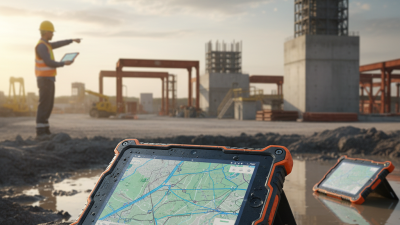
In warehouses, workers scan inventory beside cold loading bays and update records immediately. This reduces handwritten notes and errors caused by rushed data entry. On construction sites, supervisors can review drawings, capture progress photos, and report hazards from one device.
Healthcare teams may use disinfectable tablets for patient rounds, equipment checks, and secure communication. Public utilities also benefit when crews map assets, document repairs, and work beyond reliable office networks.
These workflows improve visibility, but only when software is practical and training is consistent.
From field experience, device durability alone never solves a poor process. A tablet that survives a fall is still unhelpful if its interface slows a tired worker. Managers should test sunlight visibility, one-handed use, charging routines, and connectivity before deployment. They should measure repair time and adoption, not just purchase cost. There is a compromise. Rugged hardware can weigh more, and batteries eventually lose capacity. Yet a carefully tested tablet PC can support safer decisions, cleaner records, and steadier performance across demanding workplaces.

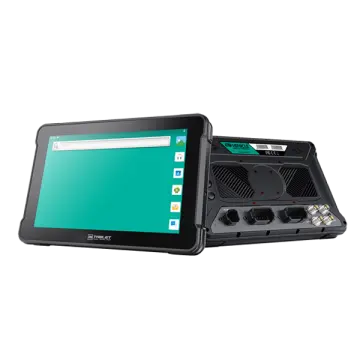 AT-10A
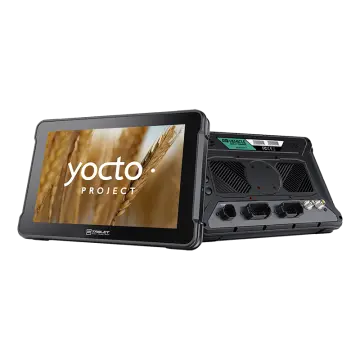 AT-10AL
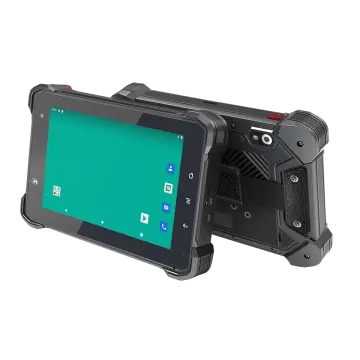 VT-7 GA/GE
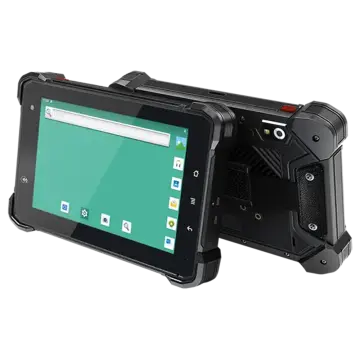 VT-7 Pro
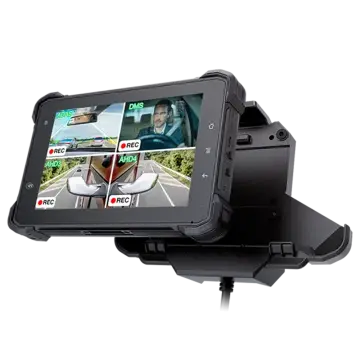 VT-7 PRO (AHD)
 VT-7A
VT-7A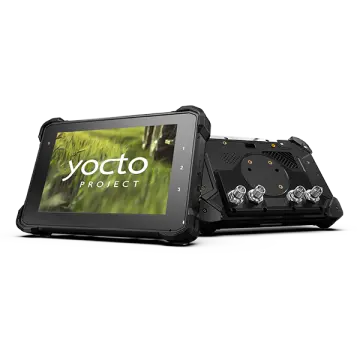 VT-7AL
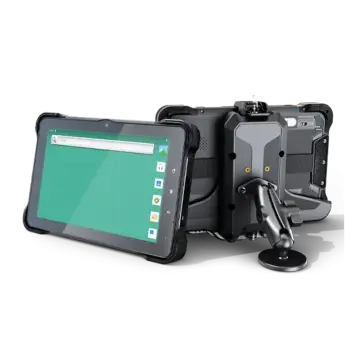 VT-10
VT-10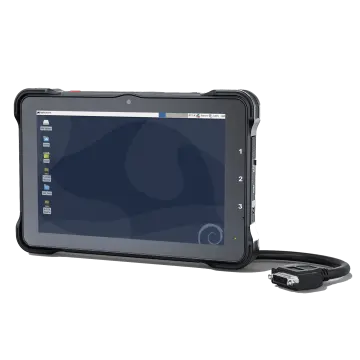 VT-10 IMX
 VT-10 Pro
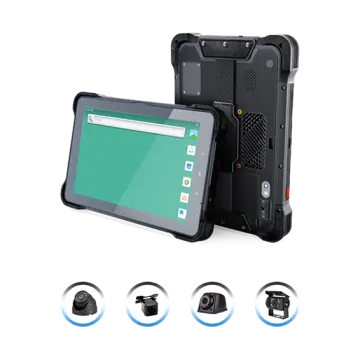 VT-10 Pro AHD
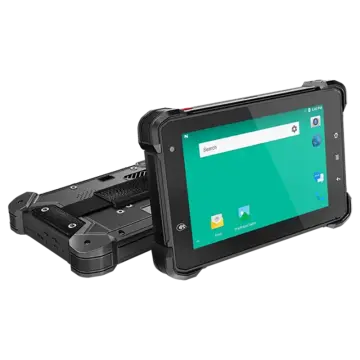 VT-7
VT-7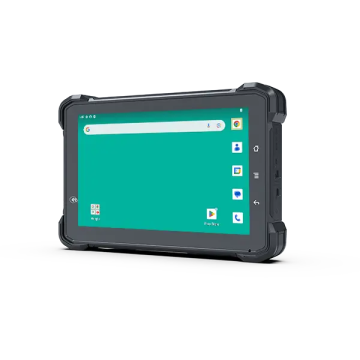 VT-7A PRO
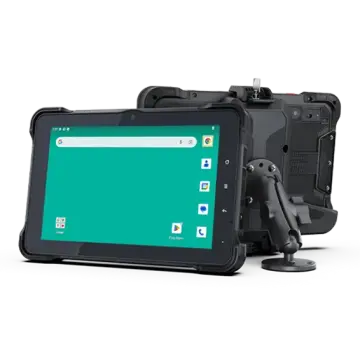 VT-10A Pro
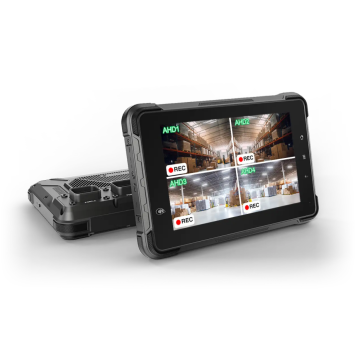 ST-7 Rugged Table
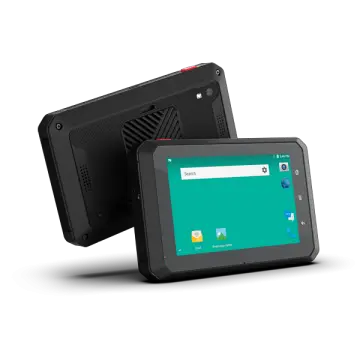 VT-5A
VT-5A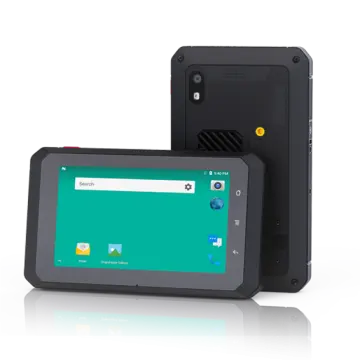 VT-5
VT-5 VT-BOX
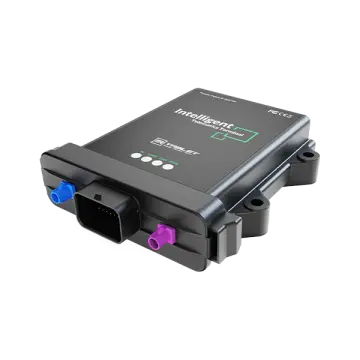 VT-BOX-II
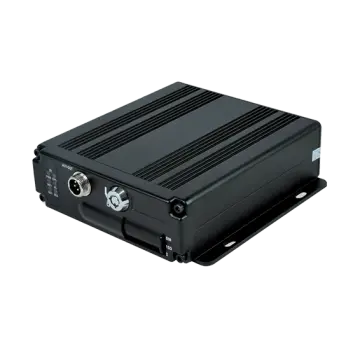 AI-MDVR040
 AT-B2
AT-B2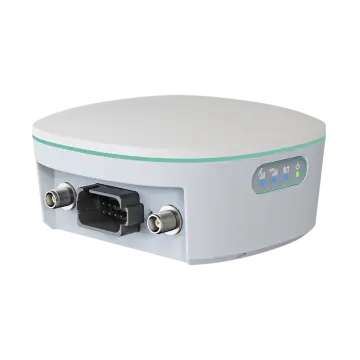 AT-R2
AT-R2