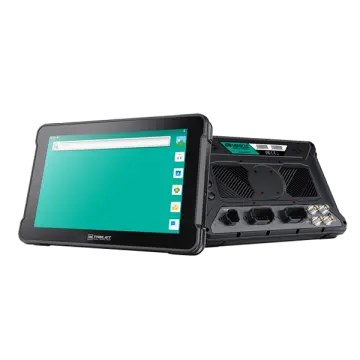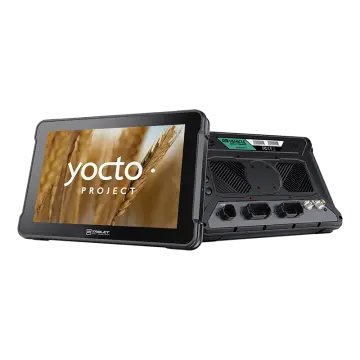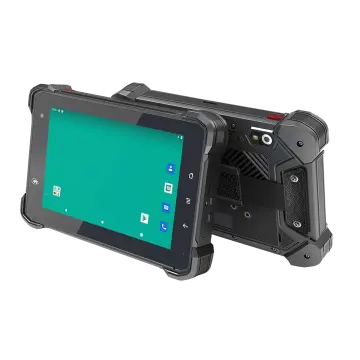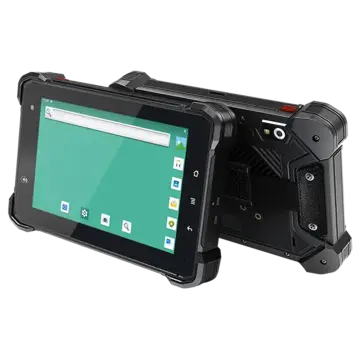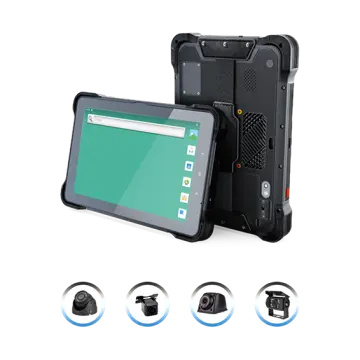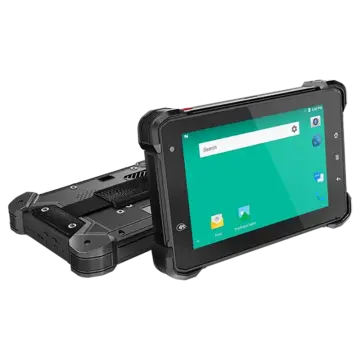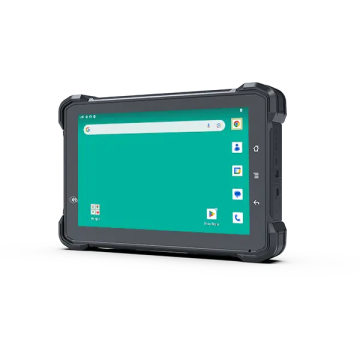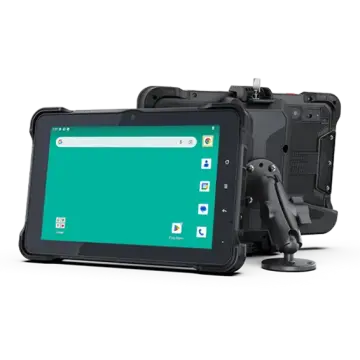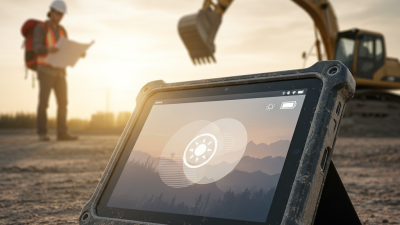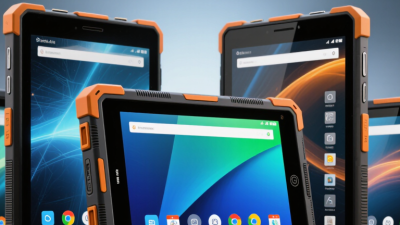
A dropped tablet can stop a shift. A slow connection can delay a delivery. For teams working across warehouses, service vehicles, farms, and construction sites, device choice affects daily operations. A 4g Rugged Android Tablet combines cellular access with a design built for demanding work. But ruggedness alone is not enough. Battery life, screen readability, Android support, and repair options matter just as much.
Connectivity remains a practical concern. GSMA’s The Mobile Economy 2024 reports that 4G still accounted for around 60% of global mobile connections in 2023. That reach makes 4G a sensible option where 5G coverage is uneven or unnecessary. VDC Research executive David Krebs studies enterprise mobility and rugged devices. His work points to a useful buying principle: match device capabilities to the worker’s actual tasks, not just the product’s durability claims. Treat that as guidance, not a guarantee. A tablet that survives dust but loses signal inside a loading bay may still fail the job.
This guide examines the trade-offs behind choosing a 4g Rugged Android Tablet for business. Expect practical questions, not a sales pitch: Will gloves work on the touchscreen? Can staff scan labels under warehouse lighting? How long will the device receive software updates? Small details matter. No tablet fits every workplace. A careful choice starts with the conditions workers face, then checks specifications against real workflows.
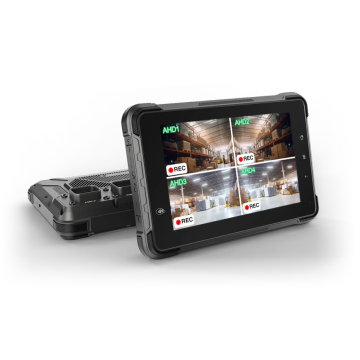
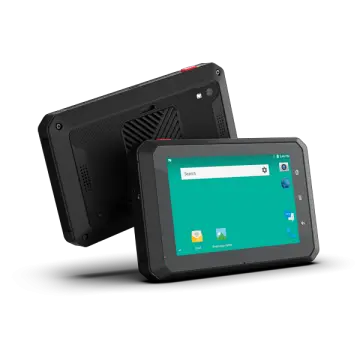
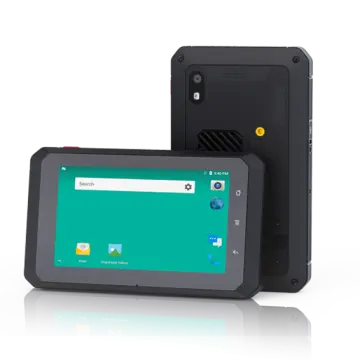
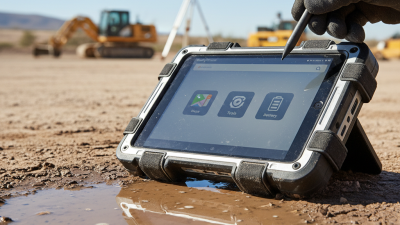
A 4G rugged Android tablet combines three practical features: cellular connectivity, a reinforced design, and the Android operating system. With a compatible SIM and network coverage, staff can access work orders or update inventory away from office Wi-Fi. For example, a technician can check a service record beside a vehicle, then upload notes before leaving the site. Coverage still varies by location and carrier.
“Rugged” should describe tested protection, not an indestructible device. Look for published ratings for dust and water resistance, drop height, and operating temperature. Check the conditions behind each rating; a sealed enclosure may resist splashes but still need care around charging ports. The screen should remain readable in the lighting your team actually uses, and touch input should suit gloved hands if needed.
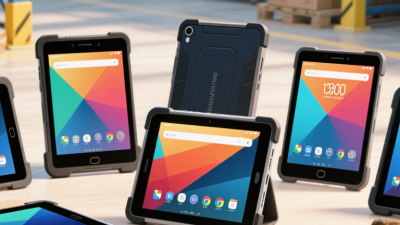
Android supports business apps, barcode tools, and device-management controls, though compatibility depends on the tablet and software version. Battery life, repair options, and security updates also matter in daily use. A heavier shell can make one-handed scanning tiring. That trade-off is easy to miss. Match the specifications to real tasks, rather than choosing the toughest-looking model by default.
A 4G rugged Android tablet keeps field teams connected without relying on office Wi-Fi. Technicians can upload inspection photos, check current work orders, and message dispatch from a roadside or warehouse floor. GSMA’s The Mobile Economy 2024 estimates that 4.6 billion people used mobile internet in 2023, showing how central cellular access has become. The same report says mobile technologies and services contributed 5.4% of global GDP that year. These figures describe the wider mobile economy, not tablet productivity directly. That distinction matters.
For a mobile worker, the benefit is immediate. A delivery supervisor can update a route while standing beside a vehicle; a maintenance crew can send a fault report before leaving a site. No waiting for a hotspot. Rugged construction helps when devices face dust, rain, or repeated handling, while Android apps can connect field tasks to business systems. Yet 4G performance depends on local coverage, network congestion, and device configuration. Signal bars can mislead. Teams should test tablets on their actual routes and check battery life during a full shift. Connectivity helps, but it does not fix poor workflows. That part takes planning.
How 4G connectivity supports mobile business operations
The chart shows ITU-R IMT-Advanced peak data-rate requirements for 4G: 100 Mbit/s in high-mobility conditions and 1,000 Mbit/s in low-mobility conditions. These are technology targets, not typical user speeds; actual performance depends on network coverage, congestion, and device capability. Mobile 4G access can help field teams exchange work orders, update records, and share information while away from the office.
Source: ITU-R Recommendation M.2134, requirements for IMT-Advanced.
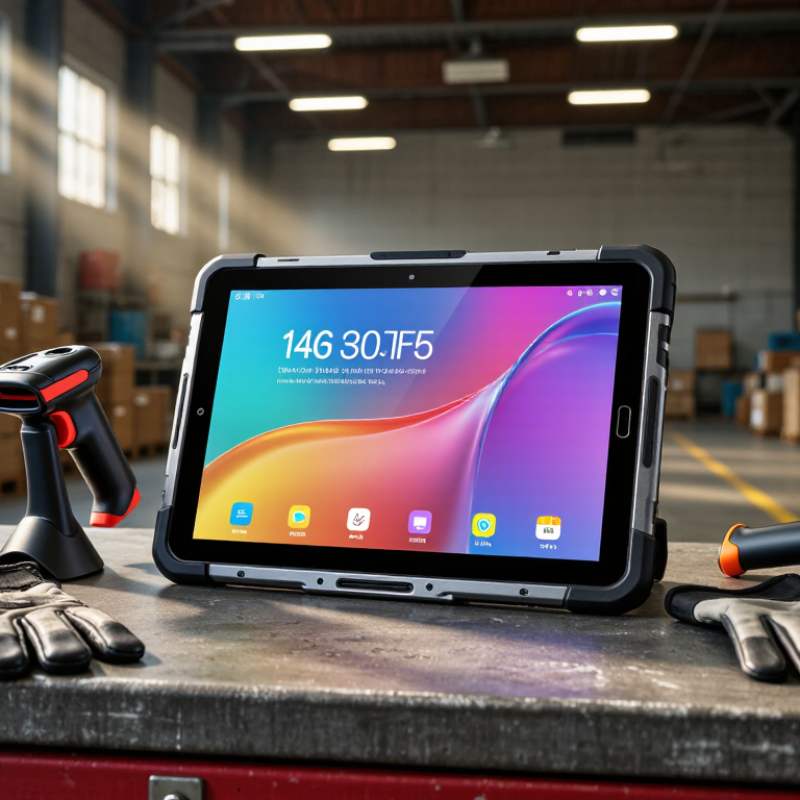
In a warehouse, a tablet may face cart bumps, concrete floors, and airborne dust. A rugged enclosure helps protect its internal components when everyday handling gets rough. Reinforced corners can soften the impact of an accidental drop, while covered ports help keep dust and splashes away from connections. Dust gets everywhere.
On farms, service routes, and outdoor job sites, conditions change quickly. A sealed design can reduce the risk of damage from light rain or grit, but protection varies by device. Check the stated ingress and drop ratings before choosing a tablet; “rugged” alone is not a precise measure. That detail matters. A screen that remains readable outdoors and supports glove use can also help workers enter notes without removing protective gear, if those features are included.
Rugged construction does not make a tablet indestructible. Repeated drops, harsh chemicals, or water beyond its rated limits can still cause failure. I would match the device’s tested protection to the actual worksite, rather than assume the toughest-looking shell is enough. With 4G connectivity, staff can send updates from locations without reliable Wi-Fi, while a sturdy design helps the device stay useful through a demanding shift.
A 4G rugged Android tablet is useful when work happens away from a desk. Delivery staff can open route sheets, capture signatures, and photograph damaged parcels at the doorstep. With mobile data, they can send updates before returning to the depot. That can reduce duplicate entry. Not every location has a dependable signal, though, so apps that save drafts offline are worth checking.
Android features also suit inventory checks, equipment inspections, and retail tasks. Workers can scan compatible barcodes, complete digital forms, and switch between approved work apps without carrying a laptop. A bright display helps outdoors, while a responsive touchscreen makes quick edits practical. Small details matter. Battery life, glove compatibility, and a secure device mount should match the actual shift, not just the product description. Rugged construction may help with dust, bumps, and routine splashes, but it does not make a tablet indestructible.
For supervisors, shared forms can make reports more consistent across teams. Camera images and time-stamped entries add useful context when a repair or stock discrepancy needs review. Still, a tablet cannot rescue a confusing workflow. Test the apps with real forms and weak-signal conditions before rollout; a short field trial often reveals awkward steps that looked fine in an office.
A business tablet should fit the worksite, not just look powerful on a specification sheet. For mobile teams, 4G can keep maps, work orders, and inventory records accessible beyond office Wi-Fi. GSMA’s The Mobile Economy 2024 projects 5.6 billion unique mobile subscribers by 2030, reflecting the continued importance of mobile access. Still, coverage varies. Check signal strength along actual routes before choosing a device.
Evaluate durability, battery life, screen readability, and repair support together. An IP rating helps describe resistance to dust and water, but it does not guarantee survival after every drop. Ask suppliers about tested drop heights and operating-temperature ranges. A bright screen matters in a sunlit loading bay; glove compatibility matters when staff handle boxes.
Security also deserves attention: the 2024 Data Breach Investigations Report found that 68% of breaches involved a non-malicious human element. Set clear rules for authentication, updates, and lost-device reporting. Details matter.
Tips: Test a sample tablet through a full shift. Check whether it stays connected in storage areas and whether its battery lasts through scanning, calls, and GPS use. A rugged case can add weight. That trade-off is easy to underestimate. Don’t buy on battery capacity alone; test real workloads.