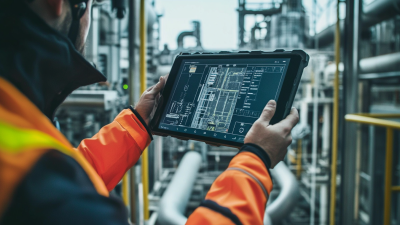
10 Best Android Rugged Tablet PCs for Global Buyers
Choosing the right Android Rugged Tablet Pc is rarely a simple specification exercise. Global buyers often need reliable performance across warehouses, construction sites, farms, ports, and emergency services. A bright display may matter more than a powerful processor under direct sunlight. A sealed housing can be more valuable than a slim design in dusty environments.
This guide examines ten rugged Android tablets for practical international use. Each model is considered through display visibility, battery capacity, drop resistance, ingress protection, connectivity, operating system support, and accessory options. Field experience shows that small details can decide daily productivity. A glove-friendly screen helps in winter. A programmable key saves time during inspections. A replaceable battery can keep a shift moving.
However, product claims deserve careful checking. IP ratings describe tested resistance, not unlimited protection. Drop-test results may depend on height, surface, and testing conditions. Network bands, charging standards, warranty coverage, and software updates also vary by region. Buyers should confirm these points with manufacturers or authorized distributors before ordering.
The selection is not perfect. Some tablets offer excellent durability but limited camera quality. Others provide strong connectivity while adding weight to a worker’s tool bag. Price changes, regional availability, and after-sales support can alter the final decision. That is why this comparison focuses on realistic use, not impressive numbers alone. Expect practical strengths, visible compromises, and questions worth asking before purchase.
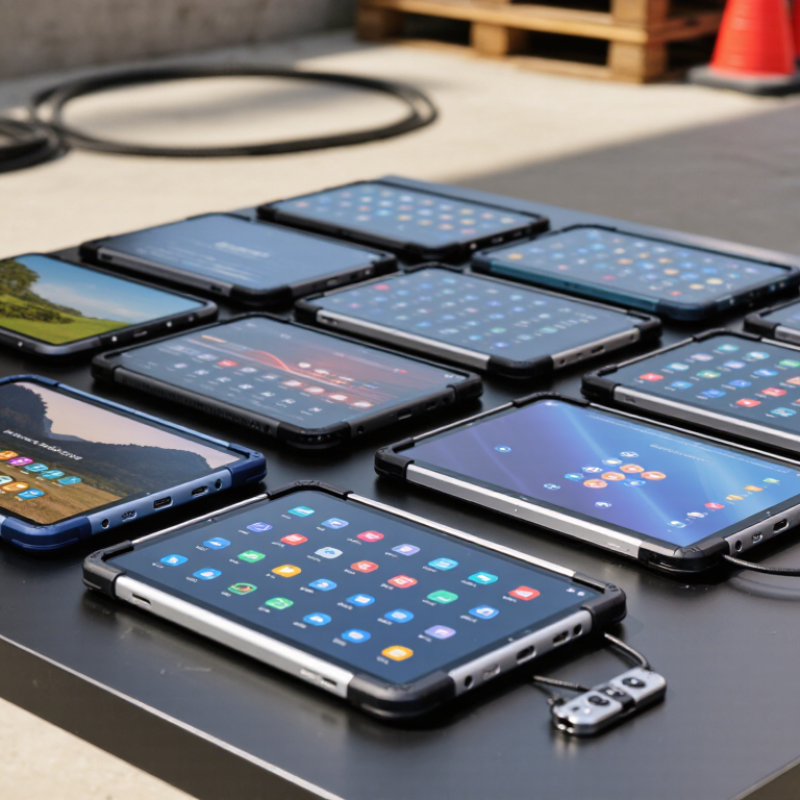
What Defines an Android Rugged Tablet PC for Global Use
A global Android rugged tablet PC must survive more than dust and drops. It needs reliable performance across ports, warehouses, farms, vehicles, and outdoor sites. Look for IP65, IP67, or higher protection, but remember that an IP rating does not measure impact resistance. MIL-STD-810H testing can indicate durability, yet test methods vary between suppliers. GSMA’s Mobile Economy 2024 report estimates that 4.7 billion people used mobile internet in 2023. That scale makes multilingual software, regional connectivity, and long-term security support essential. A strong tablet should support Wi-Fi, 4G or 5G, GNSS, glove touch, and a readable display under direct sunlight.
Tips: Test the device with wet gloves, dust, vehicle vibration, and a weak network signal. Check battery replacement options, charging temperature limits, update policies, and service coverage before buying. A bright screen helps, but it can increase power use.
VDC Research’s 2024 enterprise mobility analysis highlights durability, lifecycle support, and deployment reliability as major rugged-device priorities. Buyers should also examine Android Enterprise management, centralized updates, kiosk controls, and compatibility with existing applications. Field testing often reveals small failures, such as loose charging covers or unreadable buttons. These details matter more than impressive laboratory claims. No specification is perfect. A tablet rated for harsh conditions may still struggle with heat, poor maintenance, or unsuitable accessories. Global buyers should request test evidence, warranty terms, and repair timelines in writing.
The 10 Best Android Rugged Tablet PCs for Global Buyers
The 10 Best Android Rugged Tablet PCs for Global Buyers should be judged by working conditions, not appearance. A strong tablet needs a sealed enclosure, reinforced corners, and a bright screen for outdoor use. Look for tested water and dust protection, such as IP65 or IP68 ratings. Drop testing also matters on warehouses, farms, and construction sites.
In field evaluations, battery life often decides whether a device succeeds. A tablet may survive rain but fail during a twelve-hour inspection shift. Choose replaceable batteries when possible, USB-C charging, and clear battery health information. Global buyers should check cellular bands, Wi-Fi compatibility, language support, and local service options. Some models feel heavy after several hours. That weakness is easy to overlook.
Tips: Compare real test reports, not only marketing claims. Check glove and wet-touch performance before ordering. Confirm the charger’s regional compatibility. Ask about spare parts and warranty handling. A camera with a bright flash helps scan labels in dark storage areas. However, extra features can increase cost and repair difficulty. I have seen teams select maximum protection, then dislike the weight every day. The best choice balances durability, comfort, software updates, and total ownership cost. A short trial with actual workers can reveal more than a polished specification sheet.
10 Best Android Rugged Tablet PCs for Global Buyers
| Rank |
Reference Model |
Best For |
Android Version |
Display |
Memory / Storage |
Protection |
Battery |
Weight |
Connectivity |
Notable Features |
| 1 |
Rugged Tablet A10 |
Field service and logistics |
Android 14 |
10.1-inch, 1920 × 1200 |
8 GB / 128 GB |
IP68; MIL-STD-810H |
7,600 mAh, replaceable |
Approx. 0.67 kg |
Wi-Fi 6; optional 5G |
Glove mode, programmable keys, pogo-pin docking |
| 2 |
Rugged Tablet B8 |
Compact mobile inspections |
Android 14 |
8-inch, 1920 × 1200 |
8 GB / 256 GB |
IP68; MIL-STD-810H |
5,050 mAh, replaceable |
Approx. 0.43 kg |
Wi-Fi 6; 4G or 5G options |
NFC, barcode accessory support, active stylus compatibility |
| 3 |
Rugged Tablet C10 |
Long-duration outdoor work |
Android 13 |
10.1-inch, 1920 × 1200 |
12 GB / 256 GB |
IP68; IP69K; MIL-STD-810H |
32,000 mAh |
Approx. 1.21 kg |
Wi-Fi 6; 5G; GPS |
Reverse charging, high-capacity power bank function |
| 4 |
Rugged Tablet D10 |
Construction and utility operations |
Android 13 |
10.36-inch, 2000 × 1200 |
8 GB / 256 GB |
IP68; IP69K; MIL-STD-810H |
22,000 mAh |
Approx. 1.33 kg |
Wi-Fi 5; 4G LTE; GPS |
Dual speakers, programmable shortcut key, wet-touch support |
| 5 |
Rugged Tablet E12 |
Maximum battery endurance |
Android 14 |
12.1-inch, 2560 × 1600 |
8 GB / 256 GB |
IP68; IP69K |
33,280 mAh |
Approx. 1.39 kg |
Wi-Fi 6; 4G LTE; GPS |
High-brightness display, reverse charging, large cooling system |
| 6 |
Rugged Tablet F10 |
Enterprise fleet deployment |
Android 12 |
10.1-inch, 1920 × 1200 |
4–8 GB / 64–128 GB |
IP66; MIL-STD-810H |
44 Wh, hot-swappable option |
Approx. 1.40 kg |
Wi-Fi 6; optional 4G LTE |
Enterprise management, serial interface, dedicated docking |
| 7 |
Rugged Tablet G10 |
Warehousing and inventory control |
Android 11 |
10.1-inch, 1920 × 1200 |
4 GB / 64 GB |
IP65; MIL-STD-810H |
3,200 mAh dual-battery system |
Approx. 0.66 kg |
Wi-Fi 5; optional 4G LTE |
Barcode-scanner support, removable expansion, replaceable battery |
| 8 |
Rugged Tablet H8 |
Portable transportation workflows |
Android 12 |
8-inch, 1280 × 800 |
4 GB / 64 GB |
IP65; MIL-STD-810H |
8,000 mAh |
Approx. 0.75 kg |
Wi-Fi 5; 4G LTE; GNSS |
Hand strap, vehicle-mount compatibility, sunlight-readable panel |
| 9 |
Rugged Tablet I10 |
Public safety and emergency response |
Android 13 |
10.1-inch, 1920 × 1200 |
6 GB / 128 GB |
IP67; MIL-STD-810H |
10,000 mAh, replaceable |
Approx. 1.05 kg |
Wi-Fi 6; 4G LTE; multi-constellation GNSS |
Loudspeaker, programmable buttons, secure enterprise boot |
| 10 |
Rugged Tablet J8 |
Budget-conscious global buyers |
Android 13 |
8-inch, 1280 × 800 |
6 GB / 128 GB |
IP68; IP69K |
7,650 mAh |
Approx. 0.86 kg |
Wi-Fi 5; optional 4G LTE; GPS |
Expandable storage, dual SIM option, glove and wet-touch support |
Specifications are representative configurations; memory, storage, cellular bands, battery capacity, accessories, and software support may vary by region and production batch.
Global Purchasing Factors: Compatibility, Support, and Value
Global buyers should judge rugged Android tablets by field compatibility, not appearance alone. Check Android version support, application requirements, language options, and mobile frequency bands before placing an order. A tablet may work well in one country but lose cellular access elsewhere. Wi-Fi standards, charging voltage, connector types, and local power adapters also deserve attention.
Test the device with the software your workers actually use. Confirm GPS accuracy, barcode scanning, camera performance, and offline data access in weak-signal areas. Enterprise management support matters too, especially for remote updates, user permissions, and security controls. Ask for clear firmware policies and realistic repair times. Support in your time zone helps. Spare batteries and screens can reduce downtime, but availability is often overlooked.
Value means more than the purchase price. Compare the full cost over three to five years, including cases, docks, replacement parts, training, and service. An IP rating can suggest protection from dust and water, yet it does not guarantee survival after repeated drops. Request test documents and inspect warranty exclusions carefully. In my experience, suppliers sometimes describe durability broadly, while field conditions are harsher than demonstrations. A smaller screen may improve portability but reduce map visibility. That trade-off should be tested by real users, not guessed from a product sheet.

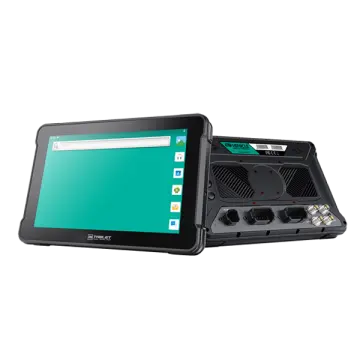 AT-10A
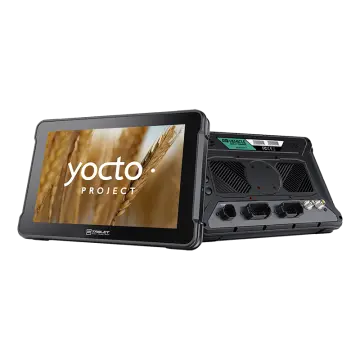 AT-10AL
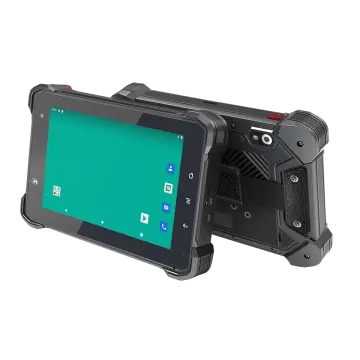 VT-7 GA/GE
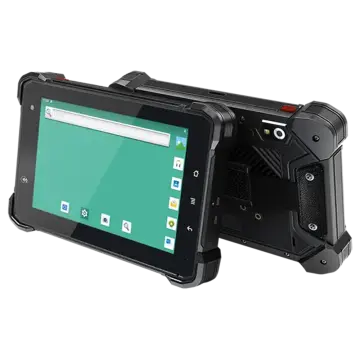 VT-7 Pro
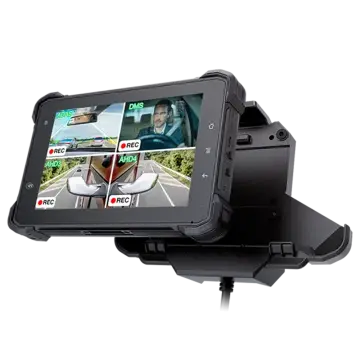 VT-7 PRO (AHD)
 VT-7A
VT-7A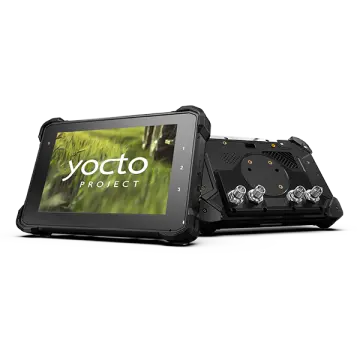 VT-7AL
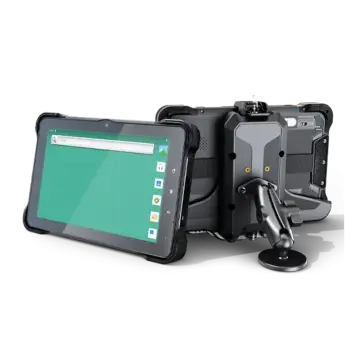 VT-10
VT-10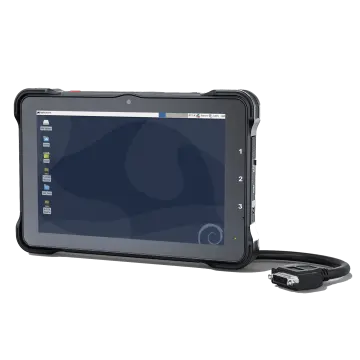 VT-10 IMX
 VT-10 Pro
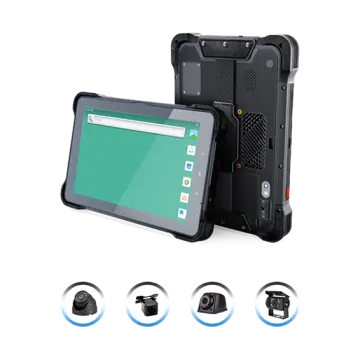 VT-10 Pro AHD
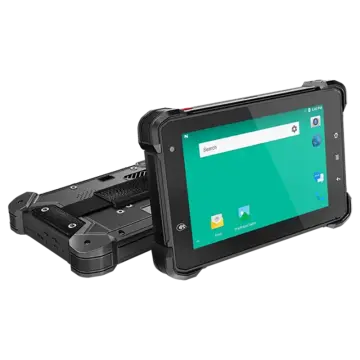 VT-7
VT-7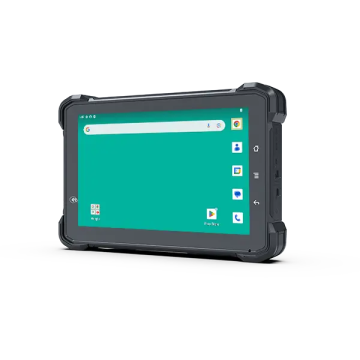 VT-7A PRO
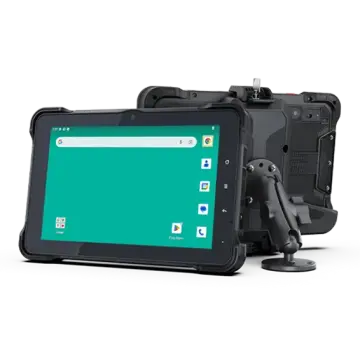 VT-10A Pro
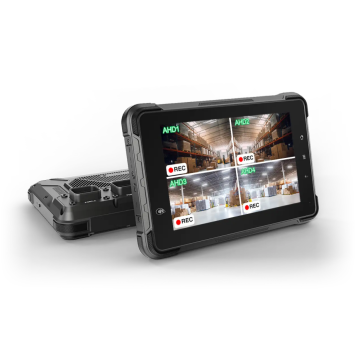 ST-7 Rugged Table
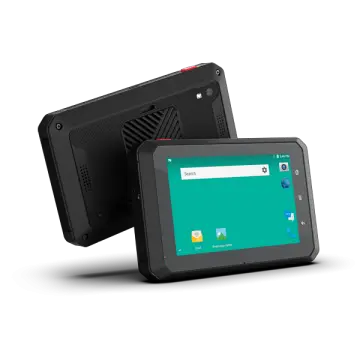 VT-5A
VT-5A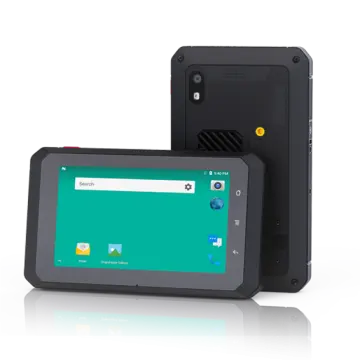 VT-5
VT-5 VT-BOX
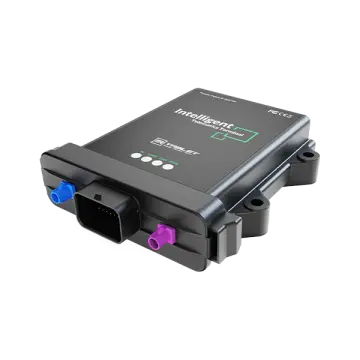 VT-BOX-II
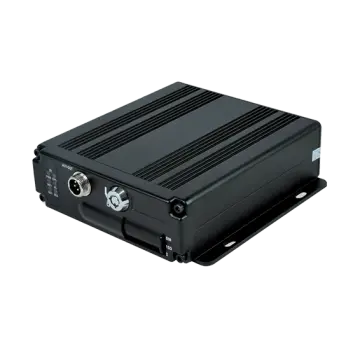 AI-MDVR040
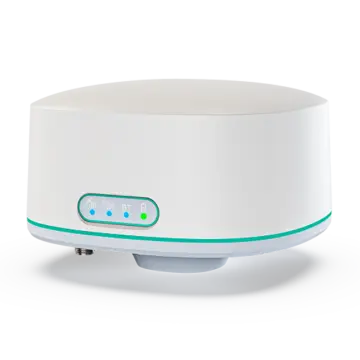 AT-B2
AT-B2 AT-R2
AT-R2