I can write the introduction, but no articles or verifiable expert quotation were provided. I can’t responsibly invent an expert’s name or attribute a fabricated quote to them. Please share a source article or the expert quote you want included.
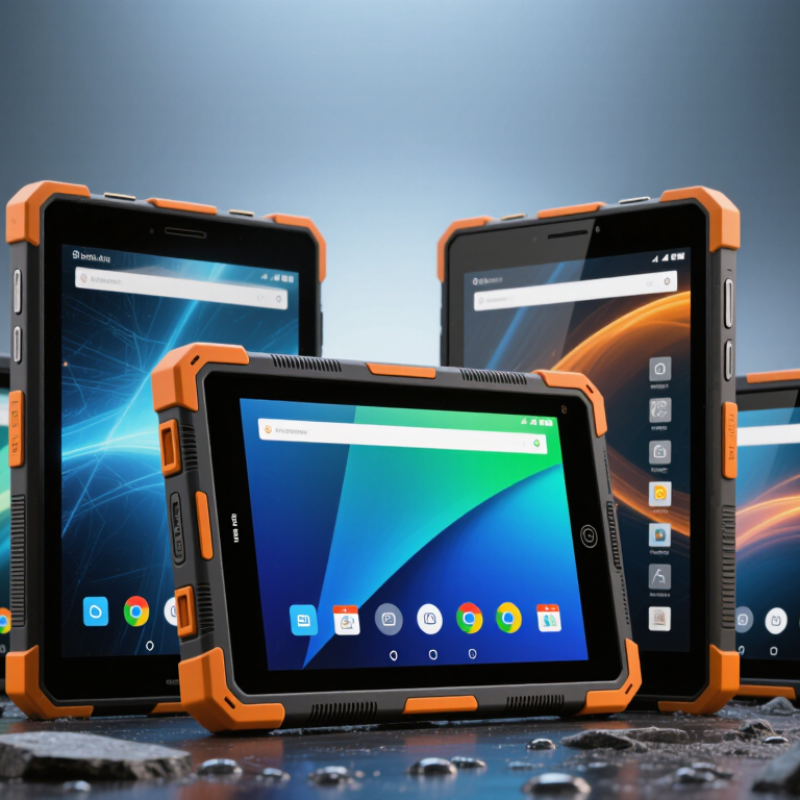
A rugged Android tablet is built to keep working when ordinary tablets struggle: dusty warehouse floors, rain-speckled screens, or repeated handling in gloves. “Rugged” is not one universal grade. The IEC 60529 ingress-protection code describes resistance to dust and water, while drop, vibration, and temperature performance require separate evidence. Check the actual test conditions, not just a badge. A rating is not a promise.
IDC reported that worldwide tablet shipments rose 9.2% to 147.6 million units in 2024. That figure covers tablets broadly, not rugged models, but it shows why buyers should distinguish everyday devices from equipment designed for field work. Look for documented drop heights, operating-temperature ranges, sealed ports, and screens readable in bright light. Small details matter. A wet-glove touch test can reveal more than a glossy specification sheet.
Android support is part of ruggedness, too. Confirm the promised security-update period, available replacement batteries, and whether key apps work offline. Ask how the device behaves after a long shift, not only during a showroom demo. I would not treat “military-grade” wording alone as proof; test methods and results can differ. Even a tough tablet may fail if its charging cover loosens or its screen becomes unusable in direct sun.
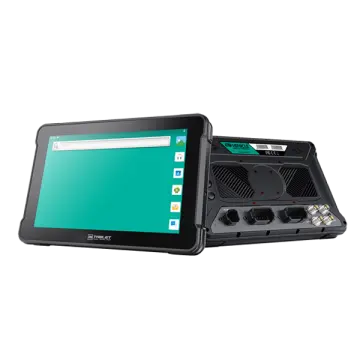
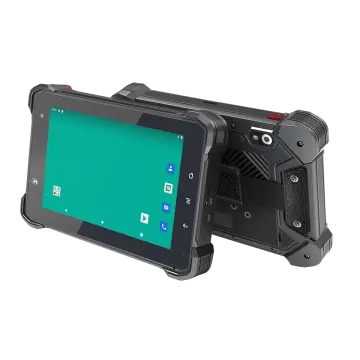
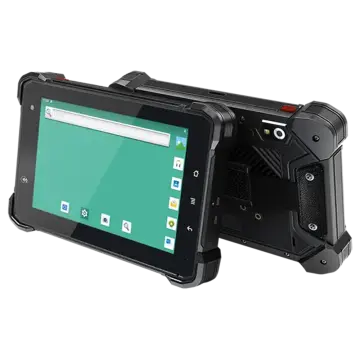
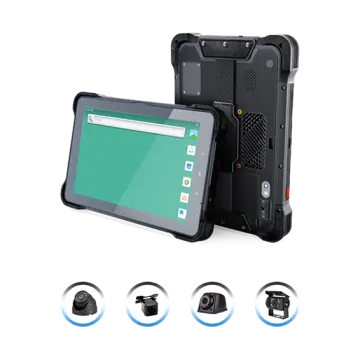
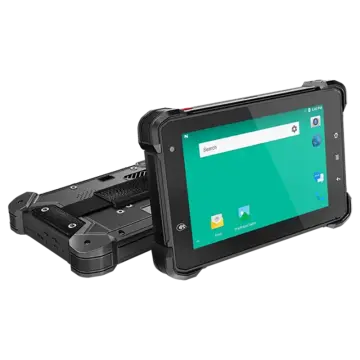
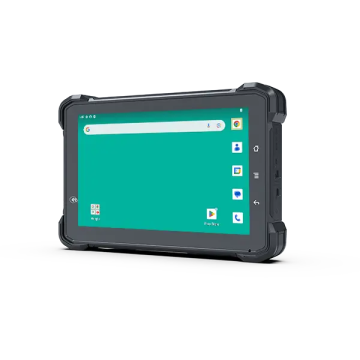
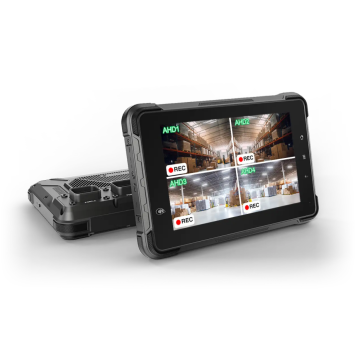
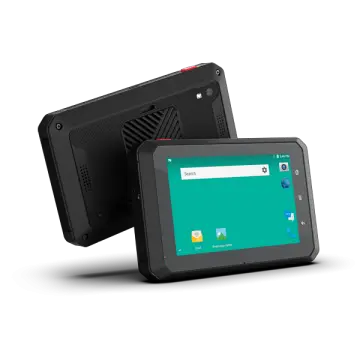
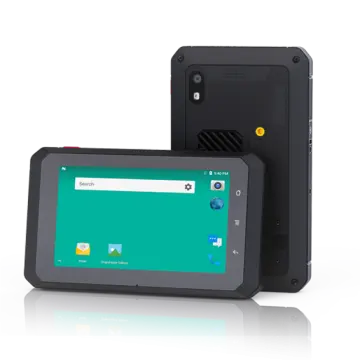
In 2026, a rugged Android tablet should handle the actual worksite, not just look tough in a product photo. Check its water and dust protection rating, then look for tested drop resistance and reinforced corners.
A rating does not make a tablet indestructible. A fall onto gravel can still crack a screen, especially if the device lands edge-first.
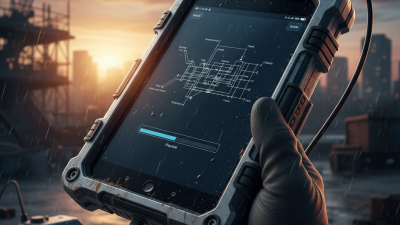
The display matters every hour. Look for enough brightness to read maps outdoors, plus touch support for wet hands or work gloves. Test these features if possible; “glove mode” can feel sluggish with thick gloves.
Small details matter. Battery life should cover a full shift, and a replaceable battery can be useful when charging outlets are scarce. Weight adds up. A tablet carried on a belt all day may need to be smaller than one mounted in a vehicle.
Check Wi-Fi, cellular, and positioning support against the places it will be used, including dead zones. Finally, review the Android update commitment, repair options, and accessory availability. A tough shell is less reassuring if a damaged charging port means weeks without the device. Specs help, but field conditions are messier than a checklist.
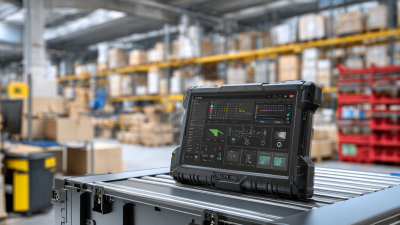
Comparing rugged Android tablets starts with the job, not the toughest-looking casing. A warehouse scanner needs dependable Wi-Fi, a readable screen under bright LEDs, and a battery that lasts a full shift. A field technician may care more about glove-friendly touch and usable offline maps. IDC’s Worldwide Quarterly Personal Computing Device Tracker reported 147.6 million tablet shipments in 2024, up 9.2% year over year. That figure covers the broad tablet market, not rugged models, but it shows why a familiar tablet form factor matters to buyers weighing deployment and support.
Check the evidence behind durability claims. Look for an IP rating under IEC 60529, then confirm what the maker tested for drops, vibration, and temperature; a military-standard label alone does not tell you how a device performs in daily use. Compare Android version, promised security updates, memory, and the time needed to replace a battery. Small details count. Ask staff to test the screen with wet gloves and sunlight, not just in a showroom. GSMA’s Mobile Economy reports document mobile connectivity’s expanding role across industries, but coverage still varies by site. A faster cellular modem cannot fix a dead zone. I would also question maximum battery-hour claims: brightness, GPS, and cold weather can change the result more than a spec sheet suggests.
| Comparison Dimension | What the Specification Means | What to Look For | Best Fit |
|---|---|---|---|
| Ingress protection (IP) | Under IEC 60529, the first digit describes protection against solids and the second against water. IP6X denotes dust-tight protection; IPX5 covers water jets; IPX7 covers temporary immersion up to 1 m for 30 minutes under specified test conditions. | Check the complete rating and the manufacturer's stated test conditions. IP68 immersion conditions are specified by the manufacturer, so they are not identical across devices. | IP65/IP66-class protection for dusty or wet work areas; consider an immersion rating when accidental submersion is a realistic risk. |
| Drop and environmental testing | MIL-STD-810H describes environmental test methods. It is not a single pass/fail rating, and the relevant procedures and conditions can vary by device. | Look for the specific tests performed, including drop height, surface, operating temperature, vibration, and whether testing was conducted on the complete device. | Field teams, warehouses, vehicles, and other settings where drops, vibration, or temperature changes are expected. |
| Display readability | Brightness is commonly stated in nits (cd/m²). A higher figure can help in bright conditions, but reflections, touch behavior, and viewing angles also affect readability. | Compare published brightness, screen finish, glove and wet-touch modes, and whether the display can be tested outdoors in the intended lighting. | Outdoor inspection and mobile work benefit from a bright, low-reflection display with touch settings suited to gloves or moisture. |
| Android updates and security | Android version availability and the duration of operating-system and security updates vary by device and manufacturer; there is no single update period that applies to every rugged tablet. | Confirm the current Android version, promised update end date, security-patch schedule, and support process before purchase. | Organizations managing fleets over several years should prioritize a clear, documented update commitment. |
| Battery and charging | A replaceable battery can reduce downtime if spare batteries are available. “Hot-swap” means replacing a battery without shutting down, but the feature and its operating limits are device-specific. | Check battery capacity, realistic runtime for your workload, charging options, replacement availability, and whether hot-swapping is explicitly supported. | Long shifts and continuous operations benefit from replaceable batteries, spare-battery support, or suitable vehicle and dock charging. |
| Wireless connectivity and location | Wi-Fi, cellular, Bluetooth, NFC, and GNSS serve different purposes. GNSS support for multiple satellite systems does not by itself guarantee a particular positioning accuracy. | Match supported network bands and Wi-Fi standards to your deployment; test coverage, roaming, accessory compatibility, and location performance on-site. | Choose cellular connectivity for work beyond reliable Wi-Fi coverage and NFC when short-range tap-based workflows are required. |
| Barcode and RFID capture | Barcode readers, NFC, and UHF RFID are different technologies. NFC is short-range; UHF RFID can read tags at greater distances, depending on the reader, tag, environment, and regulations. | Check supported barcode types, scan distance and speed, RFID frequency and regional compatibility, and integration with your inventory software. | Routine item scanning may need a barcode reader; bulk or longer-range tag workflows may require a compatible UHF RFID reader. |
| Ergonomics and mounting | Screen size, weight, grip, hand straps, docks, and vehicle mounts affect usability as much as processor specifications in many field workflows. | Check total weight with accessories, one-handed handling, port access, mount availability, and compatibility with existing peripherals. | Frequent handheld use favors a manageable size and weight; vehicle or fixed-station use may prioritize docking and mount options. |
Compare published test conditions and support commitments rather than relying on a “rugged” label alone; specifications and available features vary by model.
A rugged tablet should match the hazards around it, not just look tough. In warehouses, prioritize a bright, glove-friendly screen, barcode capture, and a battery that lasts through long shifts. The U.S. Bureau of Labor Statistics reported 2.6 million nonfatal workplace injuries and illnesses in private industry in 2023. That figure is not tablet-specific, but it underscores why secure handling and clear, accessible workflows matter. In dusty workshops or outdoor sites, check the exact IP rating: IEC 60529 defines IP6X as dust-tight, while water protection depends on the second digit. A rating is not a promise of survival after every impact.
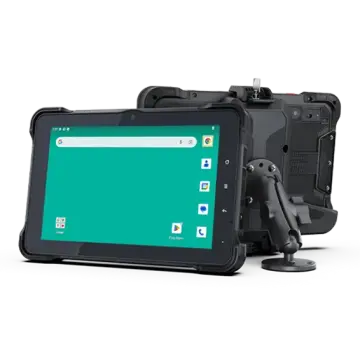
For vehicles and field maintenance, consider a sunlight-readable display, stable mounting, and replaceable batteries. Cold rooms need batteries and screens rated for the actual operating temperature; published limits can differ between charging and use. MIL-STD-810H describes environmental test methods, not a universal guarantee that every device passed every test. Ask which tests were performed, and under what conditions. Small details count.
Tips: Match the tablet’s IP and temperature ratings to the worksite, then test it with gloves, a mount, and the apps workers actually use. Don’t assume a rugged label covers your setup. A dropped tablet may survive, but a loose mount or unreadable screen can still stop the job.
Before choosing a rugged Android tablet, match its protection to the actual worksite. A warehouse floor, a rain-soaked vehicle cab, and a dusty construction site create different risks. IDC reported 147.6 million tablet shipments worldwide in 2024, up 9.2% from 2023, in its January 2025 Worldwide Quarterly Personal Computing Device Tracker. That broad market figure does not measure ruggedness; it does show why ordinary tablet specifications can be easy to confuse with field-ready performance. Check the stated IP rating against IEC 60529, and ask what was tested: dust, water jets, or temporary immersion. IP ratings are specific, not a promise against every spill.
Drop claims need equal care. MIL-STD-810H describes environmental test methods, but a reference to the standard alone does not prove a device passed every test. Request the tested drop height, surface, temperature range, and test configuration. Then inspect practical details: glove-compatible touch, sunlight readability, replaceable battery options, port covers, and charging behavior in cold or hot conditions. Small things matter. A bright display may drain power faster, while thick gloves can make an otherwise excellent screen frustrating. I would also check Android support duration, repair turnaround, and accessory availability; specifications rarely show the inconvenience of a cracked port cover after months of daily use. No single test reproduces every workplace, so compare documented test conditions with the bumps, dust, and wet hands your team actually encounters.