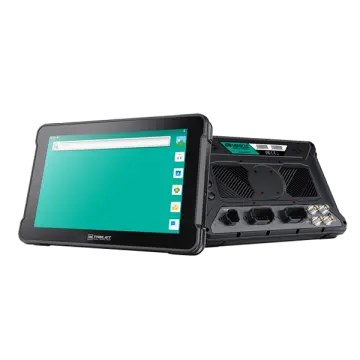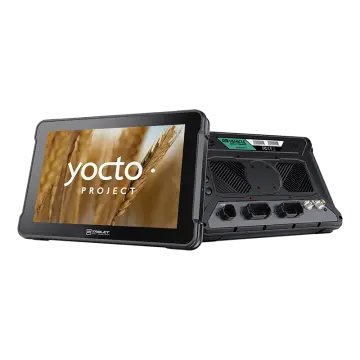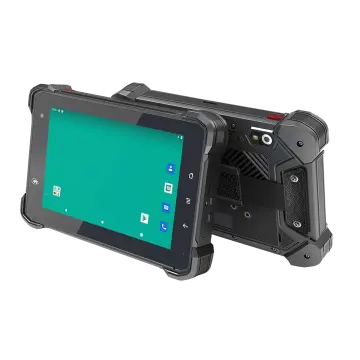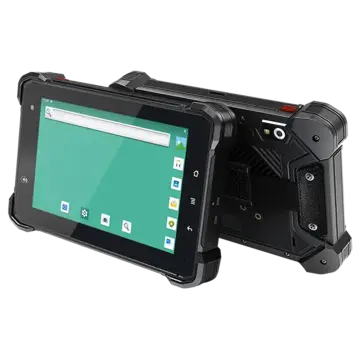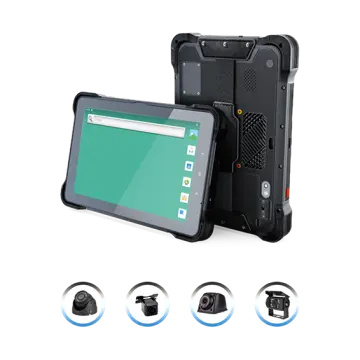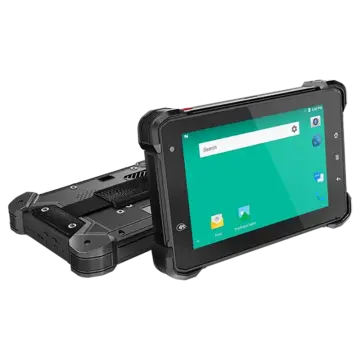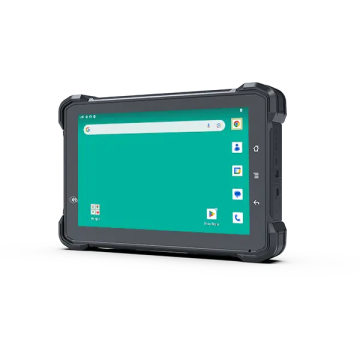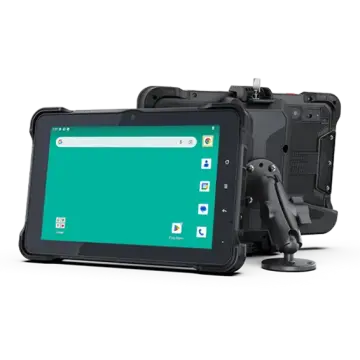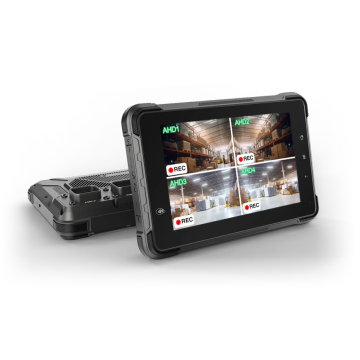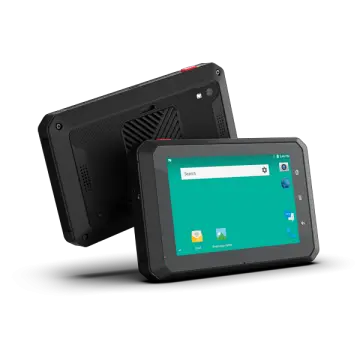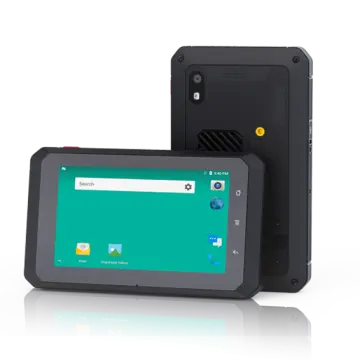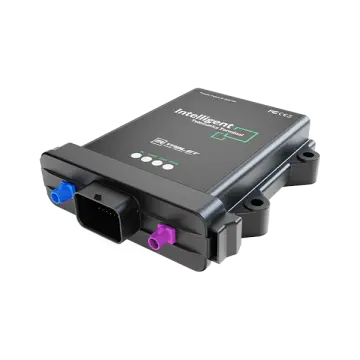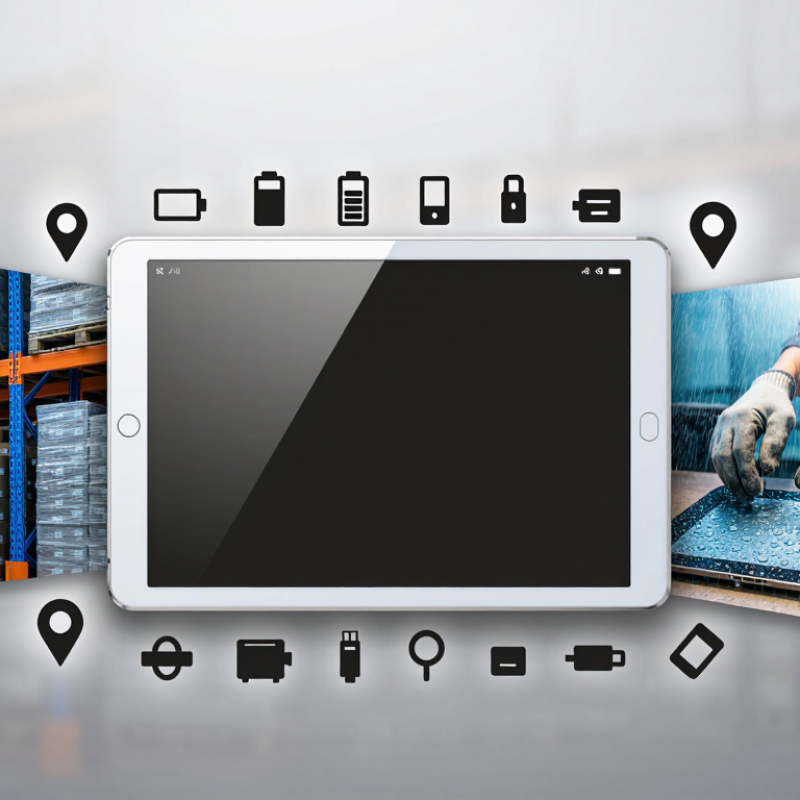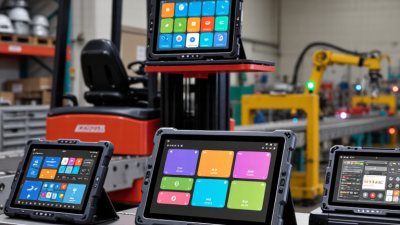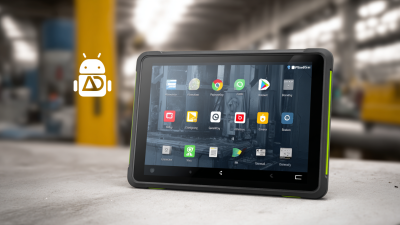
What Is the Best Android Industrial Tablet in 2026? The answer depends less on a spec sheet than on the work happening around the device. A warehouse scanner faces dust, repeated handling, and long shifts. A service technician may need a bright screen, reliable GPS, and gloves that still work on wet mornings. One tablet rarely fits every job.
David Krebs, executive vice president at VDC Research and a mobility-industry analyst, offers a useful lens: “The right mobile device is the one that fits the worker’s task and environment.” This guide applies that principle to Industrial Tablet Android options in 2026. It compares practical details: Android support, screen visibility, battery life, ports, accessory choices, and repair coverage. These details can matter more than a headline performance score.
There is no universal winner. A lighter model may suit field teams, while a larger screen may make forms easier to read on a factory floor. Check the actual configuration, too; features can vary by region and model. Ask vendors about update commitments and test the tablet with your apps before a large purchase.
A small caveat matters. Drop ratings and battery figures do not fully predict daily reliability. Real use is messier. This overview sets out a clear way to compare leading devices, spot trade-offs, and choose a tablet for your workflow—not just for its marketing claims.
In 2026, an Android industrial tablet is more than a consumer tablet in a thick case. It must keep essential tasks usable through drops, dust, vibration, temperature swings, and long shifts. Start with the work: scanning pallets in a cold warehouse differs from inspecting equipment outdoors. Small details matter. Gloved hands need clear controls, wet screens need legibility, and batteries must last a shift.
Android must support managed enrollment, app control, remote updates, and a stated security-support period. These are operational requirements. IoT Analytics’ State of IoT 2024 counted 18.8 billion connected IoT devices at the end of 2024, projecting 39 billion by 2030. That growth makes reliable device management harder to ignore. Check secure data storage, reliable reconnection, and compatibility with site Wi-Fi, cellular networks, and peripherals.
The GSMA’s Mobile Economy 2024 report put global unique mobile subscribers at 5.6 billion in 2023. Yet signal conditions vary inside buildings and across worksites. A specification sheet cannot prove field reliability. Verify IP ratings, drop-test methods, repair options, and update commitments against an actual shift. Certification labels help, but they can leave gaps.
An Android industrial tablet performs best when its hardware matches the worksite. A bright, readable display matters in a loading yard or beside a sunlit warehouse door. Touch input should respond to gloved hands and remain usable with damp fingers. Small details matter. Check the screen at the angles workers actually use, not only indoors.
Tips: Compare battery life with a full shift, including scanning and wireless use. Check the stated drop and dust protection against your operating conditions. Confirm that required ports, wireless connections, and Android security updates fit your deployment plan.
Processing power is only one part of performance. Sufficient memory helps when staff switch between inventory, inspection, and communication apps. A stable wireless connection can prevent delays, while a replaceable battery may reduce downtime on long shifts. Test the tablet with your own software and accessories before purchase. Specifications can look reassuring on paper, but real workflows expose weaknesses. Even a careful trial may miss a rare failure, so track performance after rollout and review support arrangements.
Warehouse work favors compact tablets with reliable barcode scanning, drop protection, and batteries that last through long shifts. In a factory, sealed ports and glove-friendly controls matter more; fine dust and oily hands make glass screens frustrating. Dust gets everywhere. Cold storage brings another problem: batteries lose usable capacity, and screens may respond slowly. Outdoor crews need bright displays, location tools, and housings built for rain and temperature swings.
Match the device to the actual task, not a generic “industrial” label. The U.S. Bureau of Labor Statistics reported 2.6 million nonfatal workplace injury and illness cases in private industry during 2023, or 2.4 cases per 100 full-time workers. That figure does not prove tablets prevent injuries, but it underlines why clear, usable equipment matters on busy sites. Check the stated IP rating for dust and water resistance, then test the tablet with the gloves, scanner, and software workers will really use. Cold changes everything. A rugged casing alone is not enough; I have seen a device survive a drop but fail a shift because its battery could not keep up.
Comparing leading Android industrial tablets in 2026 starts with the work they must survive. A bright warehouse screen should remain readable beside loading doors, while glove-friendly touch controls save time on cold shifts. Check the stated drop and water resistance ratings, but also ask how they were tested. Ratings do not describe every cracked corner or wet connector. Small details matter. A device that feels heavy during a ten-minute demonstration may become tiring after hours on a vehicle mount.
Compare battery capacity and replacement options against a real shift length, including scanning, location services, and cellular use. Processor and memory specifications matter, yet smooth performance depends on the apps workers actually run. Look for supported Android updates, security patches, and a clear support period; these affect service life as much as rugged casing.
Test Wi-Fi and cellular reception in the building’s dead zones, not just near an office router. Test it wet. Built-in barcode scanning, camera quality, ports, and mounting options should match daily workflows rather than inflate a checklist. A short field trial can reveal awkward charging docks or buttons that are hard to reach with gloves.
It may not be perfect. Compare warranty terms, repair turnaround, and accessory availability too, since downtime has a cost that spec sheets rarely show.
Choosing the best Android industrial tablet starts with the work, not the specification sheet. Walk the route where staff will use it: a bright loading bay, a dusty workshop, or a cold storage aisle. Check whether the screen stays readable under harsh light and responds to gloved hands. Small details matter. A device that feels fine at a desk may be awkward on a forklift mount. Note how often workers scan labels, enter data, or switch between applications. Those actions shape the right screen size, scanning tools, and attachment points.
Battery life should cover a real shift, including busy periods when the screen stays on. Ask how the tablet handles drops, vibration, dust, and temperature changes, then check its published protection ratings and service options. Connectivity also deserves a field test; warehouse walls can weaken wireless signals. Confirm that the Android version and security updates will support your required applications over the planned service life. I would not assume a higher price guarantees a better fit. Run a small pilot with actual users and record failures, charging breaks, and typing errors. Their feedback may expose a problem the specification sheet missed.
How to choose: match the tablet’s ingress-protection rating to the dust and water exposure in your operation.
The bars show the dust-protection first digit and water-protection second digit in each IP code, as defined by IEC 60529. These are code levels, not a general performance score. Check the manufacturer’s test conditions—especially for IPX7 and IPX8—and choose a rating suited to your actual exposure.