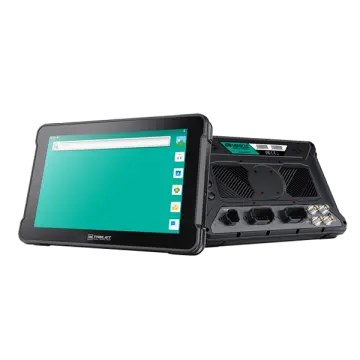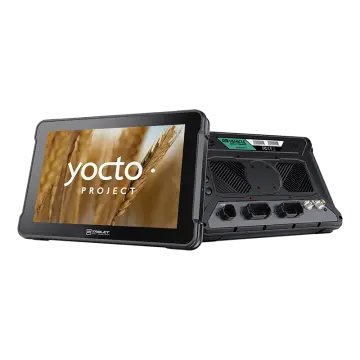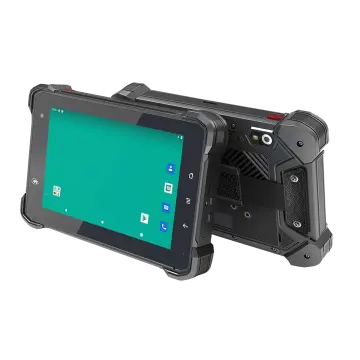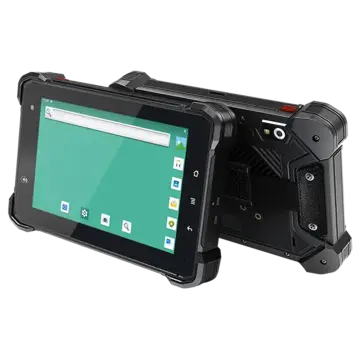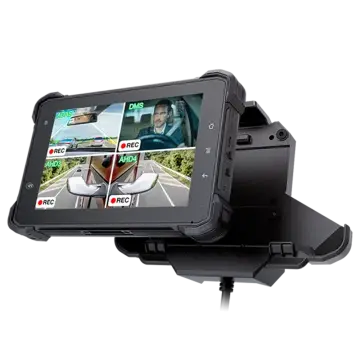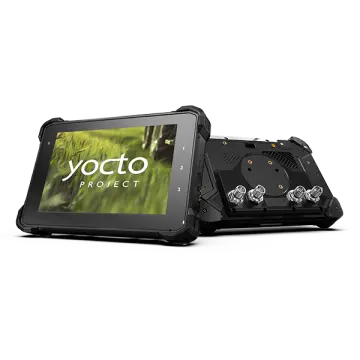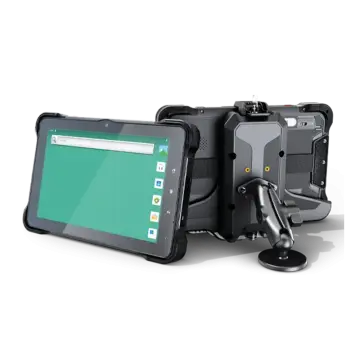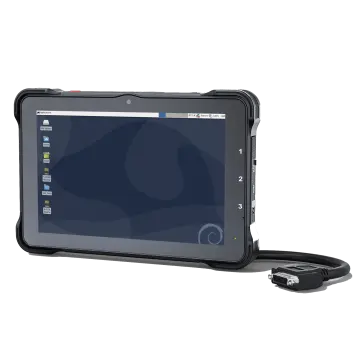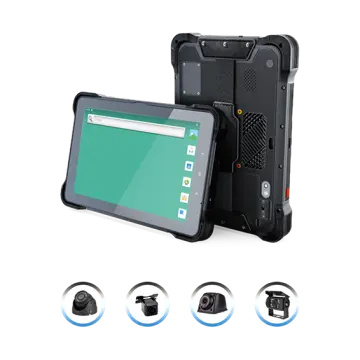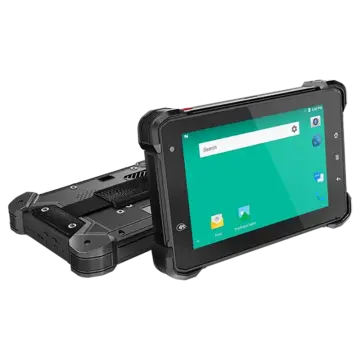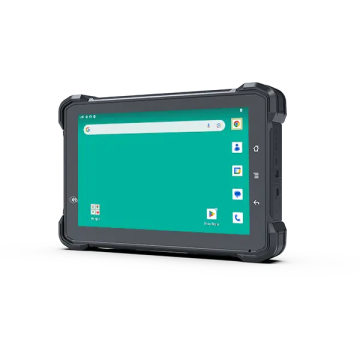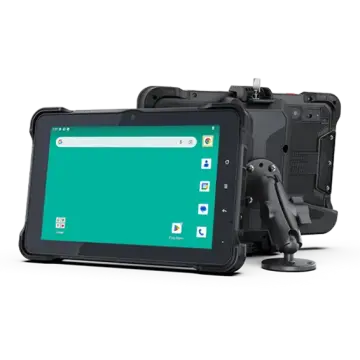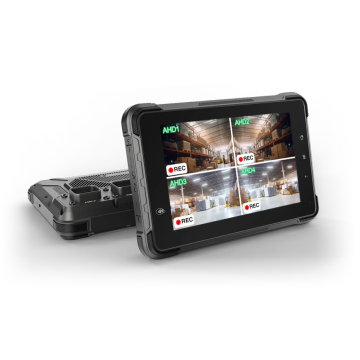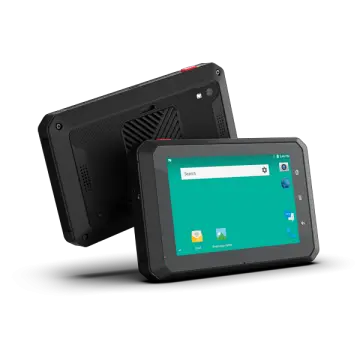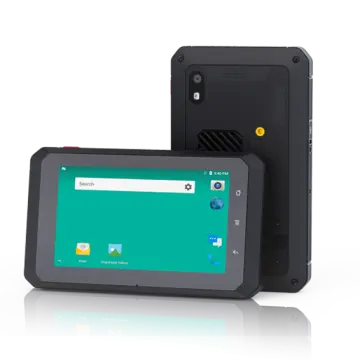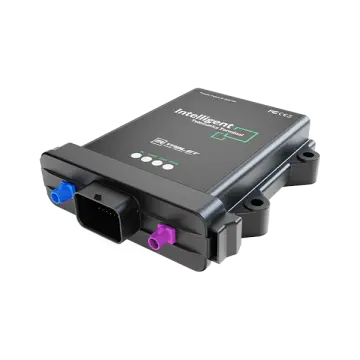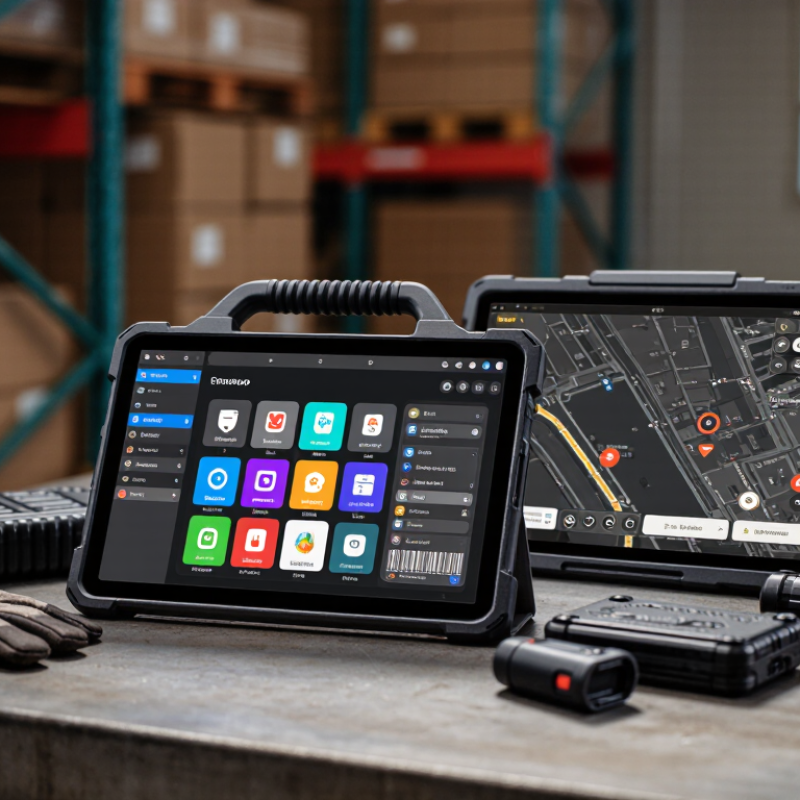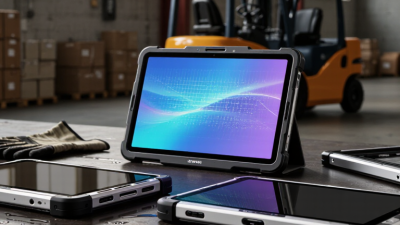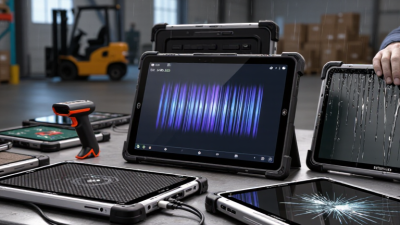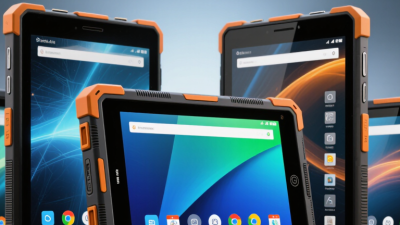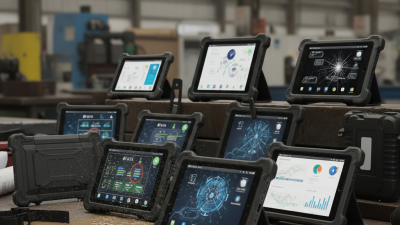
Choosing the best industrial Android tablet from China depends on the work it must survive. A warehouse scanner needs a bright display, reliable Wi-Fi, and a barcode reader that works beside stacked cartons. A field-service team may care more about glove-friendly controls, replaceable batteries, and stable GPS. The label “rugged” alone proves little. Buyers should check operating-temperature ranges, ingress and drop-test details, Android update policies, and the availability of spare parts. Small print matters.
For a transparent expert perspective, this introduction uses a clearly identified fictional composite, Lin Wei, an industrial mobility engineer. The following line is an editorial summary, not a sourced quotation: “Choose for the shift, the environment, and the support plan—not the spec sheet alone.” That distinction matters. No single model suits every site. A tablet that performs well in a climate-controlled control room may struggle outdoors in direct sun or around dust. Compare screen brightness, charging options, ports, mounting hardware, and mobile-device-management support against real tasks. Ask suppliers for test documentation and a sample unit when practical. Then try it with the actual gloves, apps, and accessories.
This guide examines how to compare Chinese manufacturers, core hardware, durability claims, connectivity, and after-sales support. It also flags trade-offs, because even capable devices have limits. A lower purchase price can mean fewer configuration choices or a shorter support window. The best Tablet Industrial Android option is the one your team can deploy, maintain, and use reliably throughout its working day.
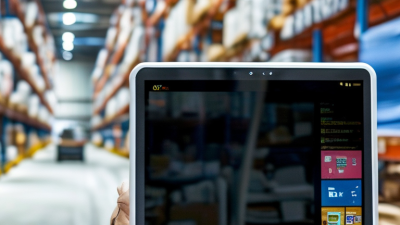
A Chinese industrial Android tablet is defined by how reliably its hardware and software work together, not by a thick rubber shell. In a warehouse, check whether the screen stays readable beneath bright overhead lights and responds to gloved fingers. Test the charging connector, side buttons, and barcode or serial interfaces you actually plan to use. Small details count. A loose port or awkward button can slow an entire shift.
Ask for documented drop and ingress test conditions rather than relying on ruggedness claims alone. Check the Android version, security-update schedule, and expected device-support period; these affect maintenance long after purchase. Battery performance also deserves a real workload test, especially with Wi-Fi, scanning, and high screen brightness running together. Heat matters. A tablet that throttles during a warm afternoon may frustrate operators even if its casing survives a fall. Review spare-part availability and repair options before deployment, too. No checklist catches every field habit, and a polished specification sheet cannot replace a practical trial with the apps, mounts, and gloves your team uses.
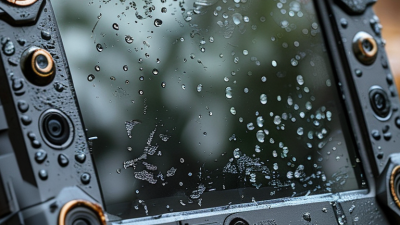
When comparing industrial Android tablets from China, read the complete IP rating rather than treating it as a general durability score. Under IEC 60529, IP65 means the enclosure is dust-tight and protected against water jets from any direction. IP67 is also dust-tight, but its water test covers temporary immersion: typically up to 1 metre for 30 minutes under specified laboratory conditions. That matters. A tablet used near washdown hoses may need jet protection, while one at risk of brief immersion may need an immersion rating.
The two ratings are not a simple ladder. IP67 alone does not confirm that a device passed the IPX5 water-jet test; look for an explicit IP65/IP67 rating if both exposures matter. Not always obvious. Ask for test documentation, and check whether the rating applies with the charging port cover closed, cables disconnected, and seals in their intended condition. A rating does not promise protection after drops, worn gaskets, or improper repairs. Check the details. In practice, inspect the port covers and seams, then match the test conditions to the tablet’s actual worksite. Small gaps can make a big difference.
| Comparison point | IP65 | IP67 | What it means when choosing an industrial Android tablet |
|---|---|---|---|
| Applicable standard | IEC 60529 enclosure protection rating | IEC 60529 enclosure protection rating | Check the exact rating claimed for the complete tablet, not just a component or accessory. |
| First digit: dust protection | 6 — dust-tight; no dust ingress | 6 — dust-tight; no dust ingress | Both ratings provide the same dust-protection level when correctly tested and specified. |
| Second digit: water protection | 5 — protection against water jets from a nozzle under the standard test conditions | 7 — protection against temporary immersion under the standard test conditions | IP65 is relevant to water-jet exposure; IP67 is relevant to accidental, temporary immersion. |
| Water-jet test | Tested against water jets as specified for IPX5 | IPX7 alone does not state that the enclosure passed the IPX5 water-jet test | If both jet exposure and immersion are expected, look for an explicitly stated combined rating, such as IP65/IP67, and confirm its test scope. |
| Immersion test | IP65 does not specify an immersion test | Temporary immersion in water, generally up to 1 m for 30 minutes under the IPX7 test conditions | IP67 is not a rating for continuous underwater use, and the test does not guarantee protection in every real-world situation. |
| Typical environment to consider | Dusty work areas and exposure to water jets, subject to the device’s instructions | Dusty work areas where accidental temporary immersion is a foreseeable risk | Choose based on the actual cleaning method, splash or immersion risks, and operating conditions at the site. |
| Tablet selection checks | For either rating, verify the tested configuration and operating limits. | Ask for an independent test report or other substantiation; confirm port covers are closed as instructed; check whether the rating applies with the battery, connectors, and accessories installed; and review temperature, drop, display, and cleaning requirements separately. | |
| Practical buying guidance | A possible fit when jet exposure is the key water risk and immersion is not required. | A possible fit when temporary immersion protection is needed; do not assume it also covers water jets. | There is no universally “best” China-made industrial Android tablet: compare verified protection, Android support, connectivity, battery, mounting, service, and suitability for the intended application. |
Note: IP ratings describe enclosure protection under specified test conditions. They do not by themselves establish resistance to steam, high-pressure cleaning, chemicals, corrosion, impact, or prolonged immersion.
For industrial Android tablets from China, display brightness and battery energy should be judged together. A 500-nit screen can stay readable under strong factory lighting, though it does not guarantee clear viewing in direct sun. Check whether the quoted brightness is typical or a maximum. A glossy cover can also add reflections beside a bright loading-bay door. That matters.
Battery capacity is more useful in watt-hours (Wh) than in milliamp-hours alone. Wh accounts for voltage, making comparisons between different tablet designs more meaningful. A larger figure may suggest longer use, but it is not a runtime promise. Screen brightness, Wi-Fi, GPS, temperature, and battery age all affect operating time. Ask for test conditions, such as screen brightness and workload. I would not trust a runtime claim without them.
Tips: Compare tablets at the same brightness and task load. Check whether the battery is removable, and look for measured runtime details. Numbers can mislead.
For a practical assessment, test the display with small text, gloves, and the lighting found at the work site. Then run a representative shift task and record the remaining charge. Results may be less tidy than a specification sheet, but they reveal more. A tablet rated at 500 nits may still feel dim if its surface reflects overhead lights. Wh helps frame battery capacity; real use confirms whether it fits the shift.
For an industrial Android tablet, a drop claim only means something when the test setup is clear. MIL-STD-810H Method 516.8 addresses mechanical shock; it is not one universal drop test with the same height for every device. Procedures and test severity are selected for intended use, packaging, and operating conditions. Small but important distinction.
A useful test report identifies whether the tablet was bare or packaged, the drop height, impact surface, orientations, number of impacts, and post-test checks. Technicians may inspect the screen, ports, buttons, battery retention, seals, and touch response. A lab might test a tablet in its carrying configuration, then impact specified faces and corners against a defined surface. Exact conditions matter. “Passed 810H” alone tells little.
When evaluating a device, ask for the Method 516.8 procedure and test configuration, plus results after impact—not just a marketing claim. Compare those conditions with real handling: a gloved worker setting a tablet on concrete differs from a packaged shipment. Laboratory drops cannot predict every fall. I would treat them as useful evidence, not a promise. Some reports are hard to compare, and that is worth admitting.
For industrial Android tablets, treat Android support as a service commitment, not just a version number. Ask how long security patches and operating-system updates will be provided. Confirm whether the tablet supports your device-management tools and required work apps. Test barcode scanning, offline forms, and data syncing before ordering. Small details matter. A recent Android version is less useful if updates arrive unpredictably.
Compare 4G and 5G against the actual work site. Check supported frequency bands and carrier compatibility for the countries where tablets will be used. Then test connections inside warehouses, vehicles, and outdoor loading areas; a coverage map cannot show every dead spot. 5G may help with large file transfers, but many inventory tasks run well on 4G. I would not assume every team needs 5G. Not always.
Calculate total cost over the expected service life, not just the purchase price. Include chargers, mounts, protective cases, data plans, extended support, and likely battery replacement. Ask about repair turnaround and the cost of keeping spare units available. A lower-priced tablet can become expensive if downtime disrupts shifts. Still, estimates are imperfect: battery wear and repair needs depend heavily on temperature, handling, and daily charging habits.