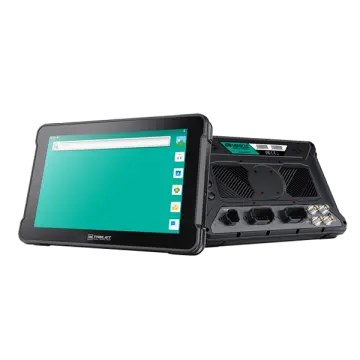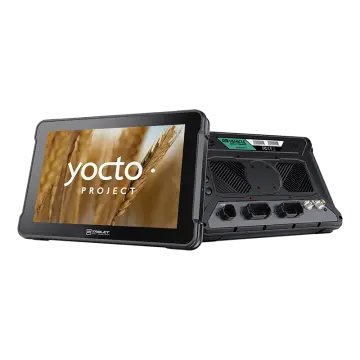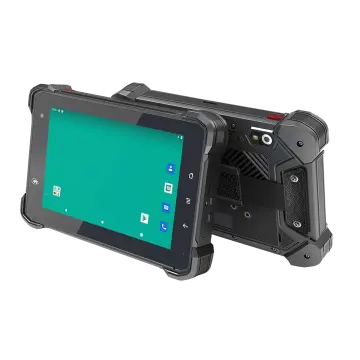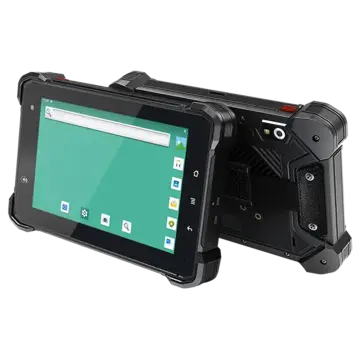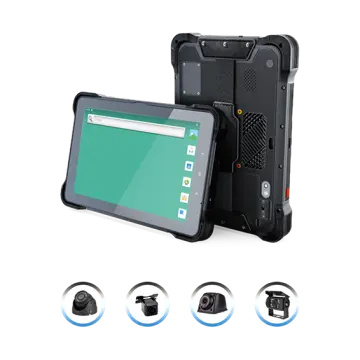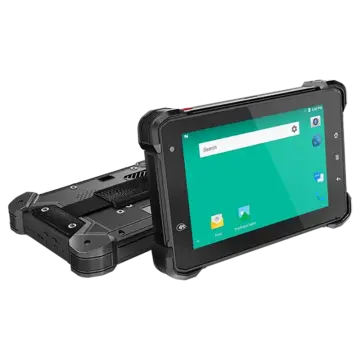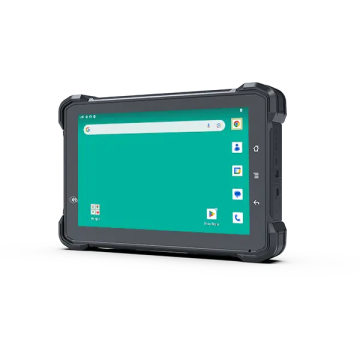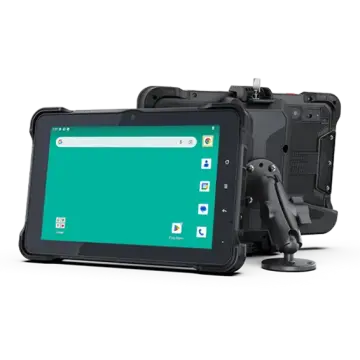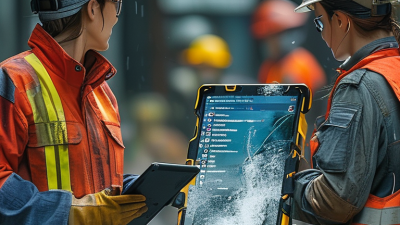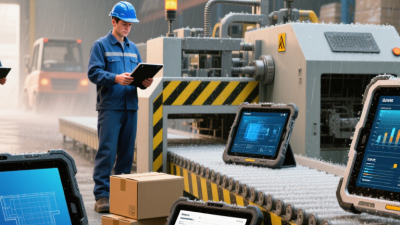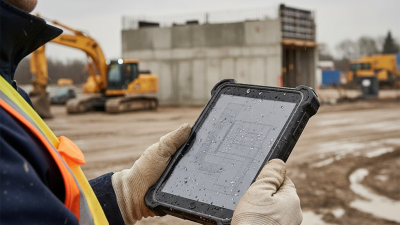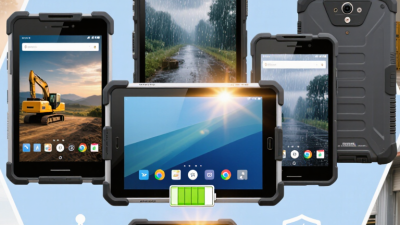
Buying a Rugged Tablet Pc for a global team is more than choosing a tough-looking screen. The device must work where your staff actually work: in a dusty warehouse, a sunlit vehicle, or a cold outdoor site. A rugged casing helps, but it does not guarantee dependable performance. Check the manufacturer’s test reports and confirm which tablet configuration was tested. Small details matter.
Start with the operating environment. Compare the stated ingress-protection rating, drop-test conditions, operating temperature range, and screen readability in direct sunlight. Ask whether the battery is replaceable or supports hot swapping, especially for long shifts. Then review the ports, barcode scanner, camera, and mounting options your workflow needs. A feature list can look impressive. It may still miss the one port your team uses every day.
Global buyers should also check cellular frequency-band compatibility, local service availability, language options, and warranty coverage in each destination. Confirm how long the model and its accessories will remain available; replacing a fleet early can cost more than the initial price suggests. Request a sample unit and test it with gloves, in the intended software, and under realistic working conditions. This step takes time, but it can reveal awkward buttons or a screen that is hard to read. No specification sheet tells the whole story. Even careful evaluations can miss something, so gather feedback from the people who will carry and use the tablet daily.
An IP67 rating under IEC 60529 indicates dust protection and resistance to temporary immersion in fresh water. The specified depth is up to 1 meter for 30 minutes, under controlled test conditions. That limit matters. It does not mean a tablet is suitable for prolonged underwater use or every wet environment.
Tip: Check the complete test conditions before comparing models. Ask whether ports were sealed during testing and whether the rating applies to the fully assembled tablet. A quick rinse is different from immersion. So is a hard fall into a puddle, which may damage seals even when the device is rated IP67.
Consider how the tablet will be used. Rain on a warehouse floor, damp gloves, and frequent charging can all affect real-world protection. Ask the supplier how seals should be inspected and whether repairs can restore the rated protection. IP67 does not, by itself, confirm resistance to high-pressure water jets, saltwater, or cleaning chemicals. A rating label helps, but it is not the whole story.
A rugged tablet’s “six-foot drop tested” claim tells buyers very little by itself. Ask for the actual test record under MIL-STD-810H, Method 516.8. The U.S. Department of Defense standard describes seven shock procedures, including transit drop and functional shock. These procedures are not interchangeable. Test height, surface, impact faces, number of drops, device configuration, and operating state all affect the result. A tablet dropped onto plywood while powered off is not equivalent to one striking concrete during active use. Details matter.
Tip: Request the laboratory report, not just a pass statement. Check the exact method and procedure, drop height, impact surface, sample count, and post-test function checks. Confirm whether accessories, ports, and screens were included. Also ask whether the tested unit matches the production model. It may not.
For global purchasing teams, compare reports against real handling risks: a device sliding from a forklift mount, or falling from a gloved hand onto a warehouse floor. MIL-STD-810H testing is tailored to equipment and intended use; it is not a universal guarantee of toughness. A neat pass/fail label can hide important gaps. That distinction is easy to miss. Ask the supplier to explain any conditions that differ from your field environment.
Outdoor brightness is not a single number to shop by. A 500-nit display can work well in bright shade, inside a vehicle, or near a window. Under direct midday sun, however, screen details may become difficult to read. A 1,000-nit rating offers more headroom, but it cannot eliminate reflections or poor viewing angles.
Compare ratings alongside the screen surface and brightness controls. Glossy glass can reflect a pale sky like a mirror. A matte finish may reduce glare, though it can slightly soften the image. Check whether the quoted brightness is typical or a short-term maximum; specifications do not always describe sustained use. Still, the number can mislead. Test it outside.
If possible, view the tablet under conditions close to the job site. Open a map, inspect a photo, and read small text with the screen tilted. Check brightness with gloves on, too, if workers will use them. Higher brightness can draw more power, so ask how the display affects expected runtime. A bright panel is useful, but a practical target depends on sunlight, glare, workload, and battery needs. One detail buyers sometimes miss: automatic brightness may behave differently in shade than in open sun.
Compare brightness targets when choosing a tablet for outdoor work.
Around 500 nits can suit shaded outdoor use; 750 nits offers more headroom in bright ambient light, while 1,000 nits is a stronger target for sunlit settings. These are practical buying targets, not guarantees of readability: anti-glare treatment, screen reflections, and viewing angle also matter.
A rugged tablet can have a fast processor and still feel slow with several work apps open. Check RAM against the actual workload: map navigation, camera capture, and asset software running together need more headroom than a single form. Ask for a unit with your usual apps installed, then switch between them while recording data. Watch for reloads or delayed touch response. More RAM is not always better if it raises cost without helping the task.
Connectivity needs a location-specific check. Compare the tablet’s exact 5G band list with the bands used by your intended carriers; “5G ready” alone tells you little. Wi-Fi 6 can improve performance on compatible networks, but it will not fix a weak access point or poor antenna placement. Test indoors and near loading bays. GNSS matters too. Check whether the device supports the satellite systems your mapping workflow uses, then compare position stability outdoors and beside buildings. Small errors matter. A paper specification cannot reveal every dead spot, and I would not treat one successful test as proof of reliable coverage.
A rugged tablet’s purchase price can hide its real cost. Compare battery capacity in watt-hours, or Wh, but do not treat it as guaranteed runtime. A 50 Wh battery may last very differently under bright outdoor display settings, constant GPS use, and cold-weather shifts. Ask suppliers for runtime test conditions. Small details matter.
Tips: Check whether field staff can replace the battery without special tools. Compare spare-battery prices, expected availability, and replacement labor. Read warranty terms closely: battery coverage may differ from coverage for the tablet itself. Confirm what happens when a unit fails onsite, including shipping costs and service turnaround. Faster repairs can reduce costly downtime.
Estimate total cost of ownership over three to five years. Include the tablet, spare batteries, charging equipment, repairs, warranty extensions, and likely replacements. For example, a lower-priced unit may cost more if its battery is sealed and service takes weeks. Build a simple spreadsheet using your team’s shift length and charging access. Estimates will still be imperfect; usage changes, and batteries age unevenly. Review the assumptions before comparing bids.