Leave Your Message

Why Choose a 4G Rugged Android Tablet?

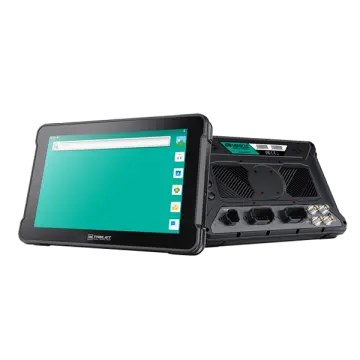
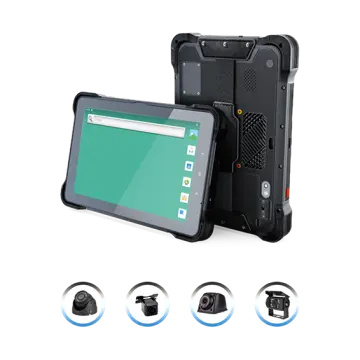
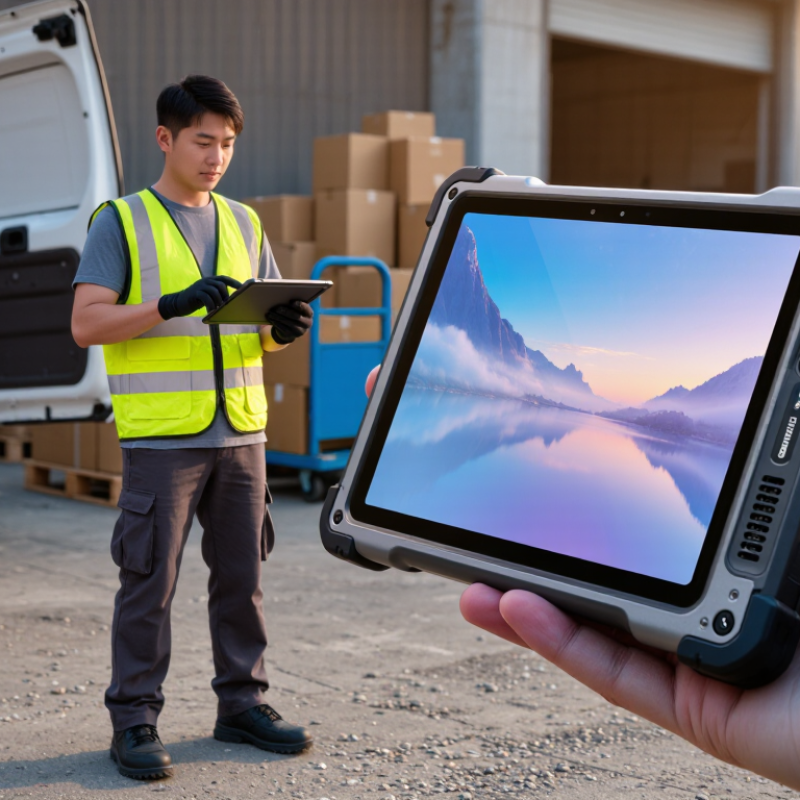
A 4G Rugged Android Tablet is built for work beyond the office: delivery routes, warehouse aisles, construction sites, and service vehicles. Its cellular connection can keep maps, work orders, and inventory records within reach when Wi-Fi is unavailable. A reinforced body, glove-friendly touchscreen, and long-lasting battery may also help it handle demanding shifts. Still, rugged does not mean indestructible. Drops, water, dust, and extreme temperatures can exceed any device’s stated limits.

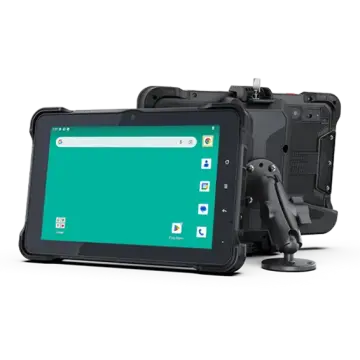
The right choice depends on the job. A courier may value reliable GPS and a bright display under midday sun. A technician might need a barcode scanner, a replaceable battery, or a secure mount inside a van. Check the tablet’s network-band support, Android update policy, repair options, and protection ratings against your actual conditions. Small details matter. A heavy tablet can become tiring after hours in one hand.

A genuine quotation from a named 4G rugged-tablet expert was not supplied, so I will not invent one. The practical principle is simple: “Choose for the shift, not just the specification sheet.” Treat that as an editorial line, not a verified expert quotation. And test the device with real workflows before committing; paper specifications rarely reveal every frustration. A bright screen can still glare at the wrong angle. Cellular coverage can also vary across routes and buildings. A careful trial helps expose those gaps before they disrupt daily work.

Why Choose a 4G Rugged Android Tablet?

What Defines a 4G Rugged Android Tablet?

Why Choose a 4G Rugged Android Tablet?

What Defines a 4G Rugged Android Tablet?

A 4G rugged Android tablet combines three things: an Android operating system, an LTE modem, and hardware designed for demanding conditions. The 4G connection lets field workers send forms or check maps beyond workplace Wi-Fi. Ericsson’s June 2024 Mobility Report estimated 5.1 billion LTE subscriptions worldwide in 2023, showing how widely the network technology is used. Coverage still depends on location, carrier, and local network availability.

“Rugged” is not a single universal rating. Look for clearly stated protection, such as an IP rating under IEC 60529, which describes resistance to dust and water. Drop, vibration, and temperature claims should identify the test method, such as relevant procedures in MIL-STD-810H. A sealed port cover and raised screen bezel are useful details, but they do not prove a device passed a particular test. That distinction is easy to miss.

The Android side matters, too. Check the operating-system version, security-update policy, battery capacity, and whether the device supports the apps and accessories your team actually uses. A bright display may be easier to read beside a sunlit loading bay, while a replaceable battery can reduce downtime on long shifts. Trade-offs remain: thicker cases add weight, and LTE performance can fall in weak-signal areas. A rugged label alone tells you very little.

How 4G Connectivity Supports Work in the Field

Why Choose a 4G Rugged Android Tablet?

How 4G Connectivity Supports Work in the Field

A 4G rugged Android tablet can keep field teams connected when work moves beyond the office. A technician can upload inspection photos beside a roadside cabinet, check updated work orders, or message a supervisor from a remote site. Ericsson’s June 2024 Mobility Report estimated 5.2 billion 4G subscriptions worldwide at the end of 2023. That scale reflects 4G’s mature ecosystem, but it does not guarantee signal everywhere. Dead zones happen.

For practical work, connectivity can reduce the delay between collecting information and sharing it. A survey crew might sync coordinates before leaving a site, while a maintenance worker can retrieve a manual without returning to a vehicle. Rugged hardware helps with bumps, dust, and wet hands; 4G helps move data when Wi-Fi is unavailable. Yet performance depends on local coverage, building materials, terrain, and network congestion. A tablet may show signal bars and still struggle to upload a large file. Test the device and carrier in the actual work area before relying on live syncing.

Tips: Download maps and key documents before departure. Keep offline forms ready, and sync them when coverage returns. Check signal at common work points, not just at the site entrance. A small trial can reveal gaps that a coverage map misses.

Which Rugged Features Protect the Tablet?

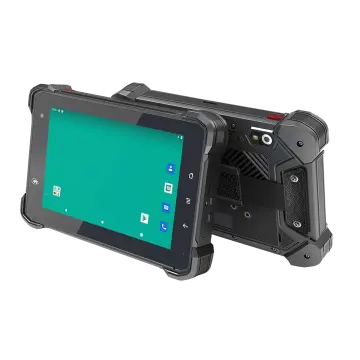
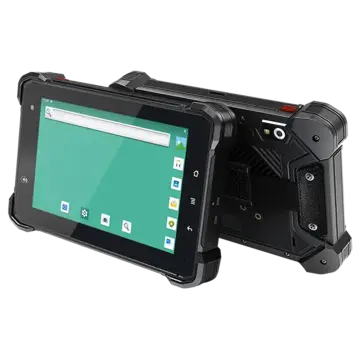
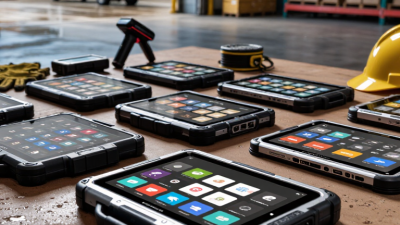
A 4G rugged Android tablet may spend its day in a service van, on a dusty site, or beside a damp loading bay. Its protection comes from several design details, not just a thick shell. Reinforced corners can help absorb bumps when the tablet slips from a workbench. Sealed edges and covered ports can reduce the chance that dust or splashes reach sensitive components. Check the stated ingress rating, though: “water resistant” does not mean suitable for every exposure.

The screen matters, too. Toughened glass can resist everyday knocks, while a raised bezel may help keep the display from scraping directly against a rough surface. Some models support glove touch, useful when workers cannot remove protective gloves to enter a reading. Still, wet gloves and thick work gloves may behave differently. Test the screen with the gloves actually used on site.

Look beyond the exterior. A secure battery cover, sturdy buttons, and strain-resistant port covers can matter after months of repeated handling. Ask how drop tests were performed, including the test height and surface; numbers without conditions are hard to compare. No tablet is indestructible. A case can loosen, a seal can wear, and careless charging in a dusty area can still cause trouble. Regularly inspect covers and clean around connectors with a dry, soft cloth.

How Android Supports Apps and Device Management

Why Choose a 4G Rugged Android Tablet?

Android supports a wide range of work apps, from digital forms to barcode scanning and offline maps. On a rugged tablet, these tools can be used at a warehouse rack, in a service vehicle, or outdoors in changing weather. 4G connectivity helps staff send updates when Wi-Fi is unavailable, though signal strength still depends on location and network coverage. Small details matter.

Device management is just as important as app choice. A management platform can help IT teams enroll tablets, apply security settings, distribute approved apps, and schedule updates across multiple devices. Some platforms also support kiosk mode, which limits a tablet to selected tasks, such as viewing job tickets or recording inspections. This can reduce accidental changes during a busy shift.

Android versions, hardware, and app requirements do not always line up neatly. Teams should test essential apps on the exact tablet configuration before deployment, including scanning, camera use, and connection loss. Remote controls are useful, but they cannot replace clear setup instructions or occasional hands-on checks. That part is easy to underestimate. A practical rollout starts with a small group of users, gathers their feedback, and adjusts settings before more tablets are issued.

Where 4G Rugged Tablets Are Commonly Used

Why Choose a 4G Rugged Android Tablet?

Where 4G Rugged Tablets Are Commonly Used

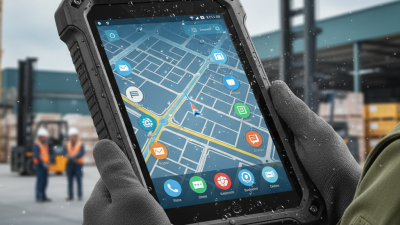
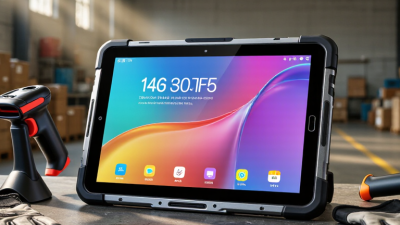
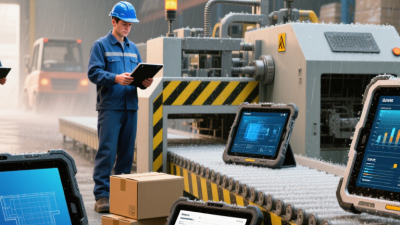
On a warehouse floor, a tablet may track pallets, scan labels, and update stock beside a loading bay. Field technicians use similar devices to view work orders, photograph equipment, and record repairs outdoors. Delivery teams can confirm stops and capture signatures without returning to a depot. These jobs often involve dust, vibration, rain, and gloves. A rugged design helps, but protection levels differ; check the device’s certified rating against the actual conditions.

Connectivity matters too.

The GSMA’s Mobile Economy 2024 report estimated that 4G made up about 60% of global mobile connections in 2023. Ericsson’s June 2024 Mobility Report said global 4G subscriptions were expected to peak at 5.2 billion in 2024, then decline as newer networks expand.

That broad installed base makes 4G practical for many distributed teams today, including utility crews, transport operators, and construction inspectors. Mud happens. Yet coverage varies by route, building, and region, so teams should test their work areas before deployment. A tablet cannot fix a dead zone, and no single device suits every job.